Page 22
FOLDING
Setting the Delivery Conveyor System.
WARNINGS:-
1. The Machine will start if the delivery unit is not in its up position.
2. If the delivery is turned off the roller will feed to the far end of the belt conveyor and park
there until turned on again.
3. If the delivery is turned on when using the ‘Set by Fold’ mode of operation; the Roller
Position and Shingle Length are automatically set, relative to the paper length and type of
fold selected.
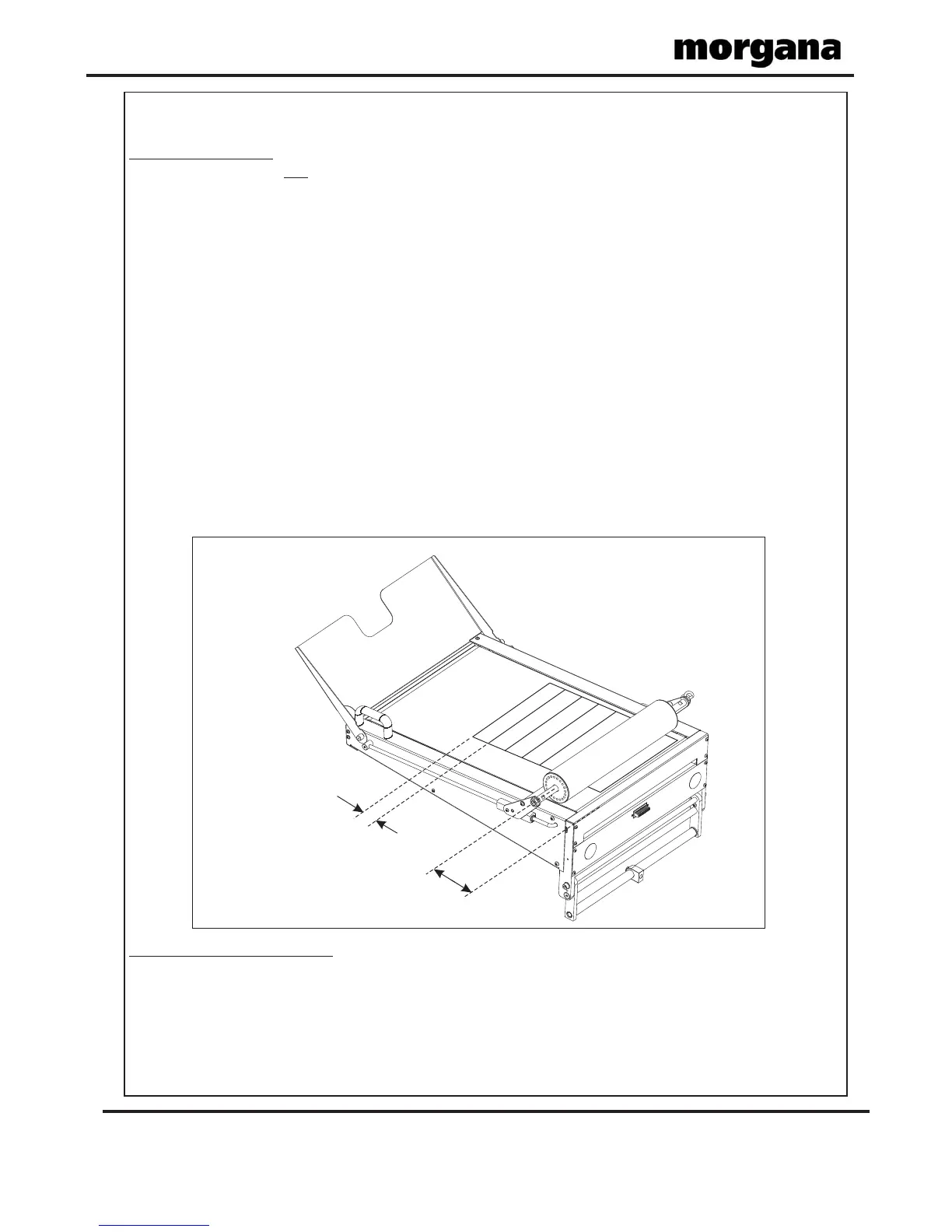
4. When using the ‘Set by Position’ mode of operation; the Roller Position and Shingle
Length must be adjusted manually to suit the job. (See FIG 20.1 below).
5. When the optimum settings for the roller position and shingle length are achieved they
can be stored with the job.
If paper is being fed in Batch mode, the Batch On/Off Button should be set to (green).
The delivery roller will run continuously and the batches on the delivery conveyor will be
separated.
If paper is being fed normally (i.e. not batched) the Batch On/Off Button should be set to
(red). The delivery roller will then stop rotating if the paper feed is interrupted and rotate
again when the paper feed continues, giving a uniform shingle length.
not
On
Off
NOTE.
When setting the machine to do a Double Fold or Engineering Fold, with a paper length of
279mm (11”) or less, the stacker roller will travel to the far end of the conveyor and stop.
This is due to the shortness of the folded paper exiting from the machine.
Batch On/Off Button.
Roller Position
Shingle Length
FIG 20.1
Operating the AutoFold Pro



 To Next Page