22
Tiles & Action Button
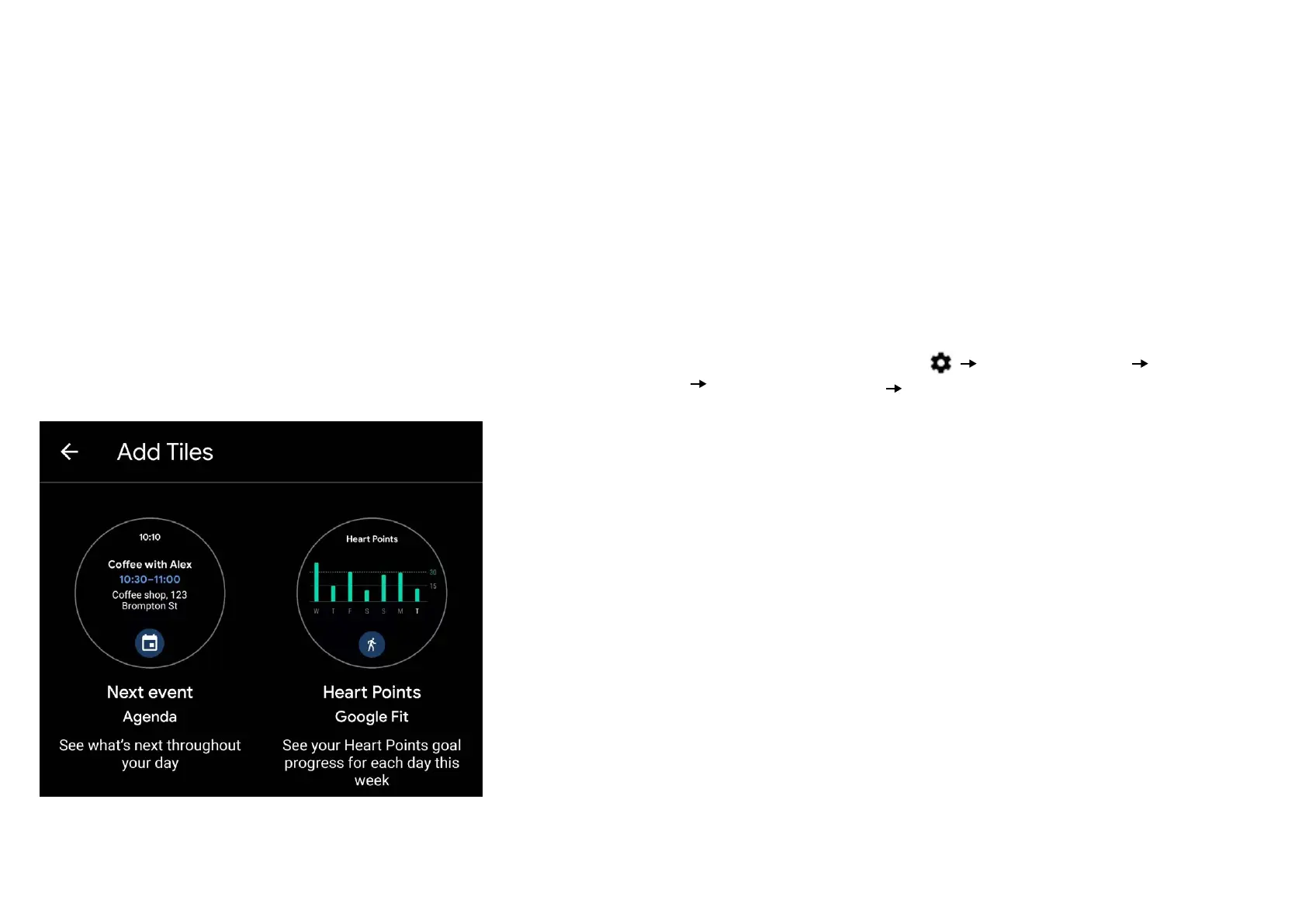
Tiles oer you an easier way to view your information at a
glance.
When you swipe left from the right of your watch, you’ll
access your fitness info. Keep swiping left and you’ll discover
other tiles with your important information.
When you reach the end of the tile reel, you can touch and
hold to Change or Add tiles.
The action button (also called the quick launch button) is the
crown button on the bottom right side of your watch case.
You can customize it to launch an app of your choice with a
single click for better access and convenience of use.
To select an app to be opened upon pressing the action but-
ton, swipe down from the top to access your Status
Panel. From there, tap on
Personalization Customize
hardware buttons Bottom rights.


 To Next Page