32
Advanced Settings
Open your Wear OS by Google app and scroll down to
Advanced settings to change several device settings.
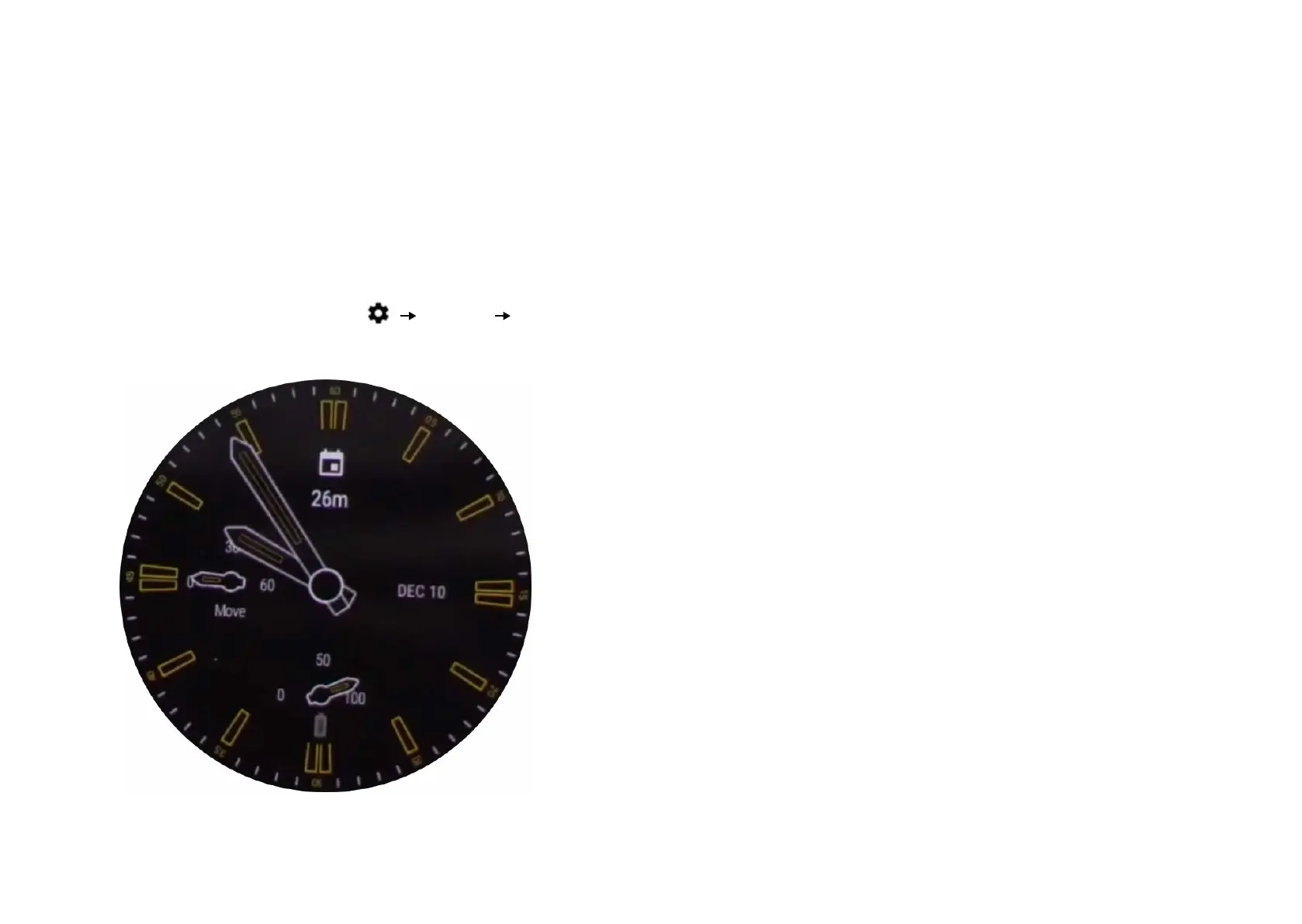
• Always-On Display: You might want to disable always-on
display when low on battery. To do so, swipe down from
the top of your watch, then tap
Display Al-
ways-on screen.
• Tilt to wake screen: Show the watch screen when you tilt
your wrist to look at the watch.
• Auto-launch media controls: Open media controls au-
tomatically on the watch when playback starts from the
phone.
• Accounts: Manage which accounts on your phone are add-
ed to your watch.
• Privacy & Personal Data: Control whether the device can
be synced with the phone through Wi-Fi and whether the
device sends diagnostic reports to Google.
• Watch battery: See the current battery charge on your
watch.
• Watch storage: See how much memory storage space is
available on your watch and how much memory is being
used by your watch apps.
• Watch app data usage: View app data usage on the
watch.
• Unpair watch: Restores watch to factory settings and re-
moves it from the Wear OS by Google app.


 To Next Page