16
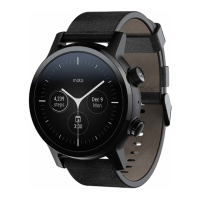
To switch your device on, simply press and hold the power
button until you feel a slight vibration. If the watch does not
turn on, it may need to be charged. To turn your watch o,
repeat the process and select Power O or tap Settings
Power O.
Locking & Unlocking
To unlock your watch, press the top button on the right side
of the watch or tap on the screen.
The default lock screen on your watch will be set to None.
You can set a secure screen lock by swiping left on your
watch face, then scrolling down and tapping Settings
Security
Lock.
From here, you can set a: Pattern (create a drawing pattern
that unlocks the device), Pin (set a pin that will unlock the
device), or None.
Switching On & O


 To Next Page