EasyManua.ls Logo

Motorola IMPRES WPLN4189 - User Manual

Motorola IMPRES WPLN4189
252 pages
Print Icon
To Next Page IconTo Next Page
Loading...
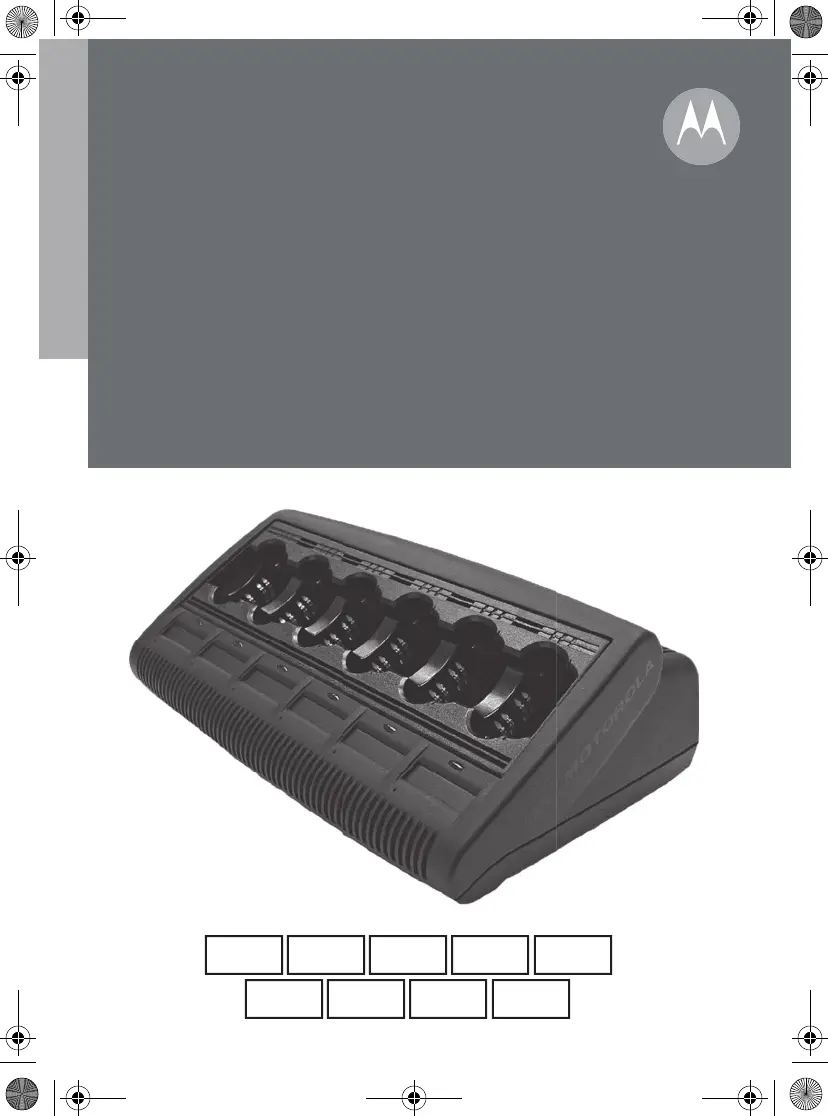
IMPRES
Adaptive
Multi-Unit Charger
User Guide
TM
ru
pt-PT
nl-NLit-IT
fr-FR es-ESen de-DE
cs
6866537D22.book Page 1 Wednesday, March 23, 2016 12:53 PM

Table of Contents

Questions and Answers

  • B
    barnesmatthewAug 8, 2025
    What to do if Motorola IMPRES WPLN4189 Battery Charger has a flashing red indication?
    • S
      Scott BrownAug 8, 2025
      If your Motorola battery charger shows a flashing red light, try the following: * Remove and reinsert the battery into the charger. * Ensure you are using a Motorola authorized battery (refer to Tables 1 through 8 for a list of compatible batteries). Non-authorized batteries might not charge. * Disconnect the charger from power and clean the gold metal charging contacts on both the battery and the charger with a clean, dry cloth. * If the issue persists, consider replacing the battery.
  • S
    susanrobinsonAug 22, 2025
    How to fix Motorola IMPRES WPLN4189 Battery Charger with no charger indication?
    • J
      Jack JohnsonAug 22, 2025
      If your Motorola Battery Charger isn't showing any indication, please check the following: * Ensure the radio with the battery, or the battery alone, is correctly inserted. * Verify the power cord is securely plugged into both the charger and a working AC outlet. * Replace the fuse(s).

Summary

IMPORTANT SAFETY INSTRUCTIONS

OPERATIONAL SAFETY GUIDELINES

IMPRES FEATURE; BENEFIT DESCRIPTION

OPERATIONAL CHARACTERISTICS; DIFFERENCES

OPERATING INSTRUCTIONS

Charging the Batteries

Describes the step-by-step process for charging batteries in the unit.

Manually Reconditioning the Batteries

Instructions for manually initiating the battery reconditioning process.

TROUBLESHOOTING

Motorola IMPRES WPLN4189 Specifications

General IconGeneral
BrandMotorola
ModelIMPRES WPLN4189
CategoryBattery Charger
LanguageEnglish

Related product manuals