Accessories 4 - 11
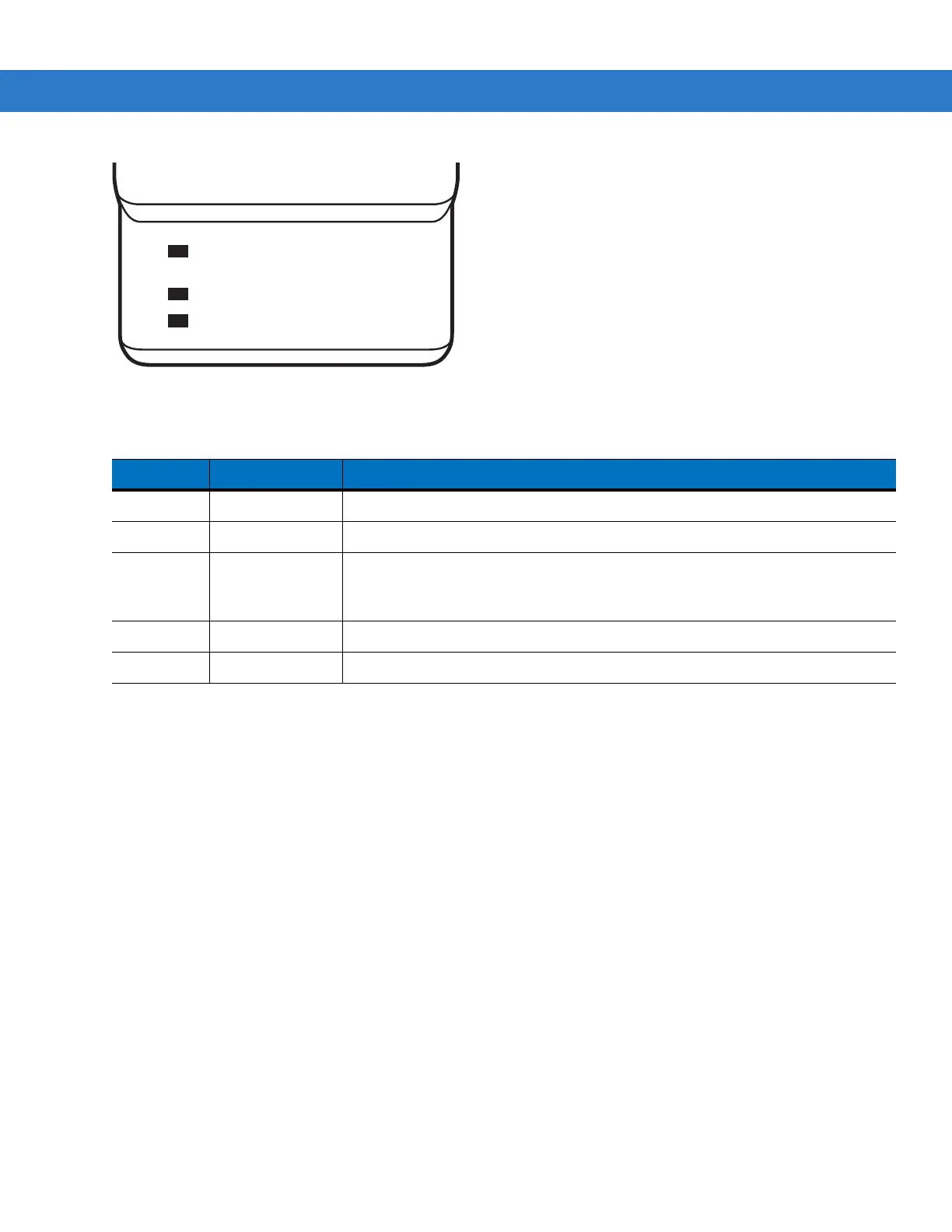
Figure 4-6 UBC Adapter LEDs
Table 4-2 UBC Adapter Charge LED Status Indications
LED Indication Description
POWER Green Power is connected to the UBC Adapter.
READY or Green Charging complete.
STANDBY
or
Flashing-Yellow The battery was deeply discharged and is being trickle charged to bring the
voltage up to the operating level. After operating level voltage is achieved, the
battery charges normally.
FAULT Yellow Charging error, check placement of mobile computer/spare battery.
CHARGING Yellow Normal charge.
POWER
READY or STANDBY or FAULT
CHARGING
(Green) (Flashing Yellow) (Solid Yellow)
(Solid Yellow)



 To Next Page
 Loading...










