2 - 16 MC3000 User Guide
•
Help: Accesses the Windows CE Help. Not available on mobile computers running Windows CE .NET 5.0
Core.
•
Run . . . : Runs a program or application.
•
Suspend: Places the mobile computer in the suspend state.
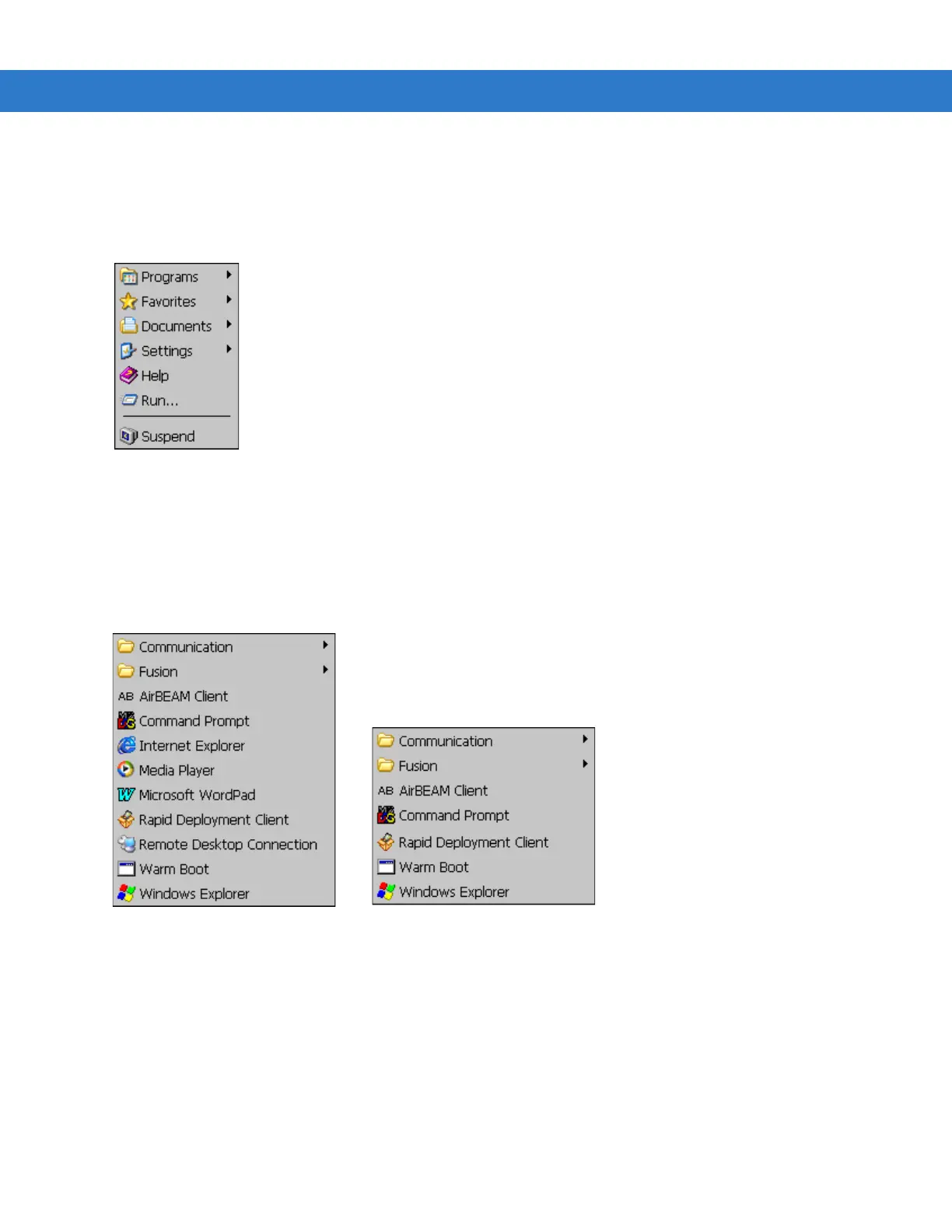
Figure 2-8
Start Menu
Programs Menu
From the Start menu, tap Programs to launch the Programs menu. The programs provided with Windows CE .NET
5.0 Professional and Windows CE .NET 5.0 Core are displayed in the Programs menu. Refer to the Application
Guide for Motorola Enterprise Mobility Devices, p/n 72-68901-xx and the Microsoft
®
Applications for Mobile and CE
5.0 User Guide, p/n 72E-78456-xx for application information.
Figure 2-9
Programs Menu
Keyboard Input Panel Button
Use the Keyboard Input Panel as an alternate input device. For more information, see Entering Information Using
the Keyboard Input Panel on page 2-25.
Desktop Display Button
Use the Desktop Display button to minimize all open programs and display the desktop.
Windows CE .NET 5.0 Professional
Windows CE .NET 5.0 Core



 To Next Page
 Loading...










