2 - 24 MC3000 User Guide
Figure 2-23
Multiple Notifications Icon
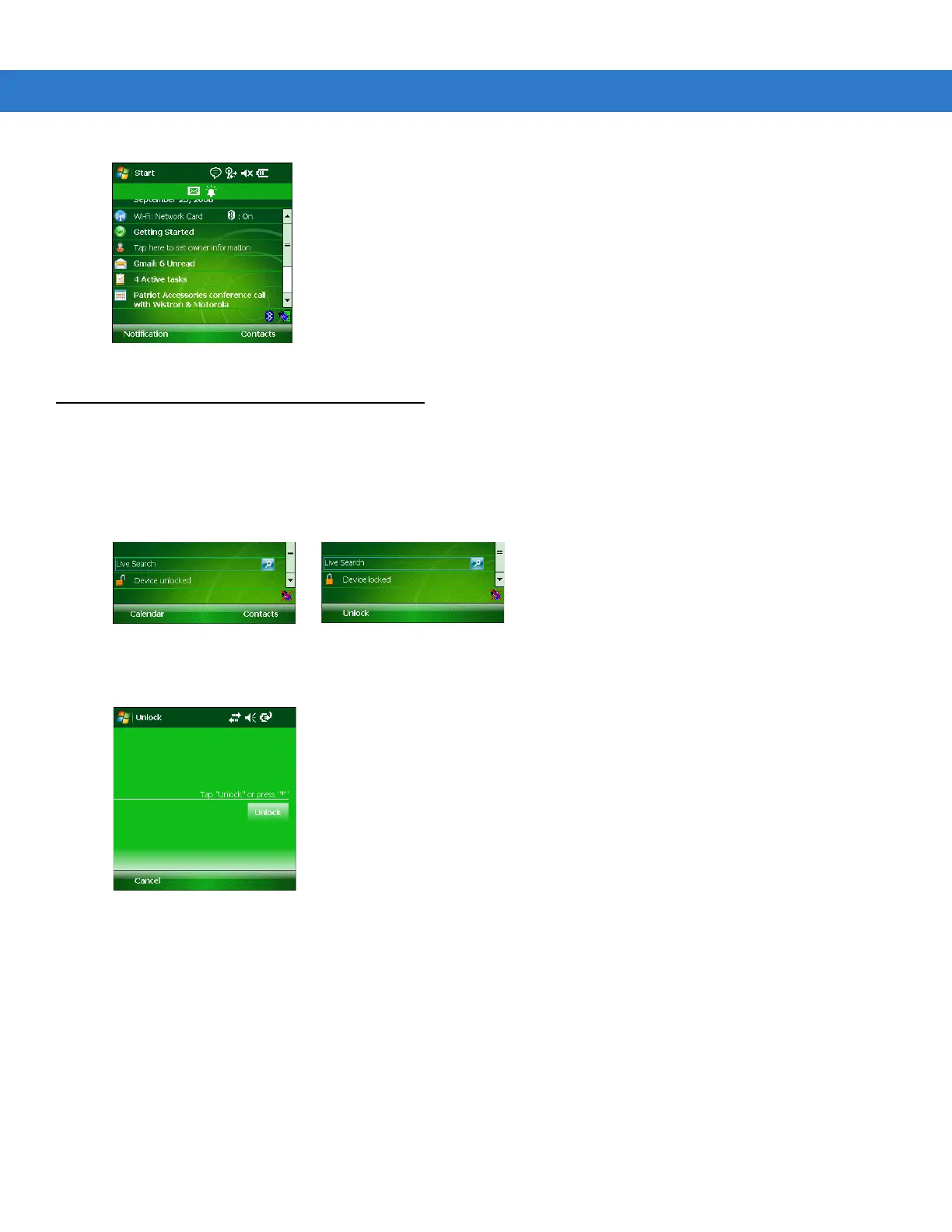
Locking the Mobile Computer (Windows Mobile 6.1 Only)
Use the Device Lock feature to prevent use of the device. Note that when locked, the mobile computer does not
respond to screen or keypad input.
To lock the device, tap the Device unlocked icon. The icon changes to locked.
Figure 2-24
Device Locked/Unlocked Icons
To unlock the device and free it for use, tap Unlock.
Figure 2-25
Unlock Device Window
Tap Unlock on the Unlock Device window.



 To Next Page
 Loading...










