Operating the MC3000 2 - 7
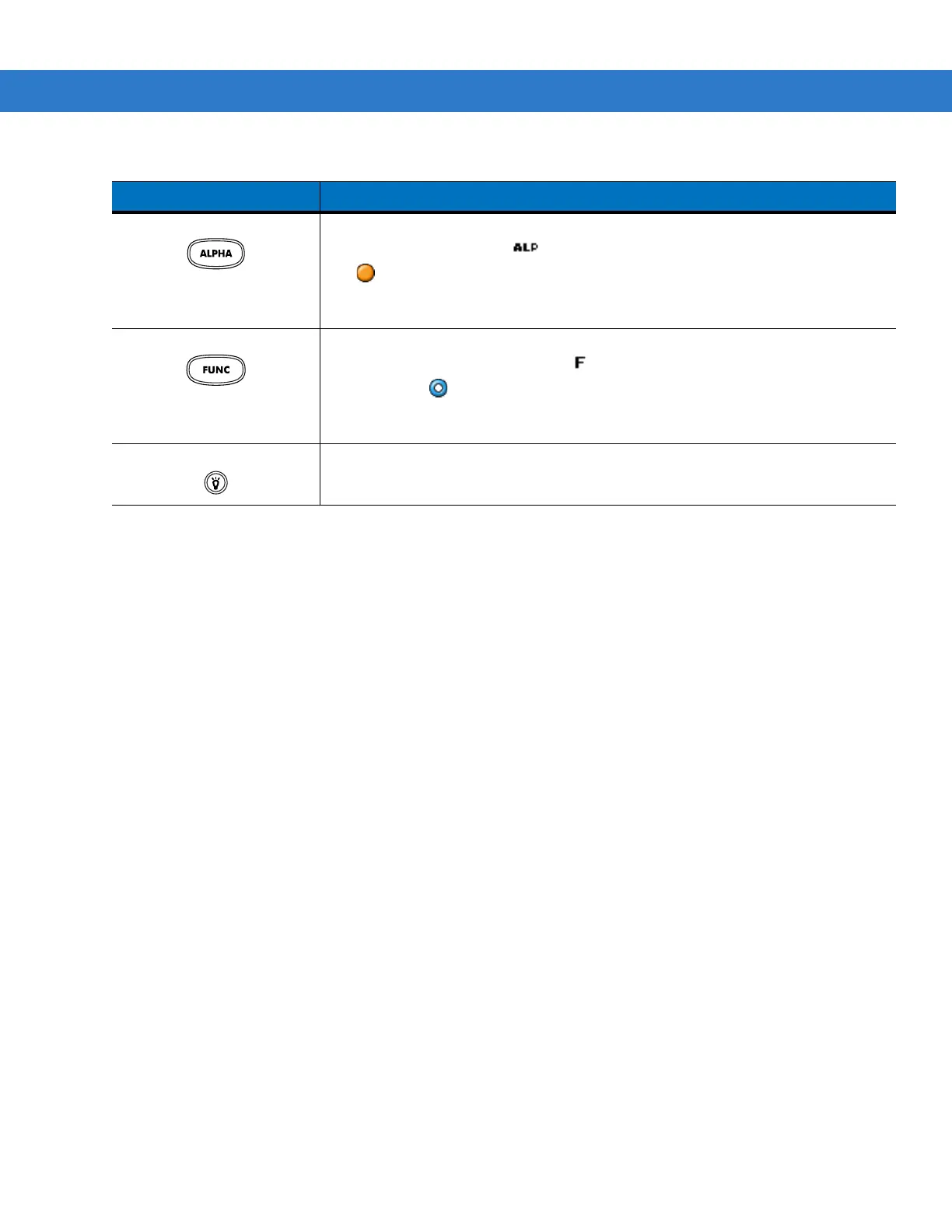
ALPHA (orange) Press the orange
ALPHA
key to access the alternate
ALPHA
characters (shown on
the keypad in orange). The icon appears on the taskbar on WinCE devices and
the icon appears at the bottom of the screen on Windows Mobile 6.1 devices.
Press and release the orange
ALPHA
key again to return to the default keypad
functions.
FUNC (blue) Press and release the blue
FUNC
key to activate the keypad alternate functions
(shown on the keypad in blue). The icon appears on the taskbar on WinCE
devices or the icon appears at the bottom of the screen on Windows Mobile 6.1
devices. Press and release the blue
FUNC
key again to return to the default keypad
functions.
Display backlight
Toggles the display backlight on and off.
Table 2-3
28-Key Descriptions (Continued)
Key Description



 To Next Page
 Loading...










