140
Recent Calls
You can view the history of all calls:
• Dialed Calls
• Received Calls — calls you answered
• Missed Calls — calls received but not
answered, or rejected by the MTP850.
Each list of calls may contain up to 10
numbers, the more recent call being at the top of the list.
If the number of a recent call is stored in the contact list, the
name associated with the number appears in the recent calls
list.
An icon appears beside the name or number, indicating the
contact type of the number used in the call. See “Contacts”
on page 112.
Old calls remain in your recent calls list until you delete them
or until they reach the end of the list.
A number dialed more than once, will appear only once in the
list.
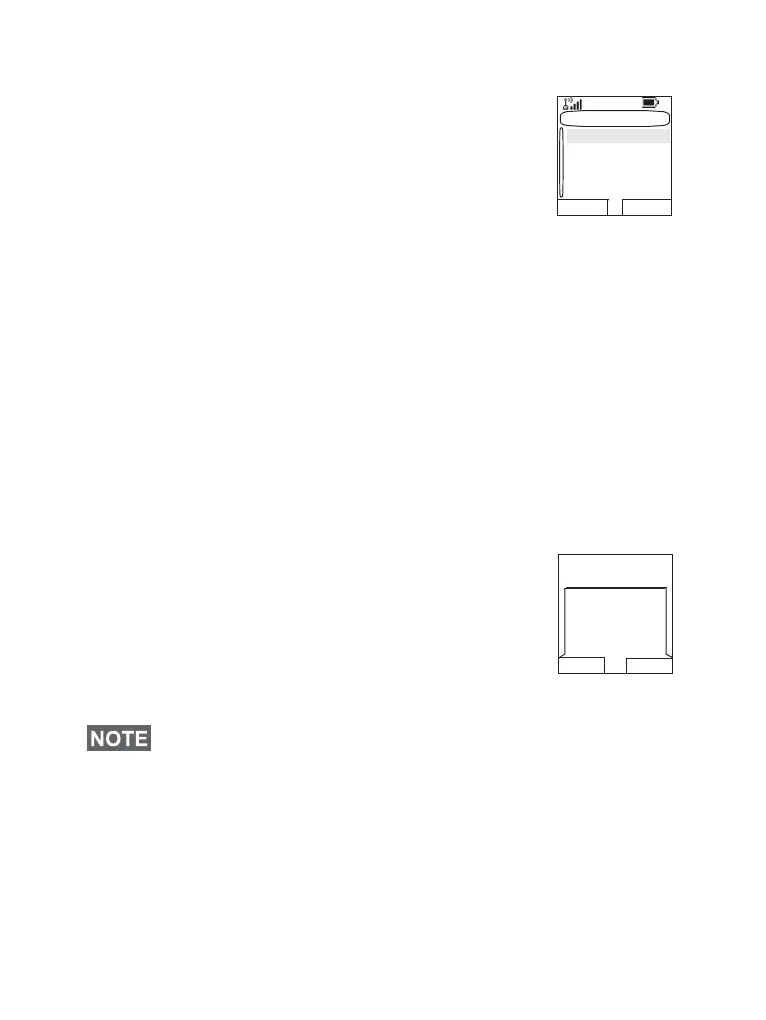
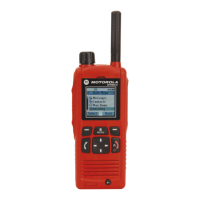
Upon receiving a missed call notification, the
MTP850 will display the missed calls prompt.
When a call is received during an active call,
the number is written to the missed calls list.
This missed calls prompt will be invoked
automatically at the end of the call. Press Ok
to display the missed calls list.
Viewing Recent Calls
1. From the main menu, select More... > Recent Calls.
2. Scroll to the desired list (dialed, received, or missed) and
press Select.
To get more information on a recent call:
If your Service Provider has restricted access to the Contacts
list, it might not be possible to dial up a number which is not in
the Contacts list.
Recent Calls
Dialed
Received
Missed
Select Back
Ok Back
1 missed call




 To Next Page