166
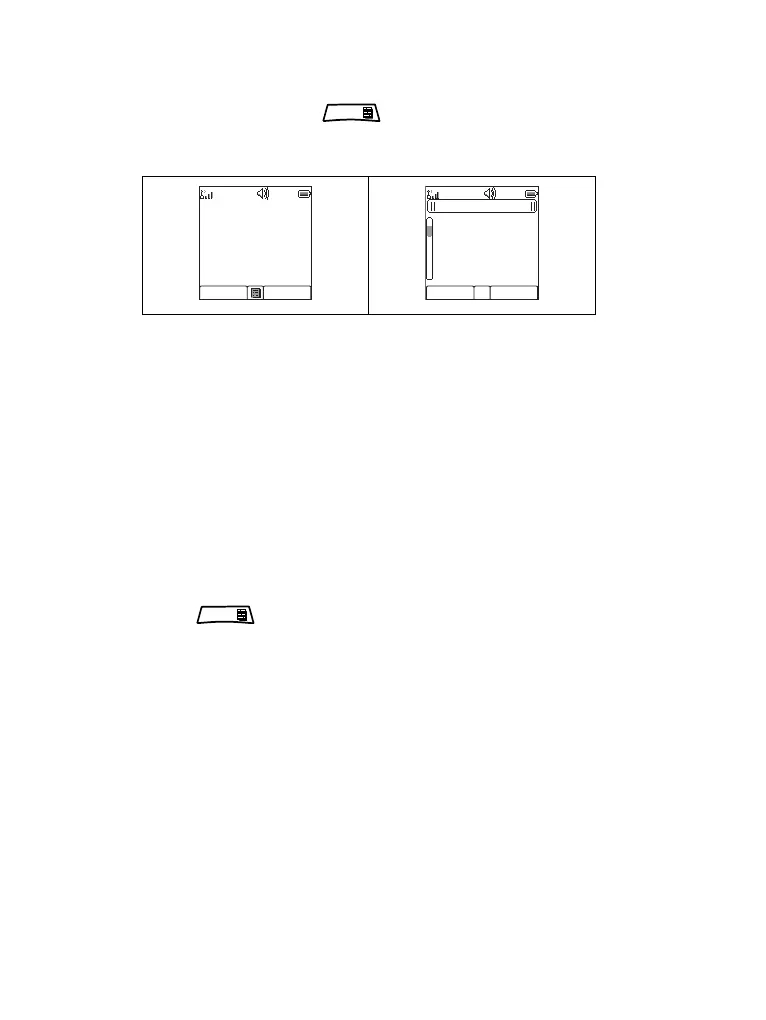
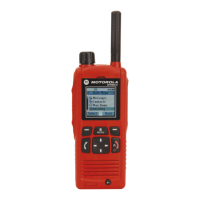
The alarm tone indicates the message. text is displayed
and under it there are three options for the user to pick:
Accept, Reject or . If the user will accept the alert
no other service from this point can interrupt. Menu key
gives more choices (display on the right).
• Information phase - user is still in the call-out mode and he
can receive more detail information about the incident that
occurred via subsequent text or the voice message. The
user can query for more information using voice group call
or Call-Out text function which enables the us to send a
text message to the Service Provider. User can always
respond and send back the text or the voice message
using voice group call.
Call-Out Box
CO Box is giving to the user the option to view and store the
Call-Out messages for future reference. To view them
press > Messages > CO Box. When the radio is in
Call-Out Mode, you can only read the ongoing Call-Out
messages.
MENU
Accept Reject
Call-Out 1
Severity-1
Test Group
Car accident
Select Back
Call-Out 1
Accept
Standby
Reject
Messages
Exit
MENU




 To Next Page