SYNCHRONIZATION
117
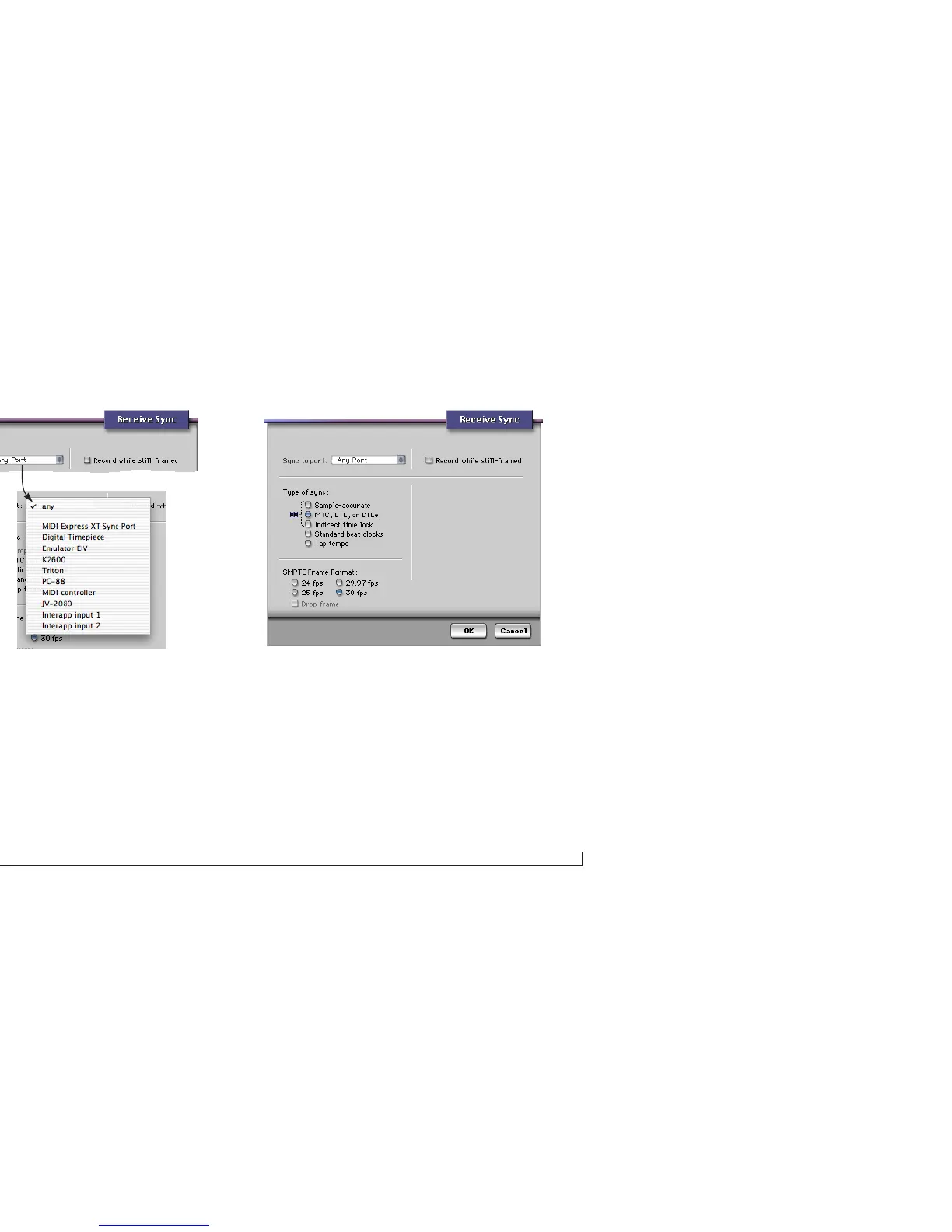
Figure 8-3: The Sync to Port menu.
3 Set the Type of Sy nc to MTC. Choose the SMPTE frame
format that matches the format you are converting with
your MOTU interface.
Figure 8-4: In Digital Performer’s receive sync dialog, choose MTC and choose
the SMPTE frame format that matches the setting in your MOTU MIDI interface
(which should also match the time code).



 To Next Page