INSTALLING YOUR MOTU INTERFACE
14
CONNECTING A FOOT SWITCH
If you would like to use a foot switch with your MOTU
MIDI interface, connect it as shown below in Figure 2-7.
For more information about how a pedal input can be
used, see “The Pedal tab” on page 48 (or, for Mac OS 9
users, see “Working with a Foot Pedal” on page 97).
Figure 2-7: Connecting a foot switch or foot pedal.
CONNECTING AN AUDIO CLICK SOURCE
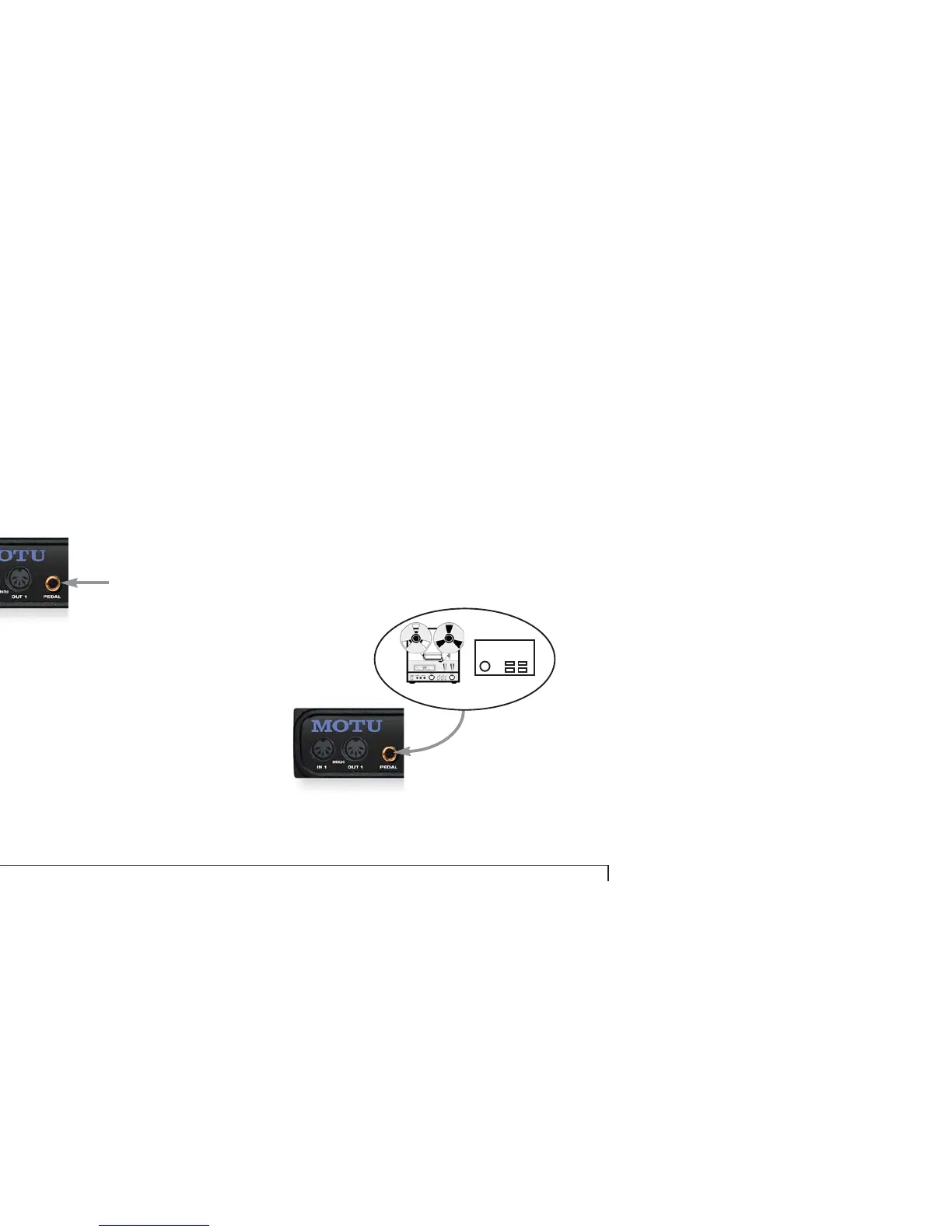
If you would like to convert an audio click to MIDI,
connect the audio click source to the Pedal input as using a
shielded, quarter-inch audio cable as shown below in
Figure 2-8. For more information about converting an
audio tempo source (such as a click, bass drum, tape deck
signal, or other audio tempo source) to MIDI, see “Using
an audio click as a tempo source” on page 49 (or, for Mac
OS 9 users see “Converting an audio click to MIDI” on
page 103).
Figure 2-8: Connecting an audio click input.
Examples of
audio click sources
Drum machine
Click track
Shielded
quarter-inch
audio cable



 To Next Page