CLOCKWORKS FOR MAC OS 9
96
MODIFYING A PRESET
You can change any settings of the currently selected
preset in any window in ClockWorks. For example, you
could add or delete a connection in the Device Settings &
Routing window, change a setting in the SMPTE Controls
window, or mute something in the Event Muting window.
If a user preset is selected at the time you make the
modification, the change is automatically saved with the
preset. (Saving occurs when you switch to a different
preset or when you quit ClockWorks.)
If a factory preset is selected when you make the
modification, the change remains in effect until you switch
to a different preset. Since the modification can’t be saved
with the factory preset (factory presets can’t be modified),
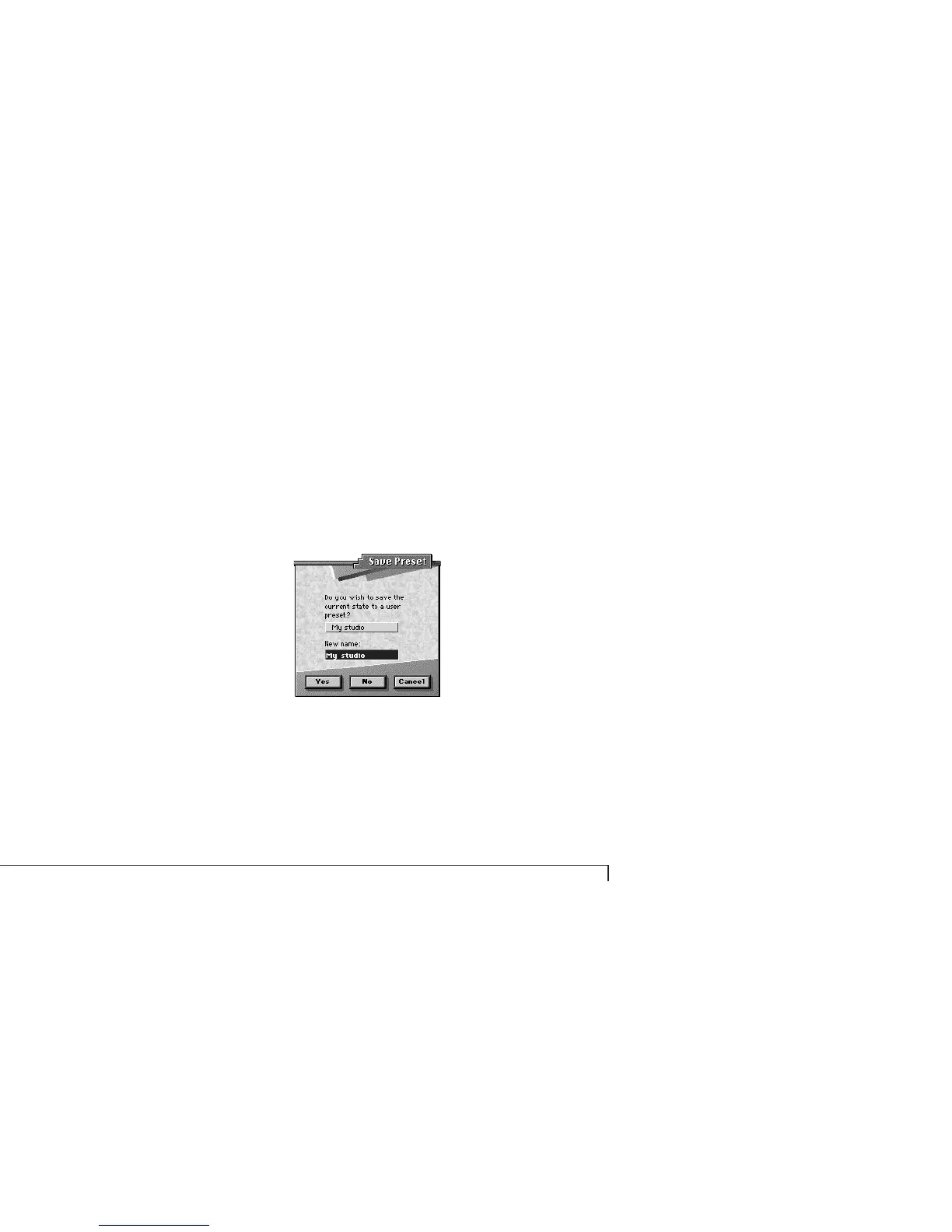
ClockWorks presents you with a window asking you if you
would like to save the current state of the interface as one
of the eight user presets:
Figure 6-43: Saving the current state of your Express interface to one of the
eight user presets.
Select one of the eight user presets from the pop-up menu,
type in a new name for it if you like, and click OK. The
modified factory preset gets saved as a user preset.
User Preset 3 03
User Preset 4 04
User Preset 5 05
User Preset 6 06
User Preset 7 07
User Preset 8 08



 To Next Page