25
CHAPTER
4
Using MIDI Software
MIDI INPUTS AND OUTPUTS
Once you’ve completed the installation for your MOTU
MIDI interface/synchronizer as described in the previous
chapter, the devices you’ve specified in
Audio MIDI Setup
(or FreeMIDI/OMS Setup under Mac OS 9) will appear in
the MIDI input and output menus of your MIDI software.
ALL CABLES PORT
You’ll also see a MIDI port called
All Cables
. This port also
appears in your MIDI programs, allowing you to send the
same MIDI data out all MIDI output ports at once.
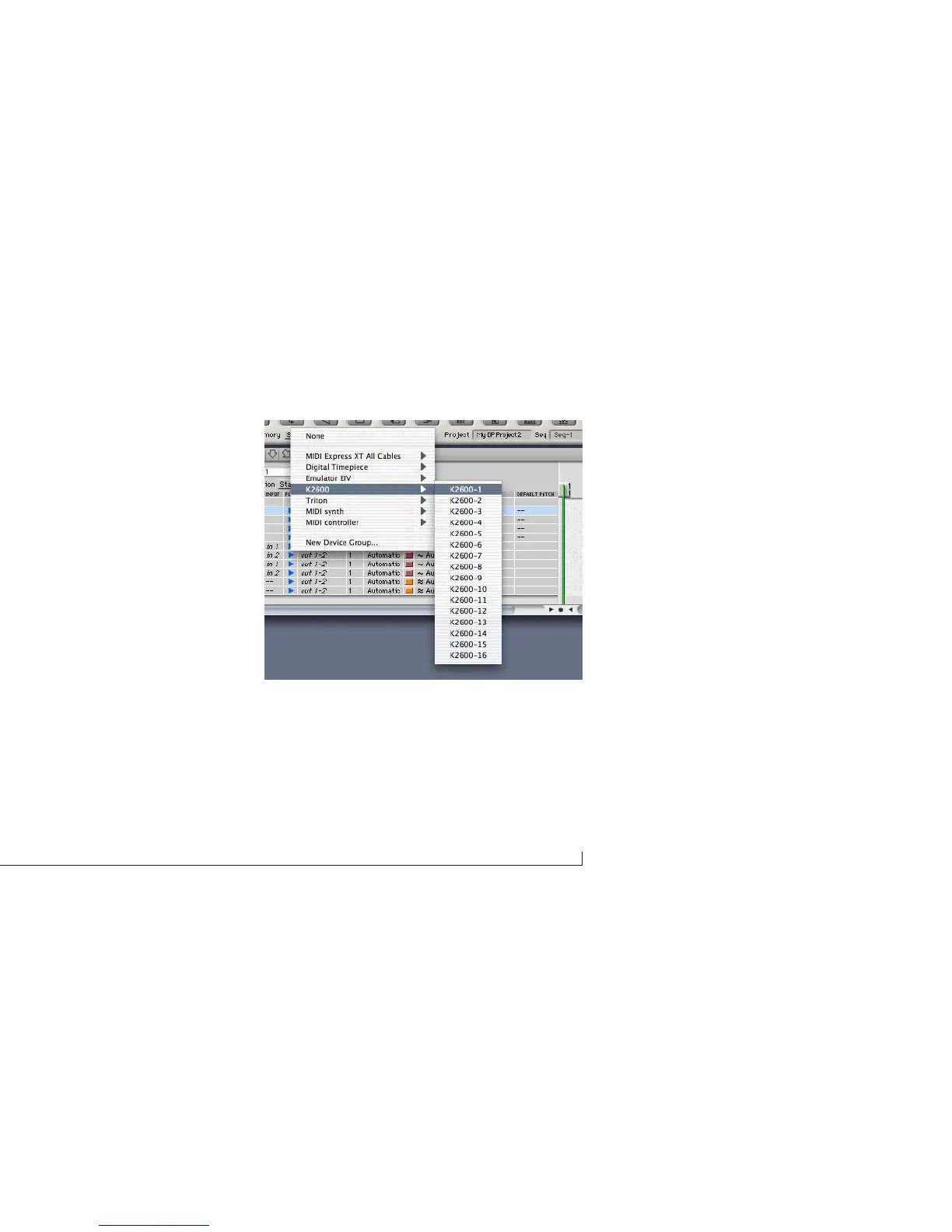
Figure 4-1: The devices in your Audio MIDI Setup configuration ((or, in Mac OS
9, your FreeMIDI/OMS configuration) will automatically appear as MIDI input
sources and output destinations in your MIDI applications, as demonstrated
here with Digital Performer.



 To Next Page