APPENDIX D: FREEMIDI AND OMS
158
5 Since this is the procedure for using FreeMIDI
separately from OMS, click FreeMIDI.
6 Proceed to Step 6 on page 153 and continue from there
to complete the FreeMIDI setup.
OMS, WITH FREEMIDI USING OMS
If you plan to use both FreeMIDI and OMS together, set up
OMS as you normally would (see OMS’s included on-line
documentation for assistance) and then follow this
procedure for FreeMIDI:
1 Make sure that your MOTU interface is connected and
powered up.
2 Locate the FreeMIDI Setup program on you hard drive.
During installation, it is placed in the FreeMIDI
Applications folder on the top level of your hard drive.
3 Double-click the FreeMIDI Setup application icon to
launch the program.
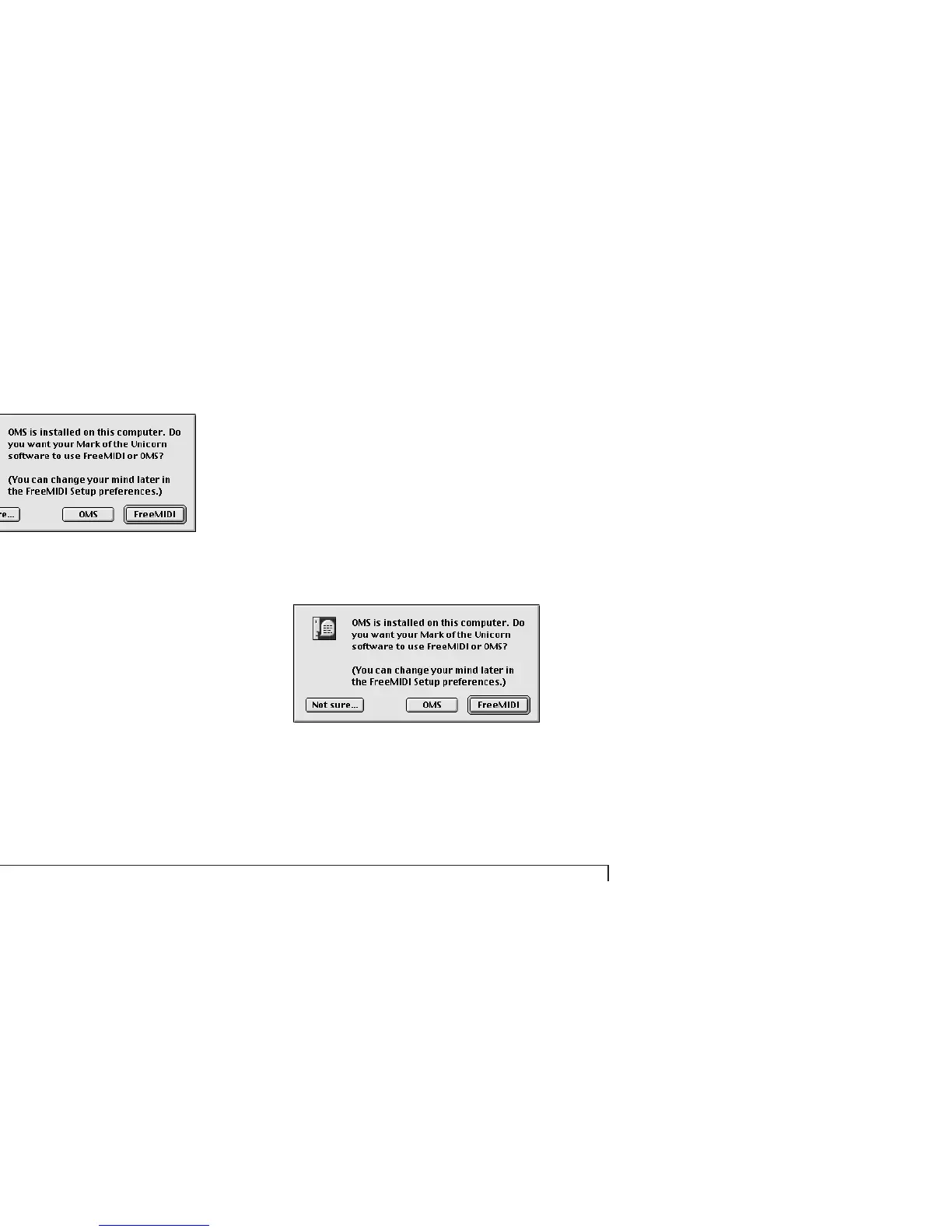
4 If this is the very first time you’ve run a FreeMIDI
program on this computer, you’ll be asked if you want to
use FreeMIDI or OMS as shown below.
5 Since this is the procedure for OMS with FreeMIDI
using OMS, click the OMS button.
6 Go to “OMS” on page 156 and follow the procedure for
using OMS.



 To Next Page