APPENDIX D: FREEMIDI AND OMS
156
OMS
The software installation for your MOTU USB MIDI
interface (described at the beginning of this chapter)
detects OMS if it is present in your system and places the
MOTU USB OMS driver in the appropriate place. To
activate your MOTU interface in OMS, follow this simple
procedure:
1 Launch OMS Setup.
2 If this is the first time you’ve run OMS Setup, follow the
directions it gives you to successfully create a studio setup.
3 From the Studio menu, choose MIDI cards & interfaces.
You’ll see the following alert.
4 Click Update Setup.
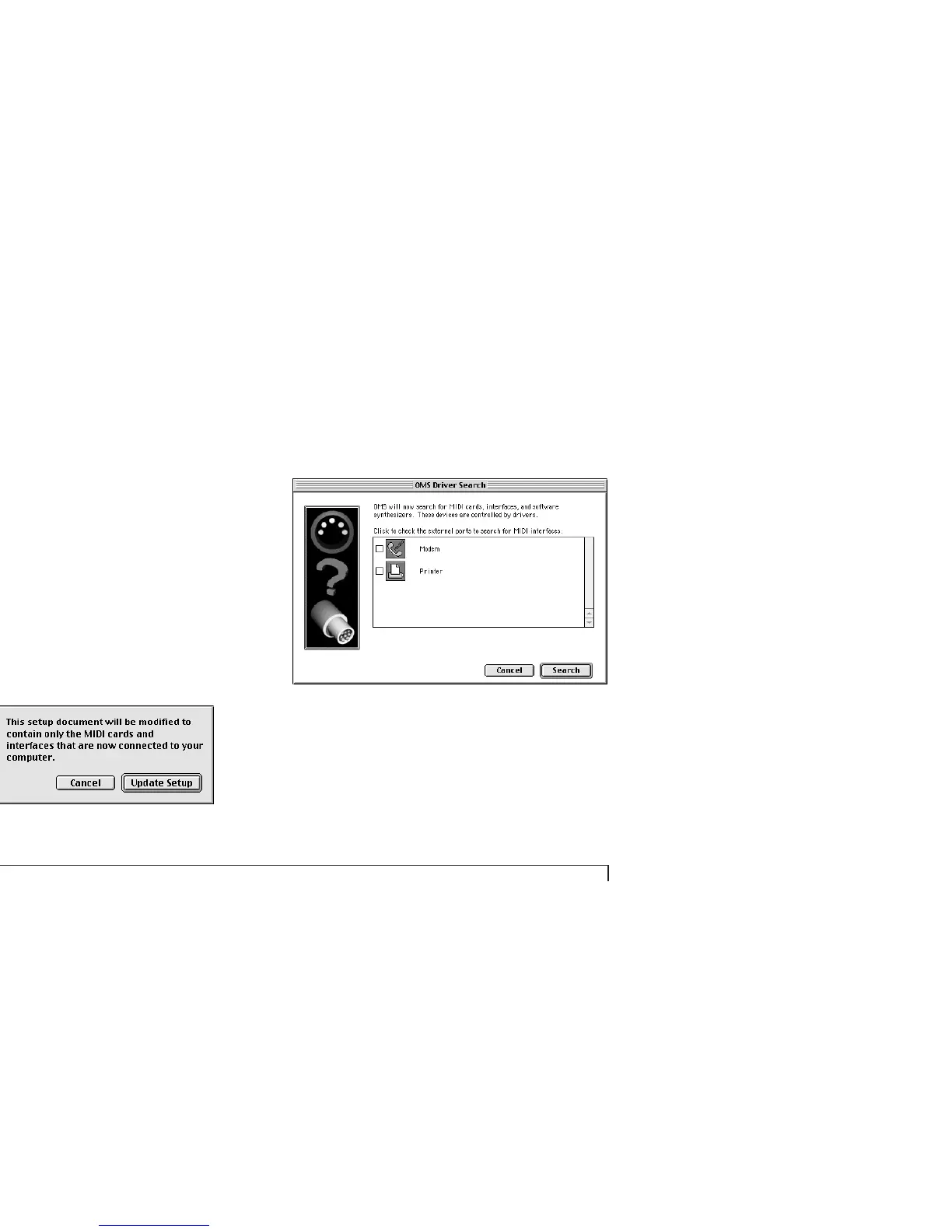
You’ll see the following dialog.
5 Click Search.
☛ On a USB Macintosh, you don’t need to check either
of the serial port check boxes in this window because your
MOTU USB interface is not connected to a serial port.



 To Next Page