CLOCKWORKS FOR MAC OS X
48
THE PEDAL TAB
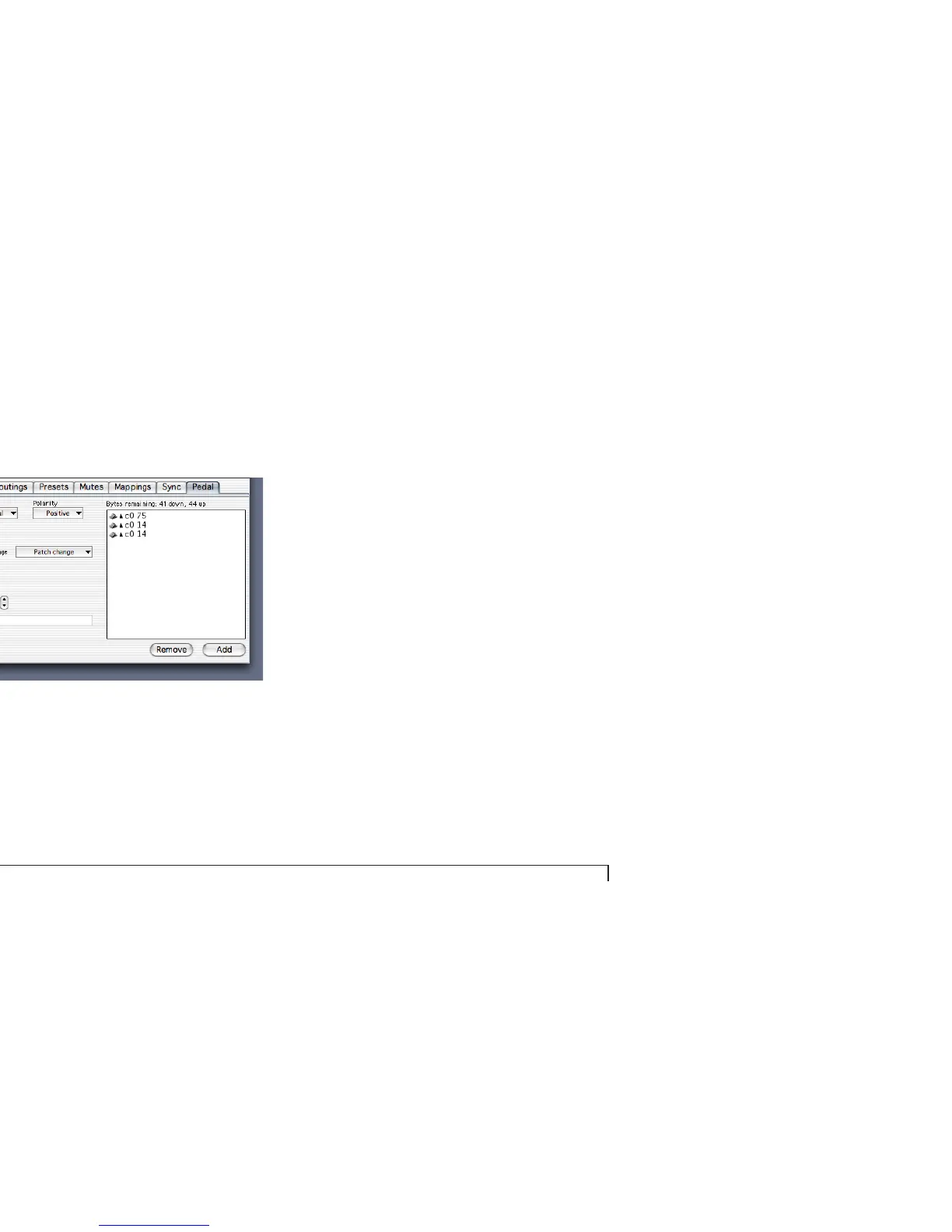
The Pedal tab lets you program the pedal input(s) on your
MOTU interface.
Figure 5-9: The Pedal tab.
Pedal basics
You can use a foot pedal to:
■ Generate MIDI data, such as notes, controllers, patch
changes, pitch bend, and system exclusive
■ Route the data from the pedal to any device
■ Convert an audio tempo source such as an audio click
into MIDI data in order to slave MIDI hardware or
software to the audio tempo source
Pedal type menu
You have three choices:
■ None
■ Normal
■ Click to MIDI
The Normal setting should be used for momentary foot
pedals. For the click-to-MIDI option, see “Using an audio
click as a tempo source” on page 49.
Polarity
Negative polarity reverses the direction of the pedal, so
that if it normally goes up when you press down, negative
polarity will make it go down (and vice versa).



 To Next Page