APPENDIX D: FREEMIDI AND OMS
159
☛ If you don’t see the dialog above when you run
FreeMIDI Setup, refer to “Toggling FreeMIDI’s use of
OMS” on page 159.
TOGGLING FREEMIDI’S USE OF OMS
If you have OMS, you can make FreeMIDI use it or stop
using it as follows:
1 Launch FreeMIDI Setup.
2 Choose FreeMIDI Preferences from the File menu.
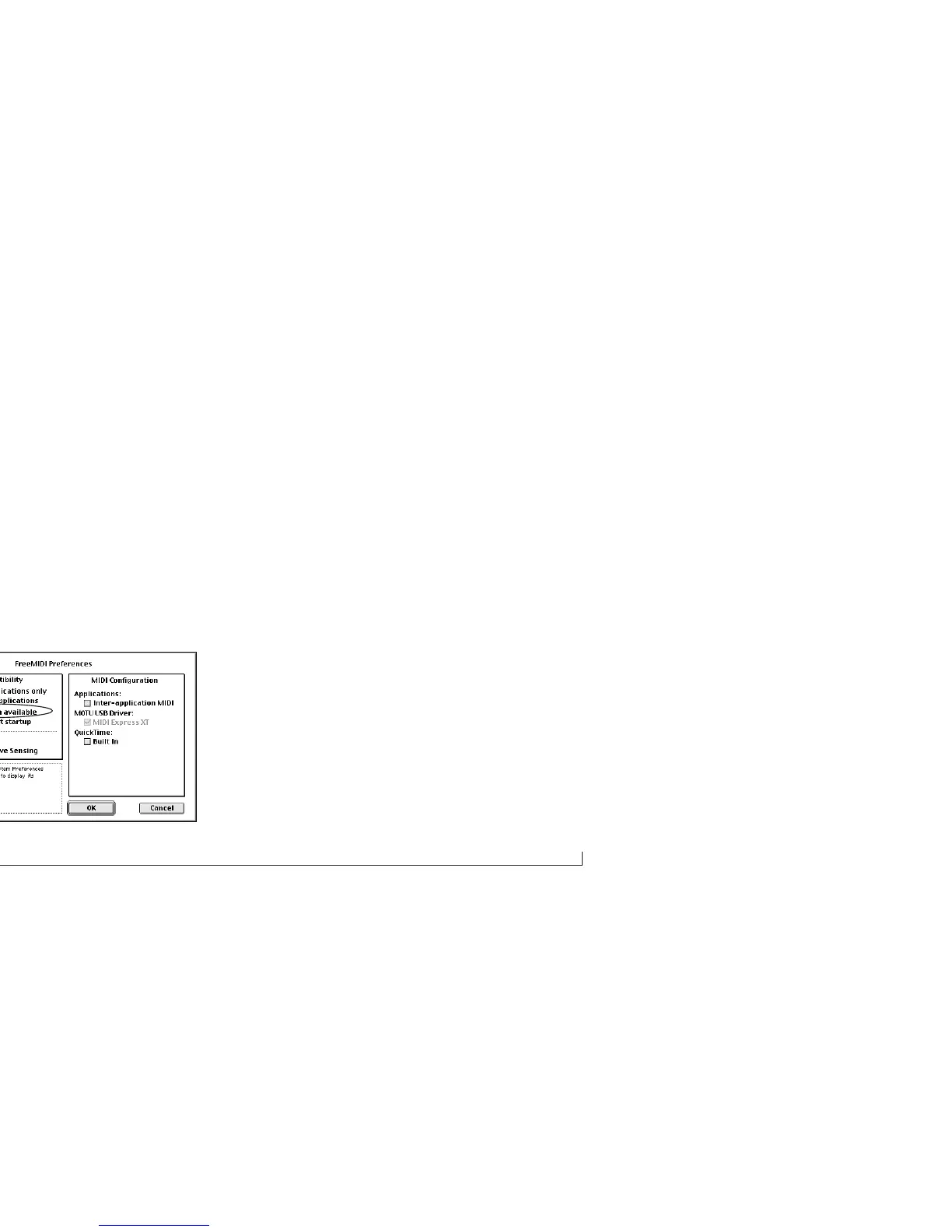
3 Check or uncheck the OMS option as shown below.
HOW THE MOTU USB MIDI DRIVERS WORK
You don’t need to know this, but just in case you’re
wondering how your FreeMIDI and OMS compatible
software actually “talks” to your MOTU USB interface, the
diagram below illustrates how. The FreeMIDI and OMS
drivers shown below belong in the FreeMIDI and OMS
folders in the System Folder. (The installer puts them
there.)



 To Next Page