INSTALLING THE MOTU USB MIDI SOFTWARE
19
2
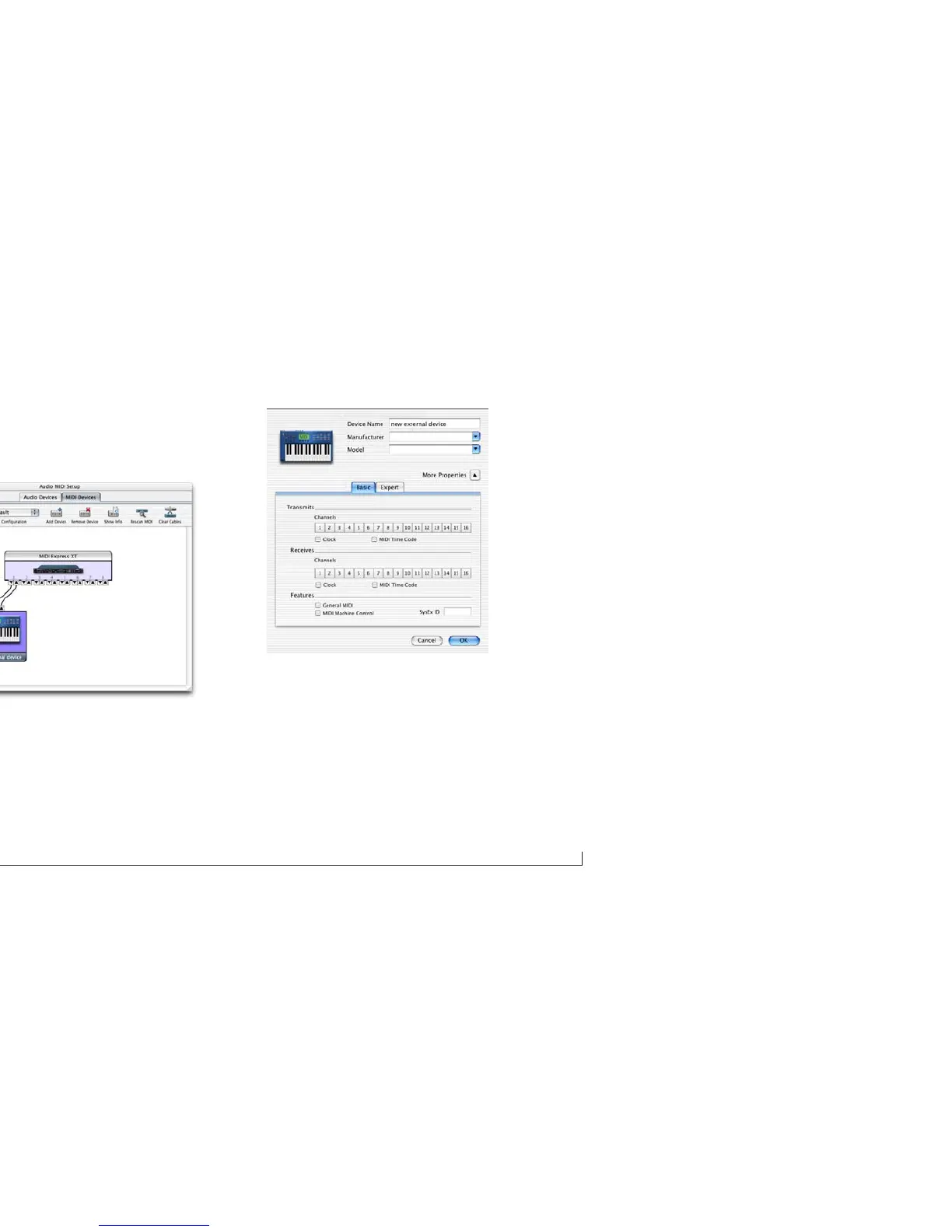
Drag on its input and output arrows to draw
connections to the MIDI interface that match its physical
connection.
Figure 3-3: Connecting the device to the interface.
3
Double-click the device to make settings, such as input
and output channels, that further describe the device.
Figure 3-4: Device settings.
4
Repeat the above steps for each MIDI device connected
to the interface.
5
When you are finished, quit Audio MIDI Setup.



 To Next Page