CLOCKWORKS FOR MAC OS 9
57
Radio buttons
Although ClockWorks radio buttons look unique, they
behave just like standard Macintosh radio buttons. Radio
buttons work such that you can only select one of the given
choices; if you click a new button, the previously chosen
one will deselect.
Figure 6-4: ClockWorks radio buttons.
Check boxes
Check boxes are also a bit different. You can select any
combination of them.
Figure 6-5: A ClockWorks check box.
Push buttons
ClockWorks push buttons look different from but
function the same way as standard push buttons.
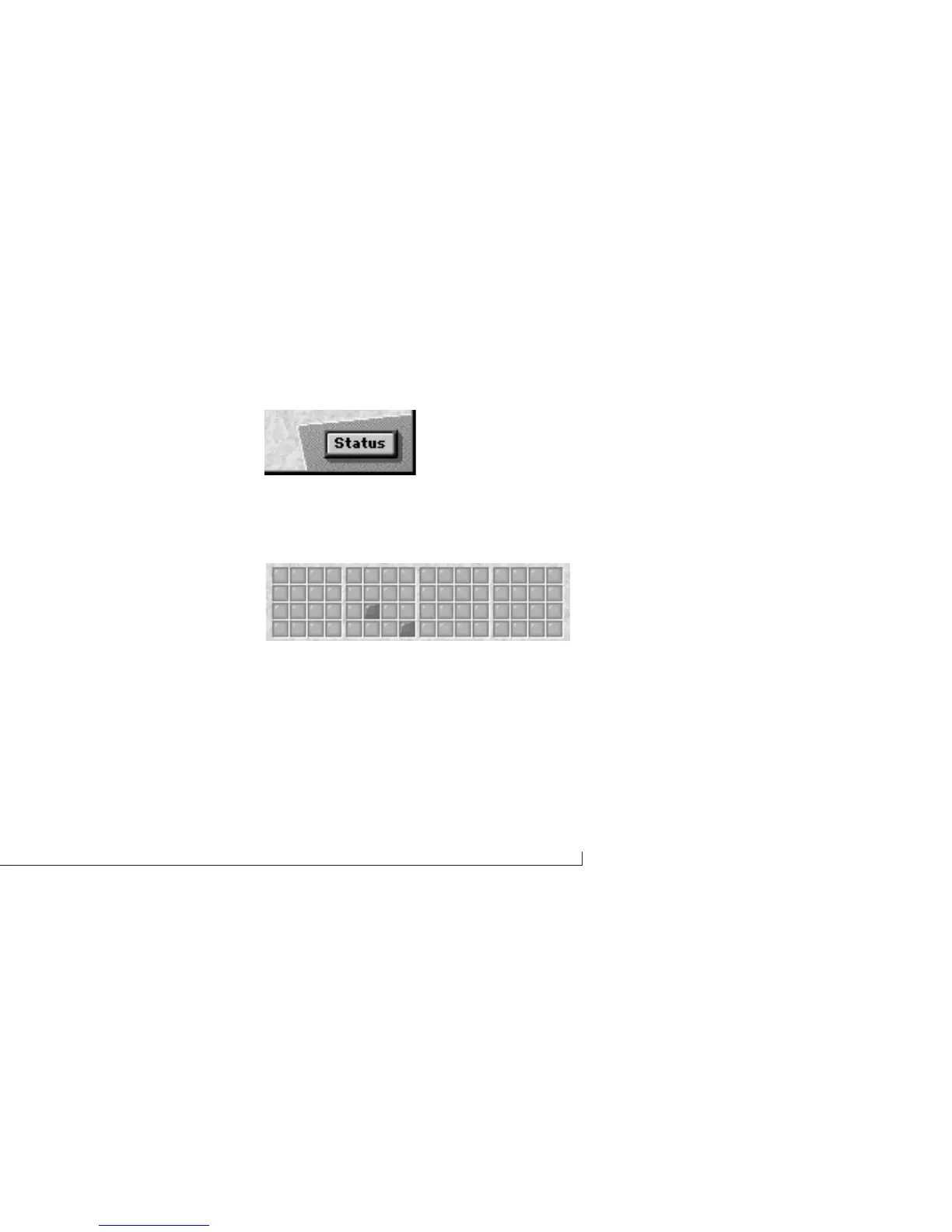
Check box grid
The Event Muting window displays an entire grid of check
boxes, like this:
Figure 6-6: A check box grid.
The grid consists of check boxes placed edge to edge in
rows and columns. The rows and columns are arranged
into groups of four for clarity. A check box in the grid
represents a connection between its row and column
numbers.



 To Next Page