CLOCKWORKS FOR MAC OS 9
77
Unmuting data
To unmute data on a single channel, deselect its check box.
To unmute data on all channels and cables, click Clear.
Muting MIDI beat clocks
When MIDI beat clocks are transmitted to your MOTU
interface (via a MIDI device or the Macintosh) they are
echoed to all cables. If you do not want MIDI beat clocks
sent to all your MIDI devices, mute Real-time data on the
output cables for those devices.
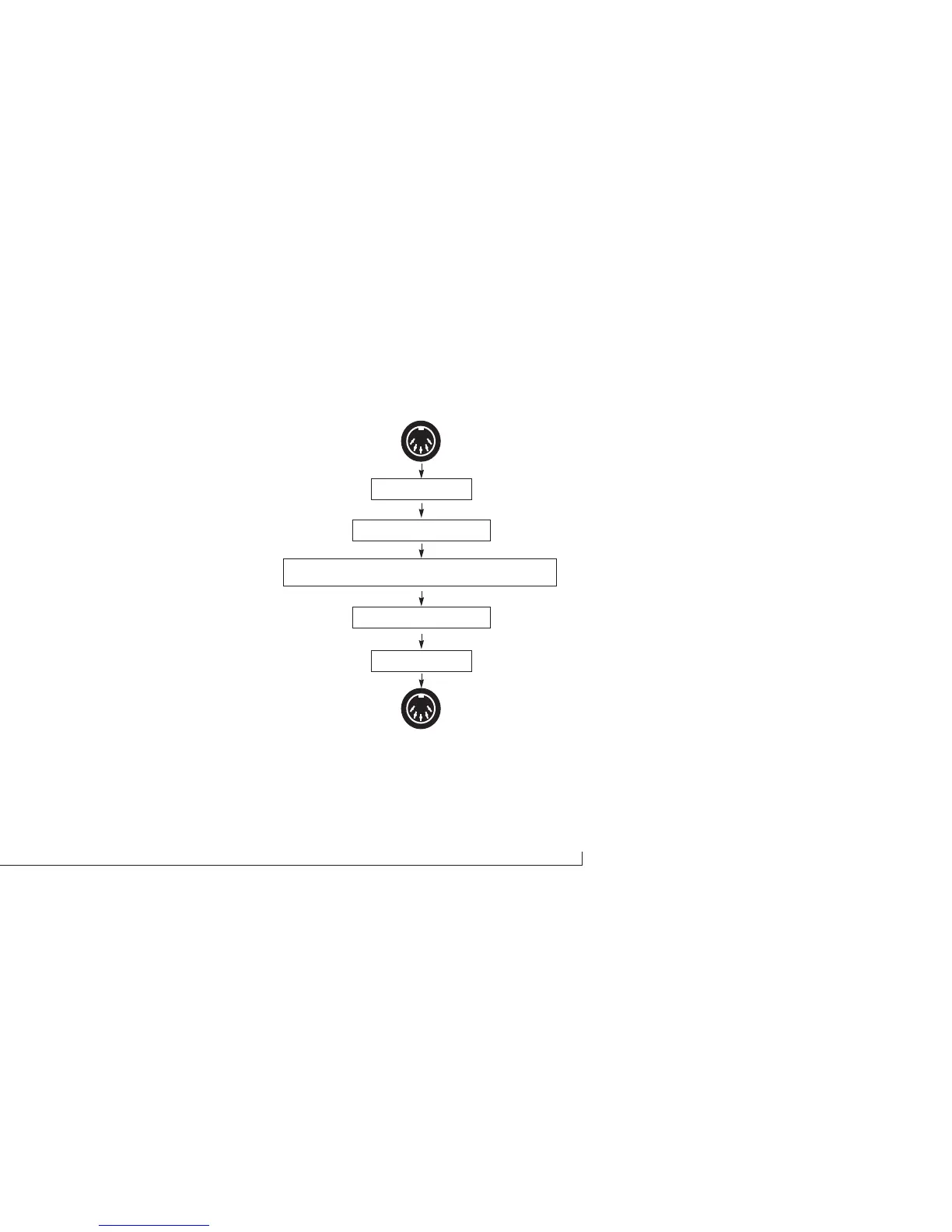
Muting and remapping
On the MIDI IN ports, muting occurs before channel
remapping. On the MIDI OUT ports, channel remapping
occurs before muting, as shown in Figure 6-26.
For example, let’s say that on one of the MIDI ports, you
are muting channels 1-8, and you are also remapping all
channels (1-16) to channel 16.
Figure 6-26: How muting and remapping interact with each other.
MOTU interface data bus
Muting filter
Channel mapping filter
Muting filter
Channel mapping filter
MDI IN
MDI OUT



 To Next Page