During production, the voltage (P1) can be adjusted to the current tacho input voltage by pressing
followed by . The new voltage is coupled to the previous stored speed and the graph will change
accordingly.
The maximum voltage that can be applied to the MC18-Micro is 30 VDC. See paragraph 6.4 for information
about the correct electrical connections of the tacho signal and information about connecting a higher then
30 Volt DC input signal.
Production (Motor On/Off)
Press to start production. The start LED will start blinking when the unit is waiting for an input signal.
The unit is dosing if the start LED is lighted continuously.
Test (Material output)
The test function is used to calibrate the MCMicro
The test function can only be used when the motor is stopped .
How it works
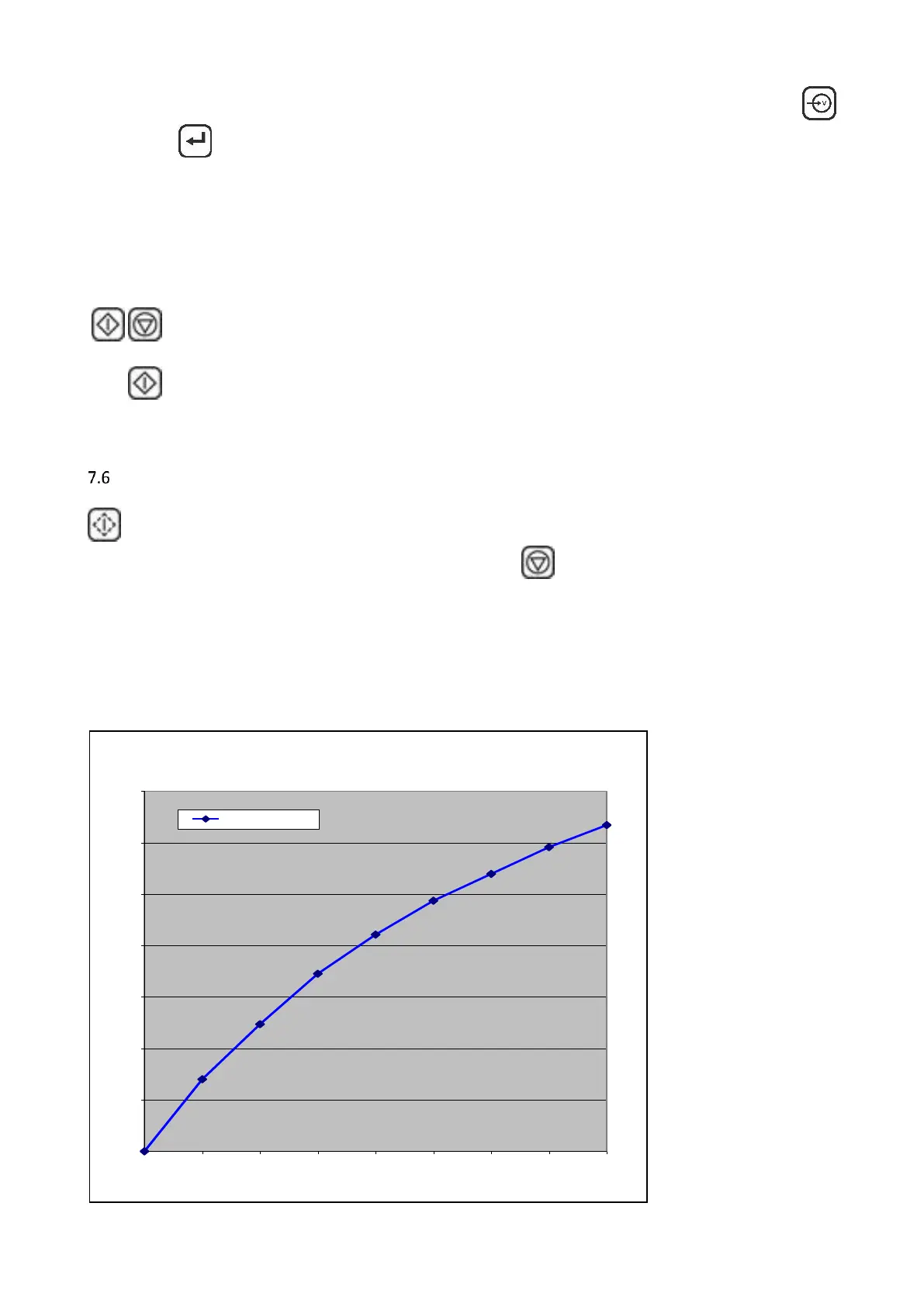
Determine the dosing unit RPM entirely manual. This can be done by drawing up the dosing characteristic
manually, or by recording the relation of the RPM versus the system output in a chart. With this multipoint
chart, it is possible to determine the rpm that corresponds to the dose amount. This must be repeated for
every dosing setting because the dosing conditions and the used materials are usually very different.



 To Next Page