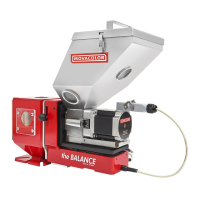
Hopper loader settings
This part of the manual describes how to make the hopper loader settings. For further technical
information about the hopper loader consult the specific hopper loader manual.
General
The hopper loader is only activated when the motor is On .
Emergency stop.
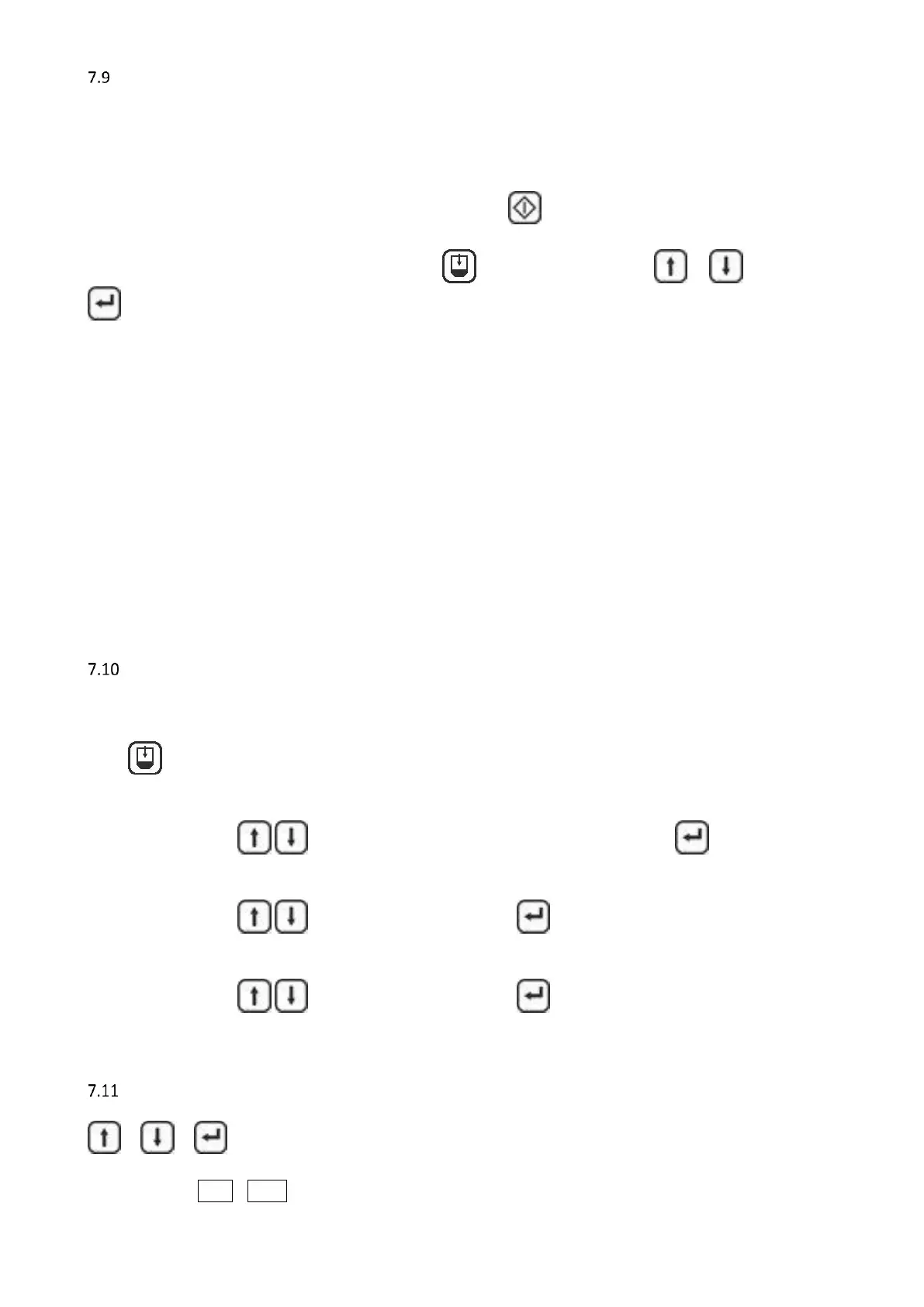
To stop the hopper loader during production press , select “Off” by pressing or and press
to acknowledge.
Input signal (sensor)
Depending on the material you may need to adjust the sensitivity of the sensor which is delivered with the
hopper loader. At the back of the sensor is a small screw that can be used to adjust its sensitivity. To adjust,
fill the hopper with material and turn the screw until the light on the sensor goes on.
Output signals
During fill time [FILt] there will be a 24VDC signal between connection 20 and 21 on the main board to
activate the pneumatic solenoid valve (See appendix A)
The hopper loader LED on the front of the controller indicates the status of the valve output.
When the Fill Alarm [FILA] is active there will be a 24VDC signal between connection 18 and 19 on the main
board to activate the flash light. (See appendix A).
The controller itself gives a beeping signal and the alarm LED will lighten up.
ME settings
Configuration 1, 3 and 4 (see paragraph 7.3 & 7.4)
Press to change ME hopper loader settings,
the display will show in following order:
On / Off: Press to switch the ME-hopper loader On or Off and press to acknowledge.
FILt: Fill time [sec.], during this time the system blows material into the hopper of the dosing
unit.
Press to change the time and press to acknowledge.
Recommended basic setting: 15 sec
FILA: Fill Alarm [sec.], if sensor is NOT covered within this time, the alarm starts.
Press to change the time and press to acknowledge.
Recommended basic setting: 30 sec
Keyboard lock
+ + = Lock / Unlock,
Display shows : L.ON / L.OFF



 To Next Page