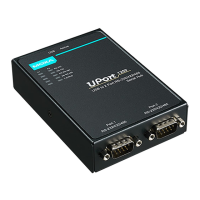
NPort 5000 Series User Manual
7. NPort CE Driver Manager for Windows
CE
NPort CE Driver Manager for Windows CE applies to the NPort 5000 and NPort IA5000 Series only.
Overview
ATTENTION
Before installing and the configuring the NPort Administration suite, make sure your user privilege is set as
system administrator.
Installing NPort CE Driver Manager
1. Copy “NPortCab.cab” to Windows CE and start to install driver by double clicking on it.
2. Click on “OK” to complete the installation when the following screen appears.
3. Driver installation is now complete and the “NPortCab.cab” icon disappears from the screen. This is
normal when installing drivers in Windows CE.


 To Next Page
 Loading...