8
RT-14 Quick Star t GuideRT-14Quick Start Guide
Appendix 1 Troubleshooting
Typical symptoms, causes, and actions
Symptoms Cause and/or action
The head connected to
the RT-14 did not
power up.
Power up the RT-14 and check the POWER
and INHIBIT LEDs illuminate
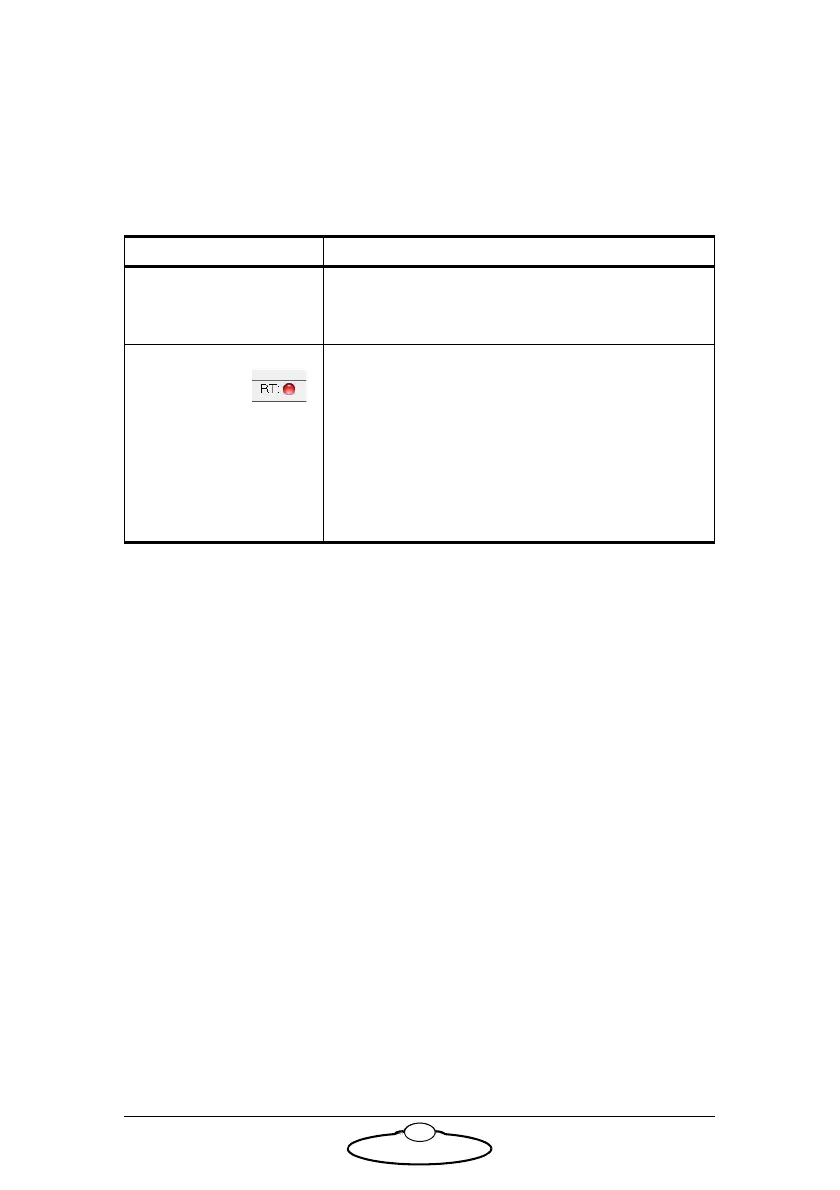
Flair cannot connect to
the RT-14 and
appears at the
bottom-right corner in
the Flair window.
Check the IP address of the RT-14 ends with
.234.
Ensure that the PC running the Flair motion
control software and the RT-14 are on the same
network.
For more help on IP addresses, see Managing
LAN addresses with Flair on page 9.


 To Next Page