OPERATION MSA
34
ALTAIR 4 - Operating Manual
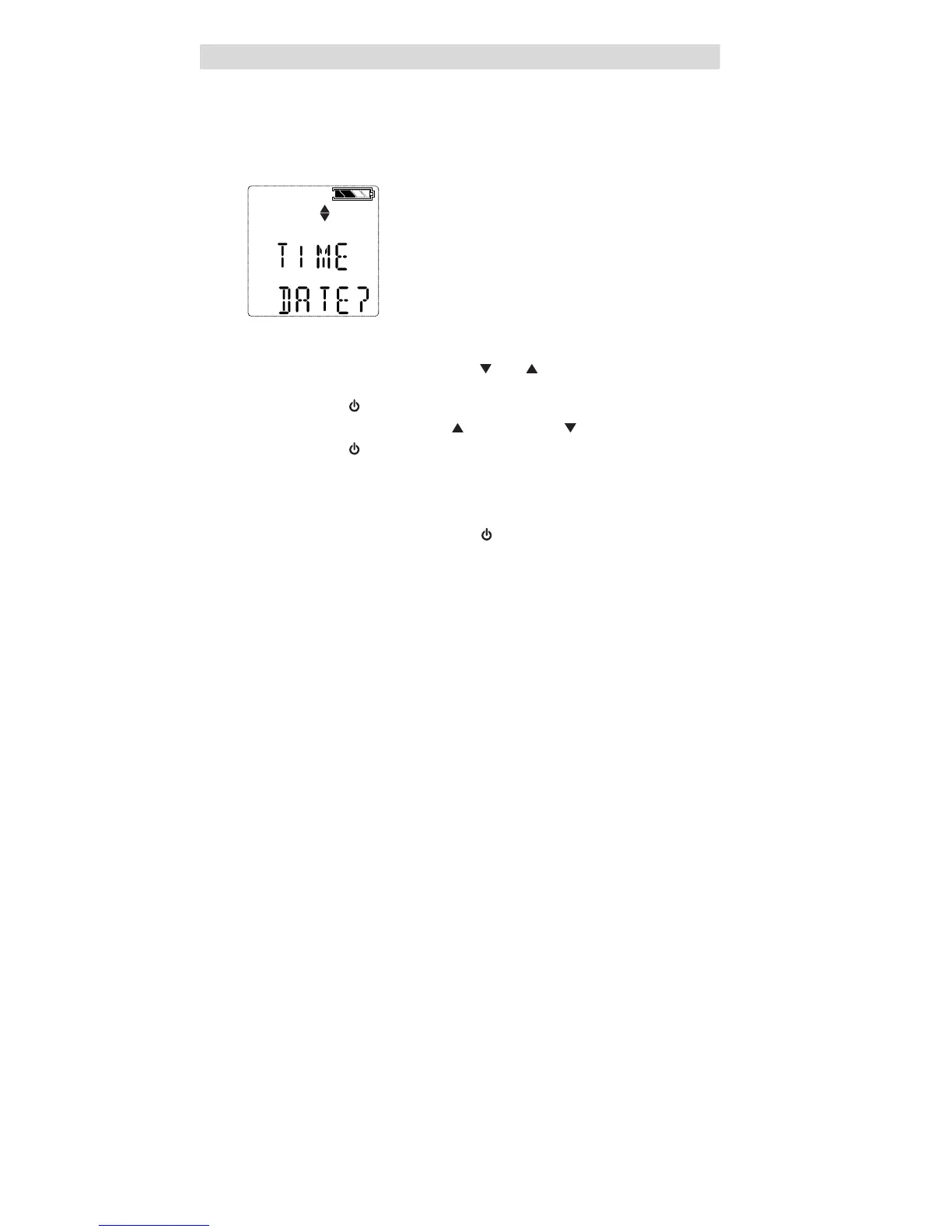
3.4.4 Setup Time and Date
This submenu is for setting date and time.
For more information see the flow charts in Section 7.9.
Figure 3-5 Date and Time Setup
(1) To bypass this setup, press the
[
]
or
[
]
button; otherwise, continue
as follows.
(2) Press the
[
]
button to enter the submenu.
(3) Set month by pressing the
[
]
button or the
[
]
button.
(4) Press the
[
]
button to confirm month.
(5) Repeat this procedure for day, year, hours and minutes.
• By default, time is displayed in 12-hour format.
• The EXIT screen will be displayed next.
(6) Confirming this screen with the
[
]
button exits the instrument setup.
• If the sensors have not warmed up yet, the countdown is displayed.
• The instrument then goes to Measuring mode.
3.5 Data Logging
Connecting Instrument to PC
(1) Switch ON the ALTAIR 4 and align the Datalink Communication port
on the ALTAIR 4 to the IR interface of the PC.
(2) Use the MSA Link software to communicate with the instrument.
See MSA Link documentation for detailed instructions.



 To Next Page