EasyManua.ls Logo

MSA Chemgard - User Manual

MSA Chemgard
74 pages
Print Icon
To Next Page IconTo Next Page
Loading...
MSAsafety.com
Instruction Manual
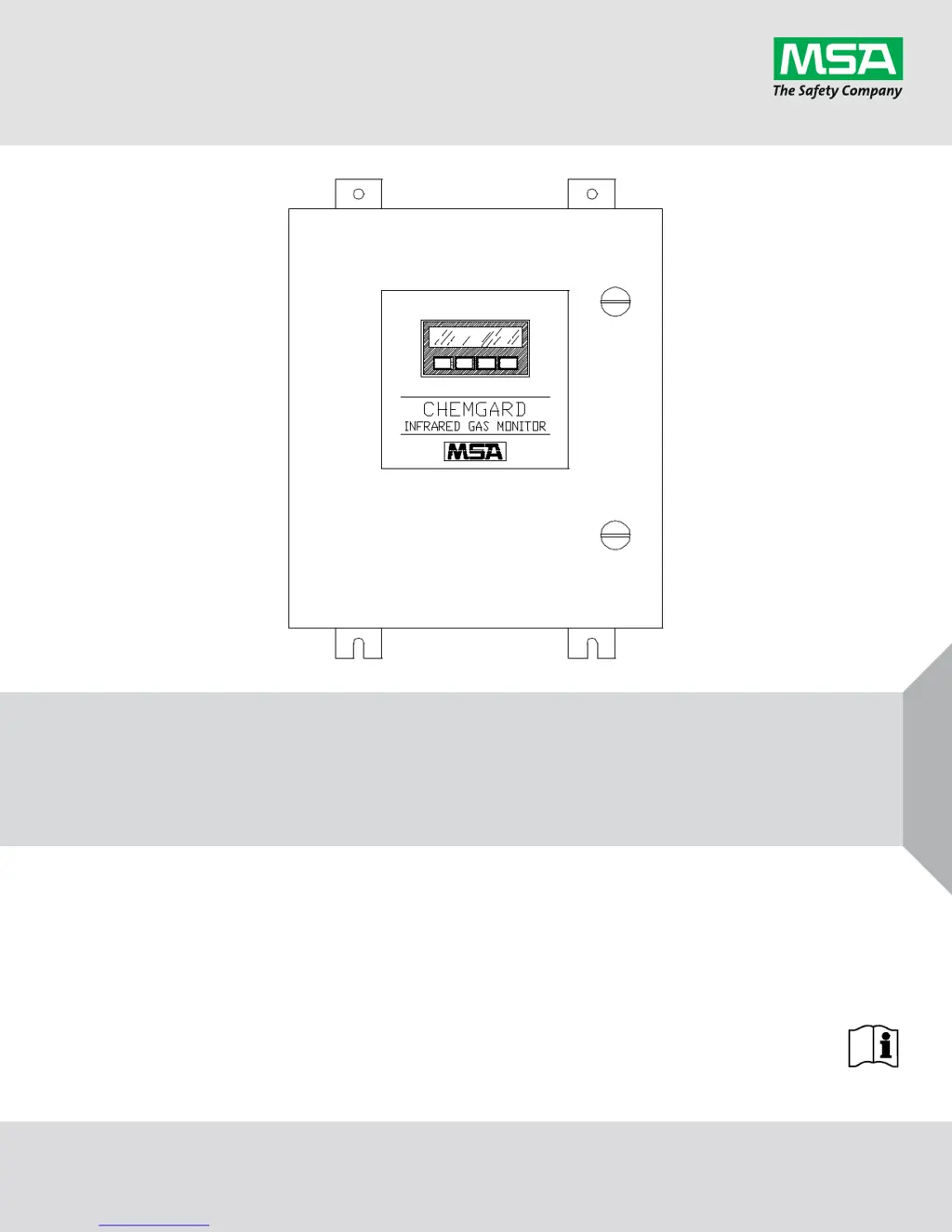
Chemgard
Infrared Gas Monitor
Order No.: 10031540/05

Table of Contents

Questions and Answers

  • J
    Jamie GrahamAug 16, 2025
    How to fix calibration failed on MSA Chemgard?
    • J
      Jennifer WrightAug 16, 2025
      If calibration fails on your MSA Measuring Instruments, it could be due to coefficients being out of range. You can try replacing the zero scrubber or changing the zero air supply. Also, check the span gas supply. Inspect all tubing, filters, and fittings for leaks. For sequencer units, ensure the unit is locked on the selected sample port used for calibration. Leak test the flow system.
  • J
    Jennifer MooreAug 19, 2025
    Why won't my MSA Measuring Instruments turn on?
    • A
      Austin McdonaldAug 19, 2025
      If your MSA Measuring Instruments unit isn't turning on, there are several potential causes related to power issues. First, check the AC power to the unit and verify that it's wired correctly. Next, inspect and replace the L1 and/or L2 fuse if necessary. Also, check for any loose wires on the terminal barrier input. Examine the wiring to the unit's power supply, and if you find a fuse there, check and replace it if needed. Ensure the input cable to the main board on the left side of the power supply is properly connected. Finally, check the 12 VDC power supply output by connecting the DVM negative lead to TP5 and the positive lead to TPSPD1, adjusting the Volt 2 pot on the power supply if necessary. Also, check the voltage at TPSPD3, it should be 5 VDC, and adjust Volt 1 pot if needed.
  • N
    Nicole GomezAug 22, 2025
    What to do if bypass flow failed on MSA Chemgard Measuring Instruments?
    • A
      Andrew JohnstonAug 22, 2025
      If the bypass flow fails on your MSA Measuring Instruments, it might be due to a leaky or blocked bypass line. Try these steps: Remove all input lines and attach them one at a time to identify the problematic line; check its end-of-line filter. Inspect the inlet fitting, tubing, orifices, bypass pressure switch, and bypass manifold tubing for leaks or blockages. Check the pressure switch for proper voltage switching (4 VDC ON and OFF if sequencing, or constantly ON if single-point), and inspect cable terminals and the plug end at BP/SCN, replacing the switch if necessary. Also, verify the operation of all bypass valves in the manifold. Finally, perform a leak test on the flow system.
  • N
    Nicole ChavezAug 28, 2025
    What to do if start bypass flow failed on MSA Chemgard Measuring Instruments?
    • P
      Paula VelezAug 28, 2025
      If the start bypass flow fails on your MSA Measuring Instruments, the issue is likely a leaky or blocked bypass line at the unit's startup. You should perform the same checks as for a regular bypass flow failure. Turn the unit off, then restart it. Also, perform a leak test on the flow system and then restart the unit.
  • H
    Heidi VazquezAug 31, 2025
    What to do if start sensor flow failed on MSA Chemgard?
    • V
      vdavisAug 31, 2025
      If the start sensor flow fails on your MSA Measuring Instruments, it is probably due to a leaky or blocked sample flow line at the unit startup. You should perform the same checks as for a regular sensor flow failure. Turn the unit OFF and restart it. Also, perform a leak test of the flow system.
  • D
    Daniel NealSep 3, 2025
    Why is the beacon not lighting on my MSA Measuring Instruments?
    • T
      Timothy VargasSep 3, 2025
      If the beacon on your MSA Measuring Instruments isn't lighting, it might be related to the beacon alarm settings. First, check that the plug is correctly connected to the circuit board at J10. Next, verify that the audio option is enabled in the setup screens. If neither of these steps resolves the issue, you may need to replace the beacon assembly.
  • C
    Cindy GibsonSep 6, 2025
    What to do if under-range failed on MSA Measuring Instruments?
    • R
      Russell PalmerSep 6, 2025
      If the under-range has failed on your MSA Measuring Instruments, and the zero limit is minus 10 ppm, you can try the following: Adjust the display zero to 0.0 via the keypad while applying zero air or a zero scrubber. Check the zero air cylinder and replace it if necessary. Also, check the zero scrubber and replace it if necessary.
  • T
    Thomas MitchellSep 9, 2025
    How to troubleshoot display failure on MSA Chemgard?
    • M
      mark86Sep 9, 2025
      To troubleshoot a display failure on your MSA Measuring Instruments, start by checking the RS485 connector on J15, terminals 1 and 2. Inspect the display for any signs of breakage or cracks. Then, remove the rear panel cover and check the cables connecting the display and the display board.
  • J
    Jason GrantSep 12, 2025
    How to troubleshoot audio alarm failure on MSA Chemgard?
    • A
      Alfred JohnsonSep 12, 2025
      To troubleshoot an audio alarm failure on your MSA Measuring Instruments, you should first check the output terminals 6 and 7 on J17. If the issue persists, check for a faulty horn buzzer.
  • V
    Veronica EatonNov 24, 2025
    What to do if sensor flow failed on MSA Chemgard?
    • D
      Daniel MillerNov 24, 2025
      If the sensor flow fails on your MSA Measuring Instruments, the issue might stem from a leaky or blocked sample line. Here's what you can do: Remove all input lines and reattach them one by one to identify any blockage in the sample input, checking all end-of-line filters. Remove the optical bench cover and inspect the inlet fitting, tubing, sample filter, tubing to the optical bench inlet fitting, outlet fitting from the optical bench, sample pressure switch, and sample manifold tubing. Check the sample pressure switch for proper voltage switching (4 VDC ON and OFF), inspect the cable terminals and plug end at the press/sample connector, and replace the pressure switch if needed. Check the operation of all manifold sample valves, including the optical bench inlet and outlet valves, and ve...

Summary

MSA Permanent Instrument Warranty

Warranty

Seller warrants product free from mechanical defect or faulty workmanship for 18 months from shipment or 1 year from installation.

Exclusive Remedy

Purchaser's sole remedy is repair/replacement at Seller's option for defective equipment or parts.

Exclusion of Consequential Damage

Seller not liable for economic, special, incidental, or consequential damages or losses.

General Warnings and Cautions

Safety Warnings

Manual must be read by all responsible for installing, using, or servicing. Improper use may lead to severe injury or death.

Sensing Element Caution

Do not attempt to modify or adjust the sensing element.

Section 1 General Information

Sensor Selectivity

Monitor is factory-calibrated for a gas but responds to interferants; see cross-sensitivity tables.

Section 2 Installation and Set-up

Monitor Location and Sampling Points

Select optimal sampling points, mount unit away from hazards, ensuring visibility and proper environment.

Section 4 Calibration

Section 5 Maintenance

WARNING on Replacement Parts

Use only genuine MSA parts; failure may impair performance or cause injury.

Troubleshooting Guidelines

Refer to TABLE 5-2 for troubleshooting steps for various unit issues.

MSA Chemgard Specifications

General IconGeneral
BrandMSA
ModelChemgard
CategoryMeasuring Instruments
LanguageEnglish

Related product manuals