Chemgard Infrared Gas Monitor
Table B-4. Replacement Parts
ITEM PART NO.
Relay Board (PCB) 490558
Power Supply Board (PCB) 655116
Processor Board (PCB) 710392
Audio Alarm” and "Trouble sets Audio Alarm"
configuration in the Chemgard Infrared
Gas Monitor.
• The "Aux sets Audio Alarm" and "Trouble sets
Audio Alarm" configurations of the Monitor
apply to the Relay Module Horn relay.
• The Horn relay of the Relay Module is only
latching when the alarms are configured
latching in the Chemgard Infrared Gas
Monitor.
eset Switch
he reset switches of the Chemgard Relay
odule and controlling Chemgard Infrared Gas
onitor act independently. Pressing the reset
witch on the Monitor does not affect the Relay
odule horn, and pressing the reset switch on
he Relay Module does not affect the Monitor
rn.
f the Chemgard Relay Module reset switch has been
sed to silence the Relay Module horn, and any
rm condition (configured to activate the horn)
ccurs at a new sequencer point, the horn relay will
ctivate to signal the new alarm condition.
aintenance
r normal operating conditions, the Chemgard
y Module requires no maintenance. However,
riodic testing of the relays may be done to
sure that complete system operation is possible.
roubleshooting Guidelines
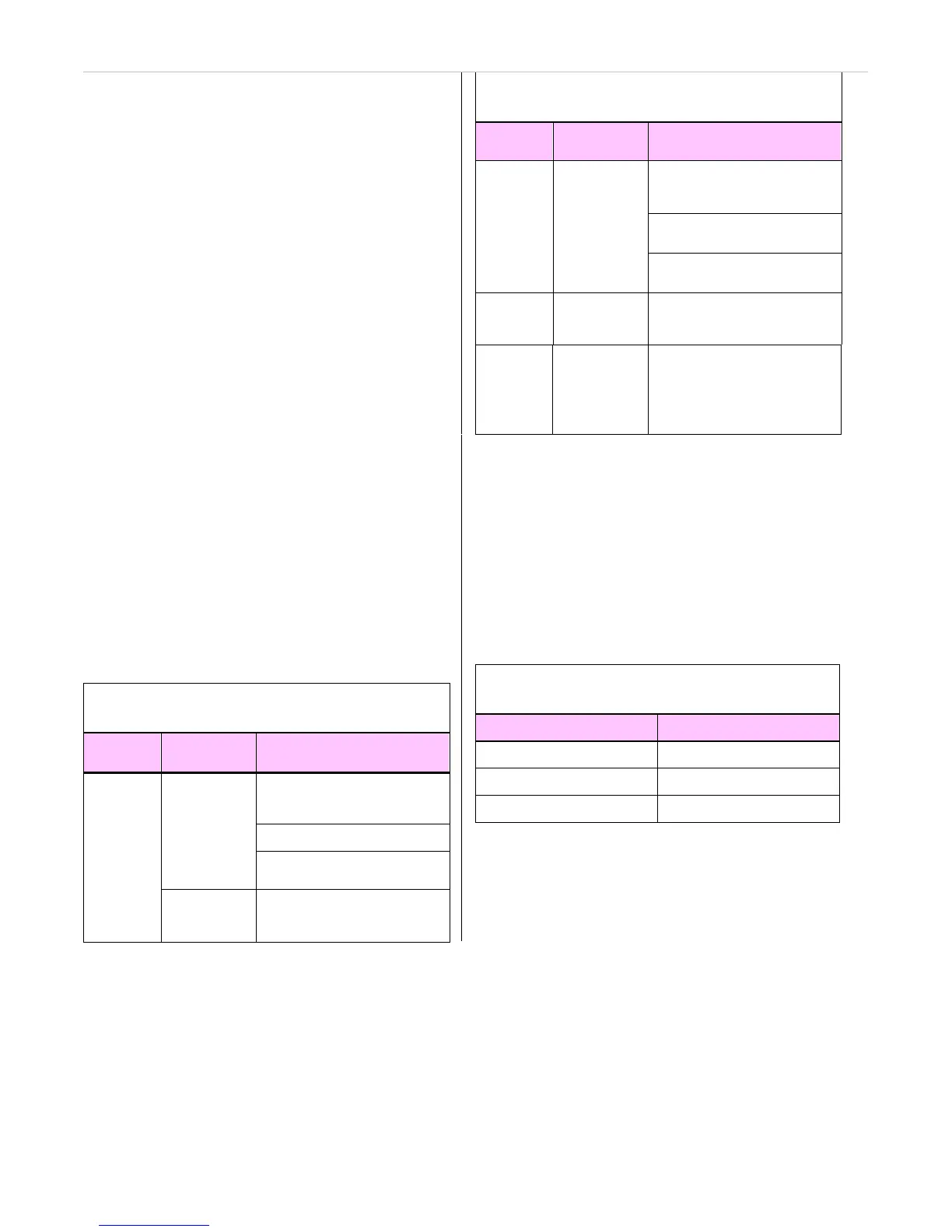
Table B-3. Troubleshooting Guidelines
SYMPTOMS
POSSIBLE
CAUSES
CORRECTIVE ACTION
Chemgard Enable alarms at the
Infrared Gas Chemgard Infrared Gas
Monitor Monitor
alarms not
Alarms do
enabled or
Check wiring
not
communication
activate
is lost
Check power supply
Inoperative
processor Replace processor board
Table B-3. Troubleshooting Guidelines
SYMPTOMS
POSSIBLE
CAUSES
CORRECTIVE ACTION
Trouble
LED
flashes
Loss of
communication
Check wiring between
Chemgard Infrared Gas
Monitor and Relay Module
Check power wiring or power
supply
Check wiring in the Chemgard
Relay Module
Power
LED not
ON
Power fault
Check wiring, power supply
and fuse
Trouble
LED ON
Relay trouble
or controlling
Chemgard
Infrared Gas
Monitor in
Trouble state
Check relay and relay wiring
within Chemgard Relay Module
Obtaining Replacement Parts
To obtain replacement parts, address the order or
inquiry to:
Mine Safety Appliances Company
Instrument Division
P.O. Box 427, Pittsburgh, PA 15230-0427
or call, toll-free, 1-800-MSA-INST
SYMPTOMS
POSSIBLE
CAUSES
CORRECTIVE ACTION



 To Next Page