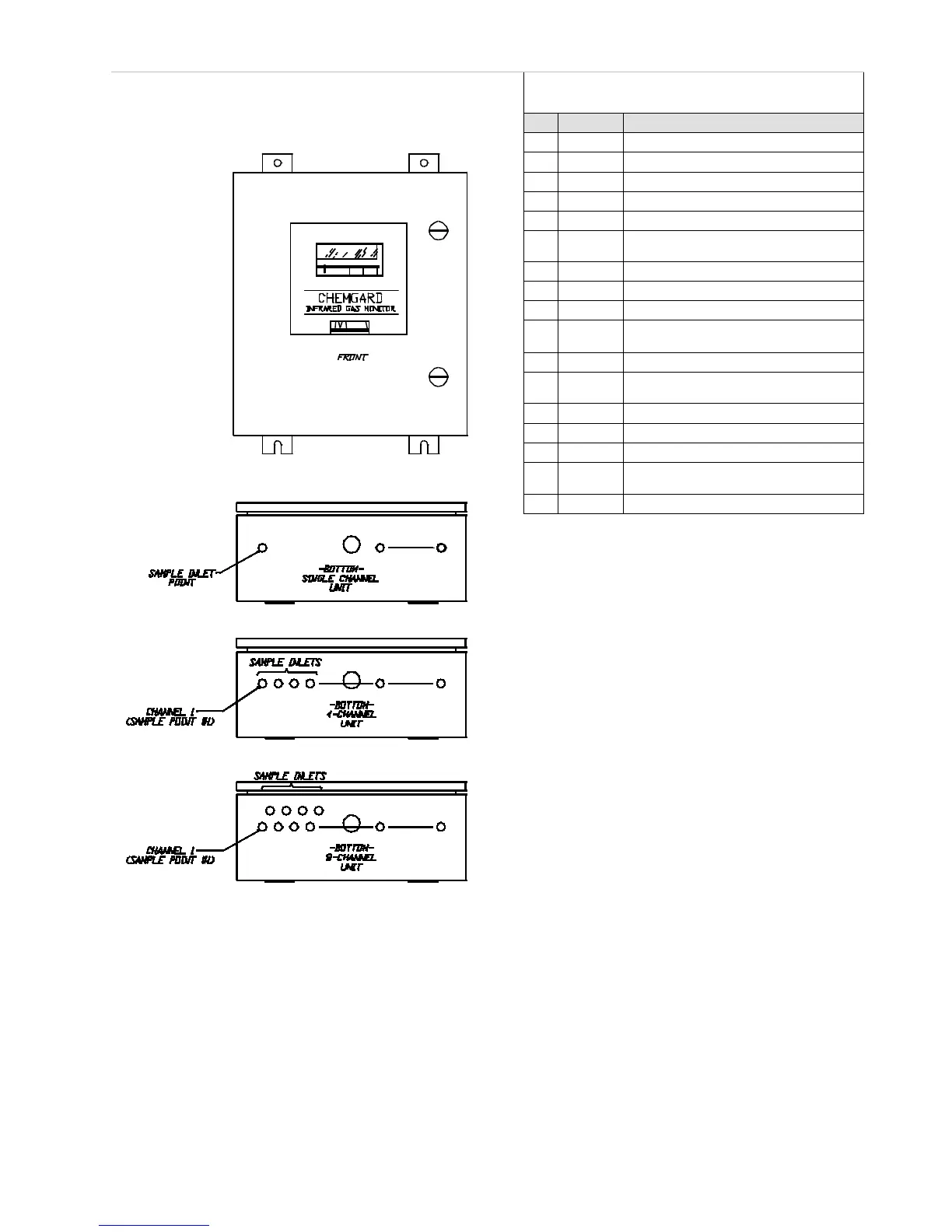
Chemgard Infrared Gas Monitor
Table 4-2. Calibration Sequence Screens
PROMPT: ALARMS ARE NOW OFF
6
NEXT
PROMPT:
SAMPLE POINT 1 TO BE USED
PROMPT: ADJUST OR OK READING
10
SPAN
PROMPT: GO INTO SPAN
PROMPT: ALARMS ARE NOW OFF
12
NEXT
PROMPT:
SAMPLE POINT 1 TO BE USED
PROMPT: ADJUST OR OK READING
16
NEXT
PROMPT: ALARMS ARE NOW
17 NEXT RETURNS TO NORMAL OPERATION
Figure 4-2.
Chemgard Models
•
When this sequence is done with zero and
span gases, adjust the zero and span
readings (if necessary) in TABLE 4-2
steps #9 and #15, respectively.
•
If adjustments are needed, press ADJ
to access the UP, DOWN and ENTER
keys; enter the zeroing and
spanning adjustments.
4. Zeroing the Monitor:
When zero gas is required, attach a zero
gas scrubber or zero gas cylinder to the
connector as shown in FIGURE 4-3.
NOTE: Use only the zero gas cylinder
on monitors calibrated for ammonia.
5. Spanning the Monitor:
When span gas is required, a span gas
cylinder must be attached to the connector
as shown in FIGURE 4-5.
NOTE: The span gas must be appropriate for
monitor calibration. For many
applications, a span gas cylinder of
the gas of interest is available from
MSA. If a span gas cylinder of the
specific gas is not available, MSA has
determined an appropriate synthetic
span gas. See TABLE 4-1 for calibration
cylinders available from MSA. If a
synthetic span gas is used, refer to the
calibration label on the inside of the
monitor door (FIGURE 4-6
).



 To Next Page