48
Control Module
G1 SCBA 2018 Edition
US
Primary Screen
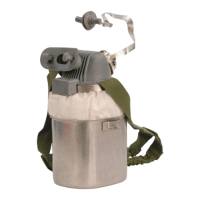
The primary screen provides all critical information to the user. The primary screen can show three
types of information: pressure status, time remaining calculation, or time on air.
To illuminate the primary screen, lift the control module or push the RESET button.
The pressure status is a configurable option and is set as the default. To change the settings, use the
Operating Manual: MSA A2
®
Software, Accountability Control Software (P/N 10162374).
The time remaining feature calculates the amount of air used and estimates how long it will take to
use the remaining air in the cylinder.
The time on air feature counts the number of minutes in a single session that SCBA air has been in
use.
Step 1
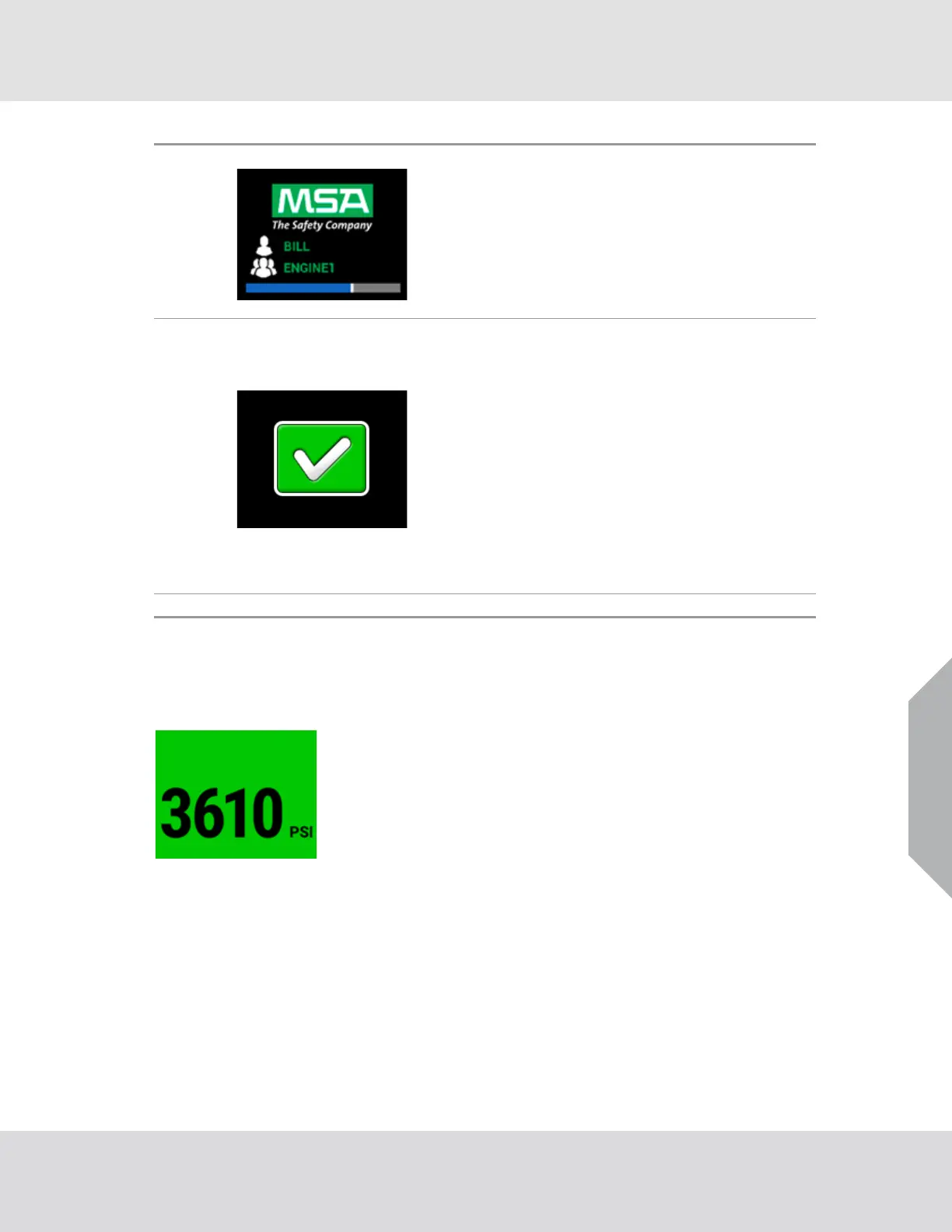
The logo screen shows the MSA logo and a user and/or
team name, if assigned to the device, on the control
module.
• The buddy lights on the power and control modu
les
cycle through red, yellow, and green.
• The power module plays the start-up tone.
During this process, the PASS device does a self-test to
make sure the device is operating correctly.
Step 2
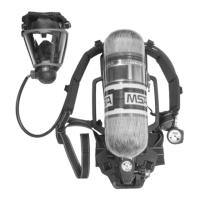
The self-test screen shows the results of the self-test.
• A successful self-test shows a Go icon to
indicate the
SCBA can be put into service.
• If maintenance is necessary, the overhaul reminder
icon shows to indicate the SCBA should be removed
from service after use.
• If the SCBA should not be used, a Hardware Alarm icon
shows on the control module and a full alarm from the
power
module is activated. The PASS device
will not
continue to operate. Remove the SCBA from service.
Make sure an MSA trained and certified repair techni-
cian corrects the unsatisfactory condition before
returning the SCBA to service.
Step 3 The primary screen shows and the SCBA can be used.



 To Next Page