49
Control Module
G1 SCBA 2018 Edition
US
Secondary Screen
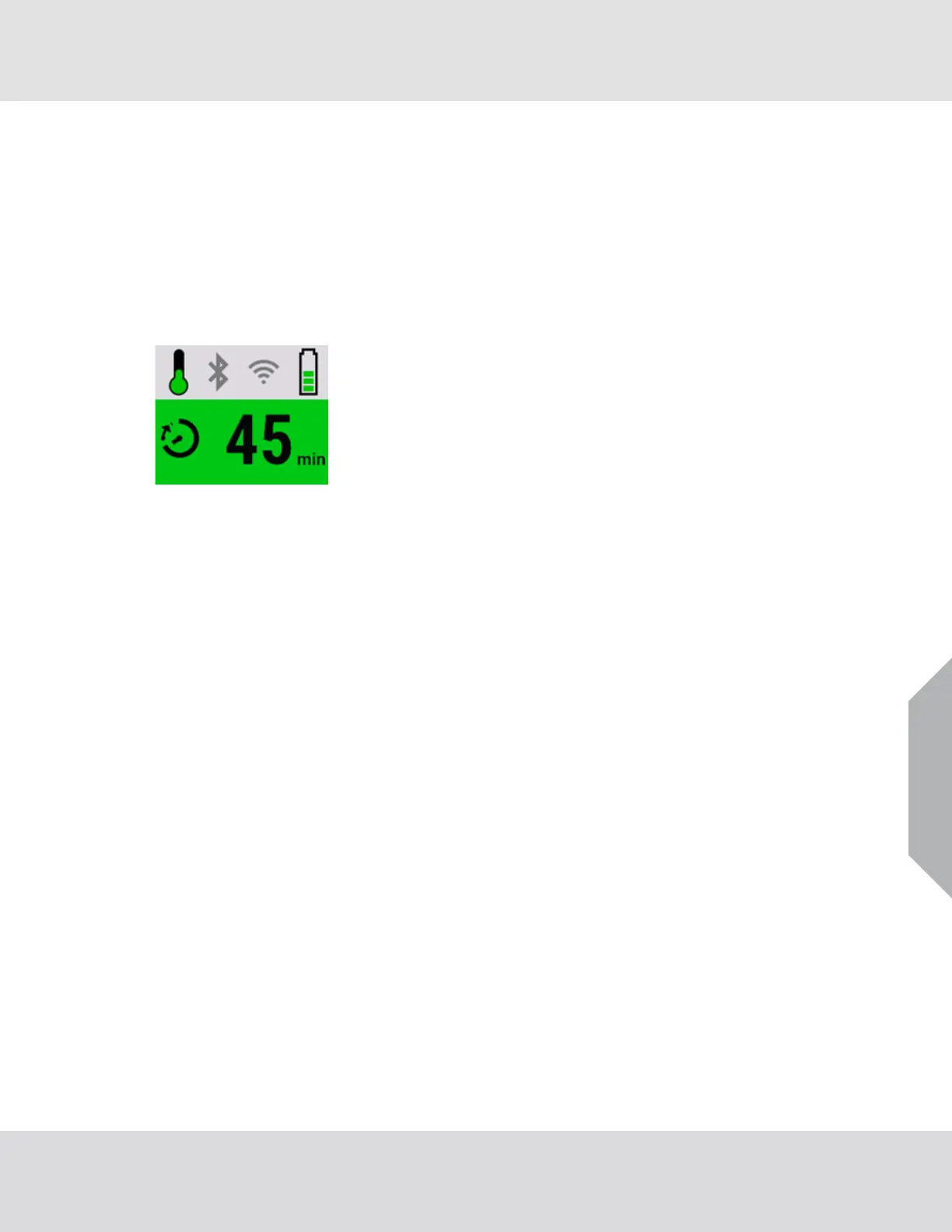
To switch to the secondary screen, push the RESET button once.
The secondary screen shows the following:
• Temperature icon
• Short-range radio icon
• Long-range radio icon
• Battery icon
• Time remaining calculation
The icons on the screen indicate different states of the device.
Similar to the primary screen, the calculation for time remaining is configurable to pressure status,
time remaining, or time on air.



 To Next Page