Chapter 4 - BIOS Setup
4-17
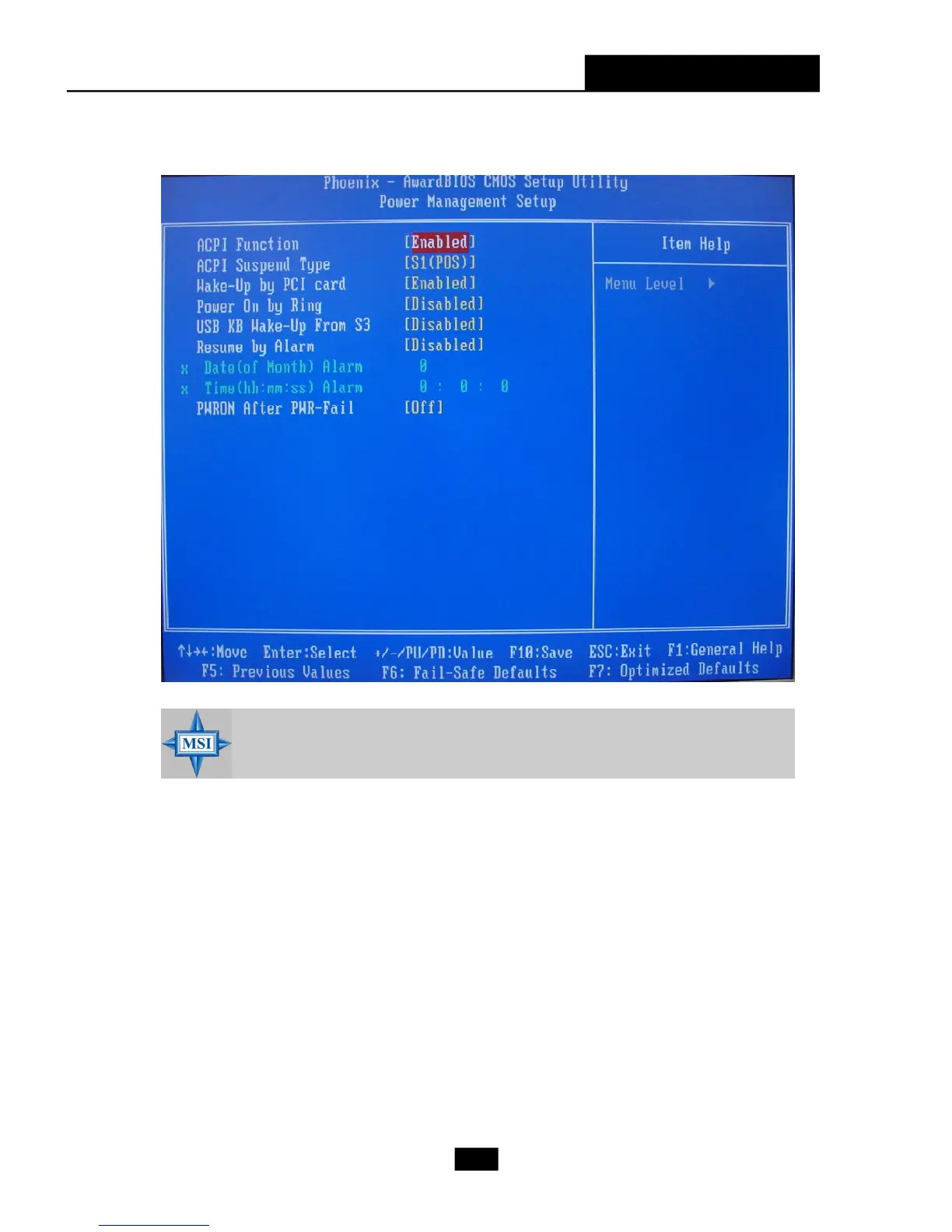
4.7 Power Management Setup
ACPI Function
This item is to activate the ACPI (Advanced Configuration and Power Management
Interface) Function. If your operating system is ACPI-aware, such as Windows 98SE/
2000/ME, select [Enabled]. Setting options: [Enabled] and [Disabled].
ACPI Suspend Type
This item allows you to select the ACPI suspend type for system power management.
Wake-Up by PCI card
When it is set to [Enabled], the feature allows your system to be wake up by the PCI
card.
MSI Reminds You...
S3-related functions described in this section are available only when
your BIOS supports S3 sleep mode.














 To Next Page