Appendix A
A-10
Security Setting
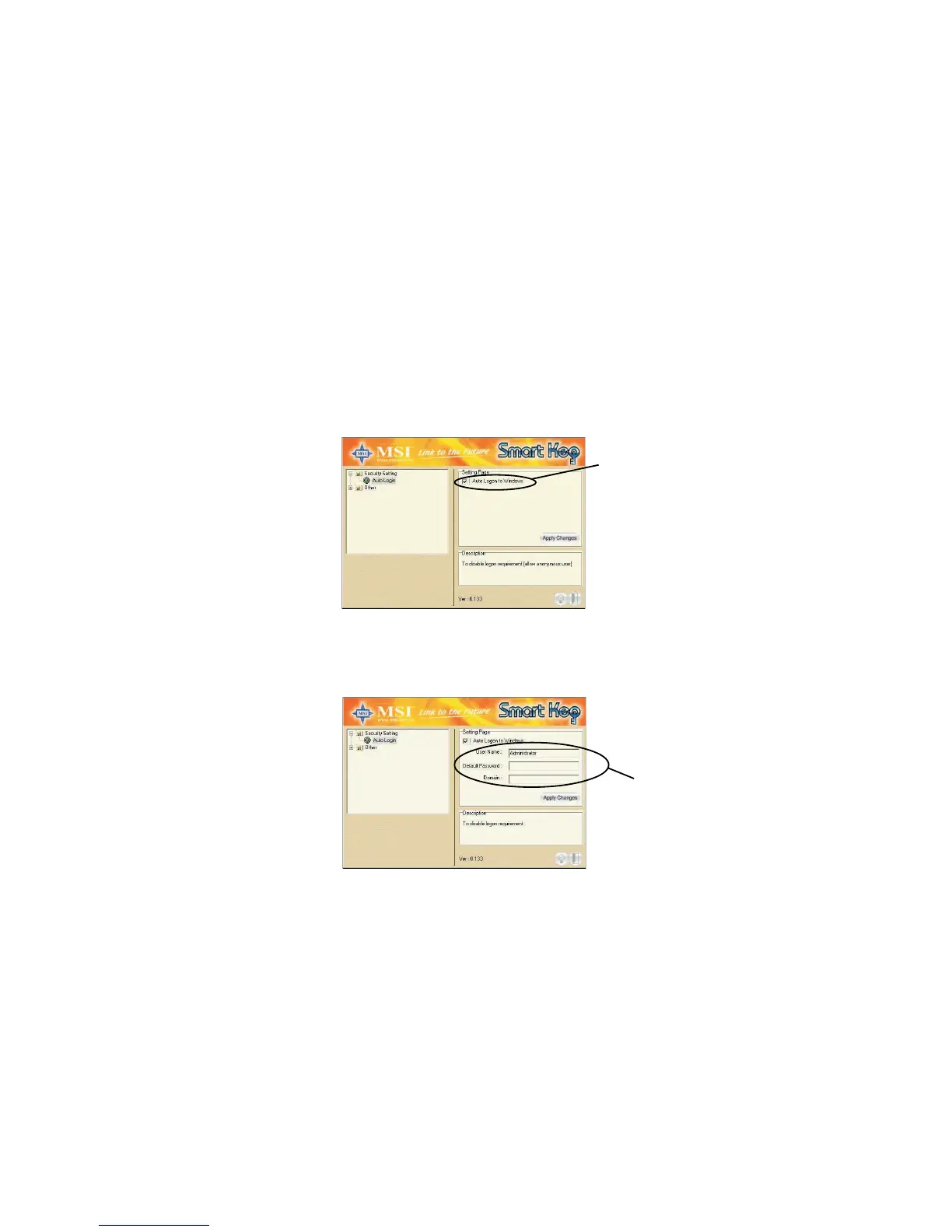
This option allows you to logon to Windows automatically.
Select the “Auto Login” item and check the “Auto Logon to Windows”
item in the Setting Page field to enable the function. Once the function
is enabled and set properly, you do not have to type the user’s name
and password everytime when entering Windows.
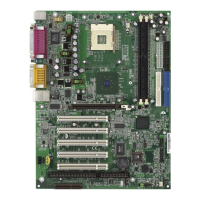
In Windows 2000, it will show the related fields when the “Auto Logon
to Windows” is checked, you should fill in the correct information in
these fields.
Check this
Enter the
information


 To Next Page