MSI Smart Key
A-11
Other
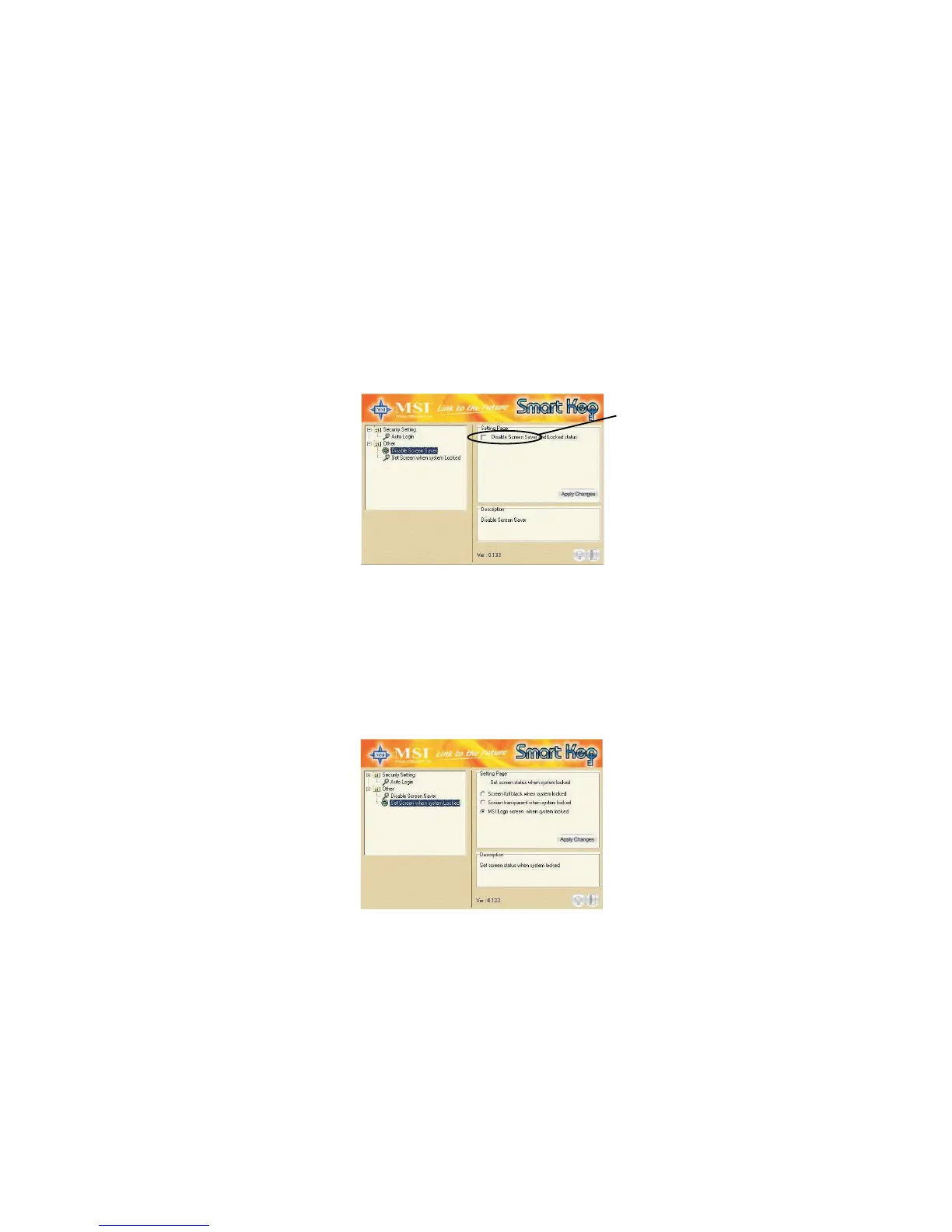
This option contains two items:
1) Disable Screen Saver allows you to enable/disable the screen
saver program when the system is locked.
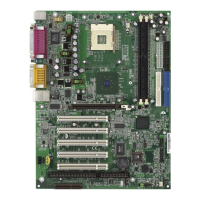
2) Set Screen When System Locked allows you to set the status
when the Smart Key is unplugged and the system locked. You
can set the monitor to display:
a) blank screen
b) the retaining screen when the system locked
c) MSI Logo
The default setting is to show MSI Logo.
Check this


 To Next Page