GETTING STARTED
MultiConnect
®
Dragonfly
TM
MTQ-MNG6-B02 Device Guide 21
Chapter 6 – Getting Started
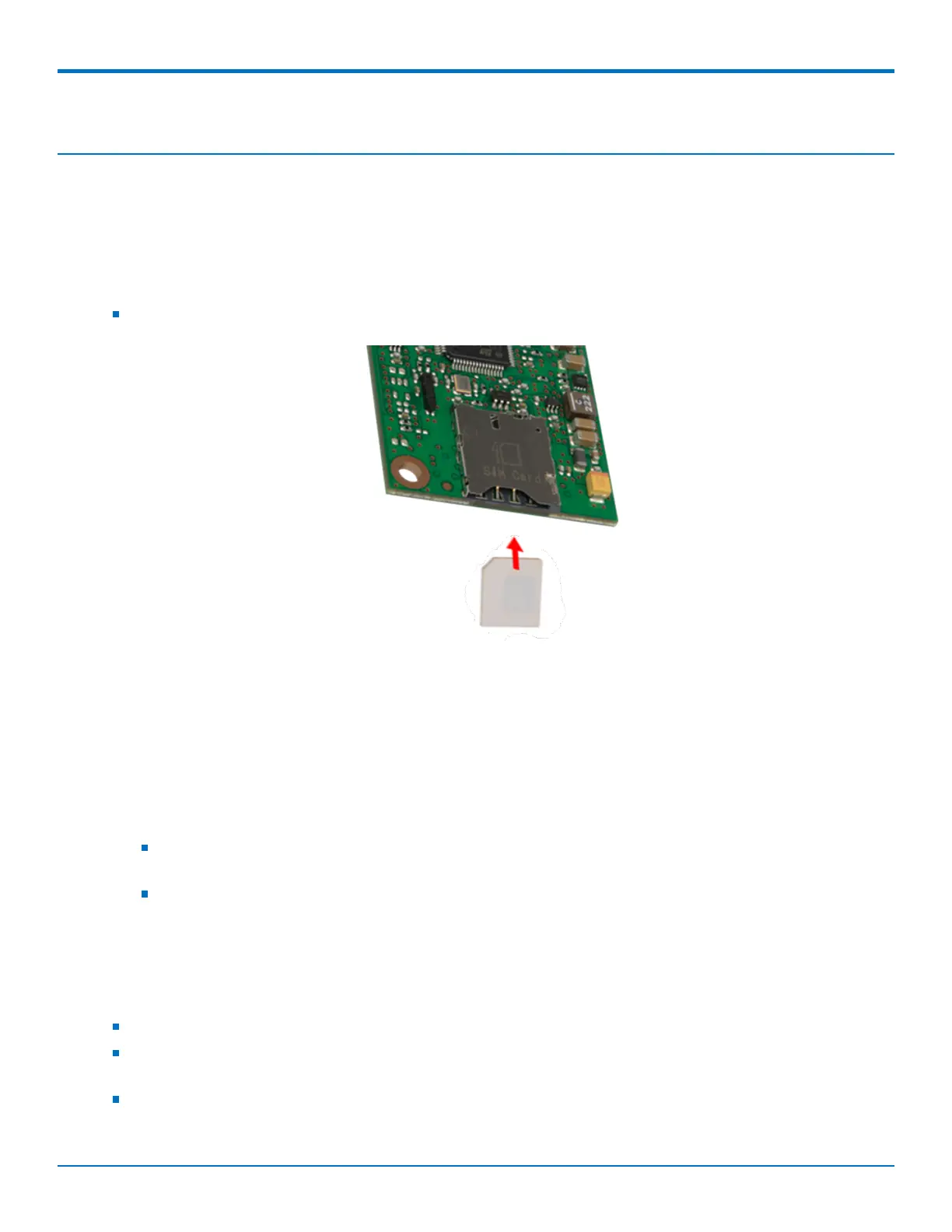
Installing a SIM Card on a DragonFly
Note: When using the Dragonfly with a developer board, install the SIM card before mounting the Dragonfly on
the developer board.
To install the SIM card:
With the contact side facing down, align the notched edge as shown on the Dragonfly’s SIM holder and slide
the SIM card completely into the SIM holder.
Installing Drivers
Note: Install drivers on your computer before connecting the device.
For the UDK2 Developer Board, download the driver through the developer kit page Downloads tab at
https://www.multitech.com/brands/socketmodem-dragonfly-dev-kit. The installation instructions are included in
the driver zip file.
The cellular radio's USB device driver is available on your model's page.
Go to https://www.multitech.com/brands/multiconnect-dragonfly and click on your model. Download
the driver from Downloads.
The USB Driver Installation Guide (S000616) is included in the driver download and is also available
under Manuals on your model's page.
USB Cable Recommendations
To avoid enumeration or power issues if your device has a USB connector:
Use a high-speed USB cable that is as short as possible.
Use a well-shielded cable with at least 24 AWG wire pair for power/ground and 28 AWG wire pair for data
lines.
If possible, use a USB port that connects directly to the motherboard rather than a USB port with added
cabling inside the computer chassis.



 To Next Page