USING CONNECTION MANAGER
MultiConnect
®
Dragonfly
TM
MTQ-MNG6-B02 Device Guide 45
System Cannot Connect to Serial Device
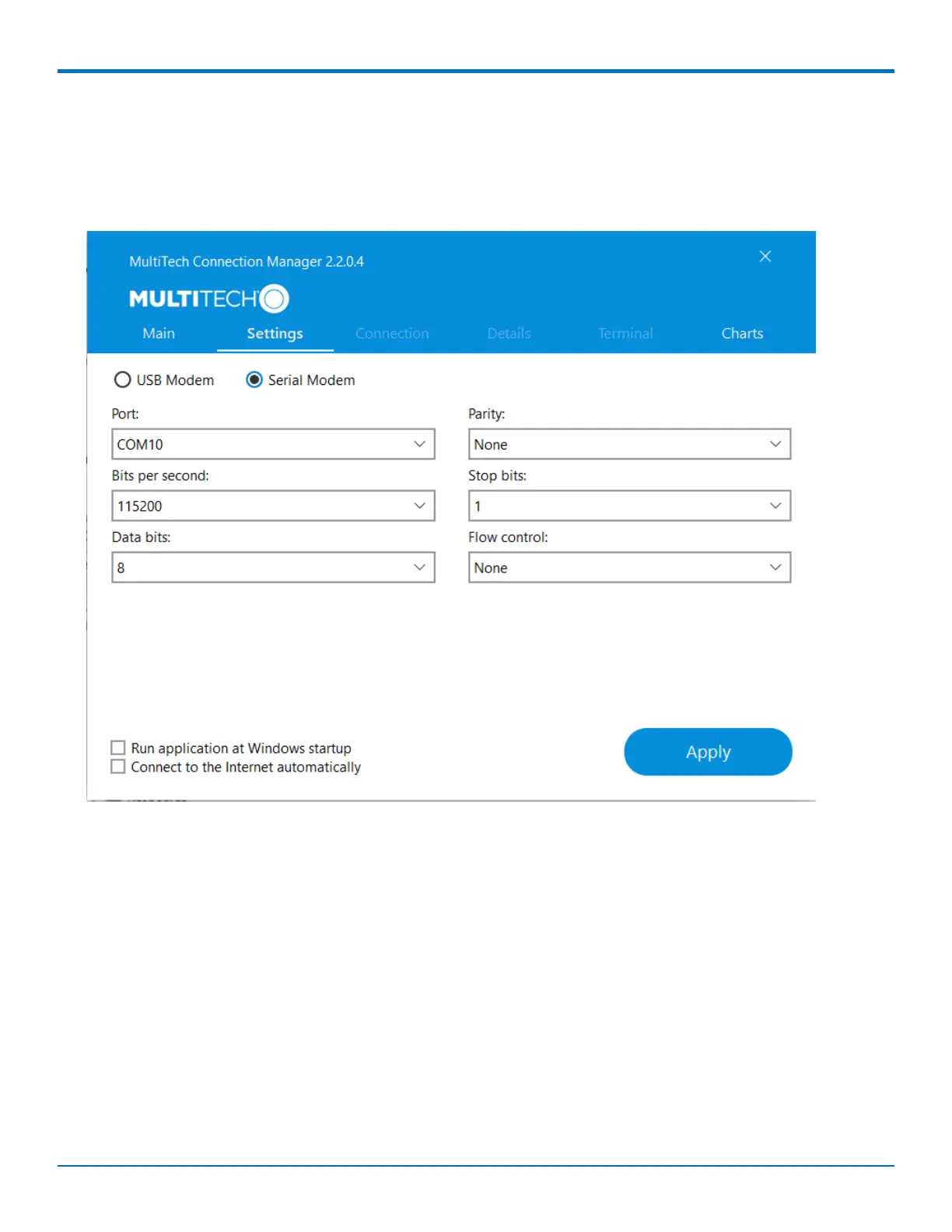
If your system cannot establish a connection with a serial device, verify Connection Manager settings match
modem and serial port settings on the computer.
In Connection Manager, click on the Settings tab.
In Device Manager, open Modems and then right-click on your device and select open the Properties.
Note: If Modems and Ports don't appear in Device Manager, open the View Menu and select Show hidden
devices.
Click on the Modem tab to confirm the Maximum Port Speed matches Bits per second setting in Connection
Manager.



 To Next Page