Chapter 3 – Using the Web Management Software
MultiModem rCell User Guide 49
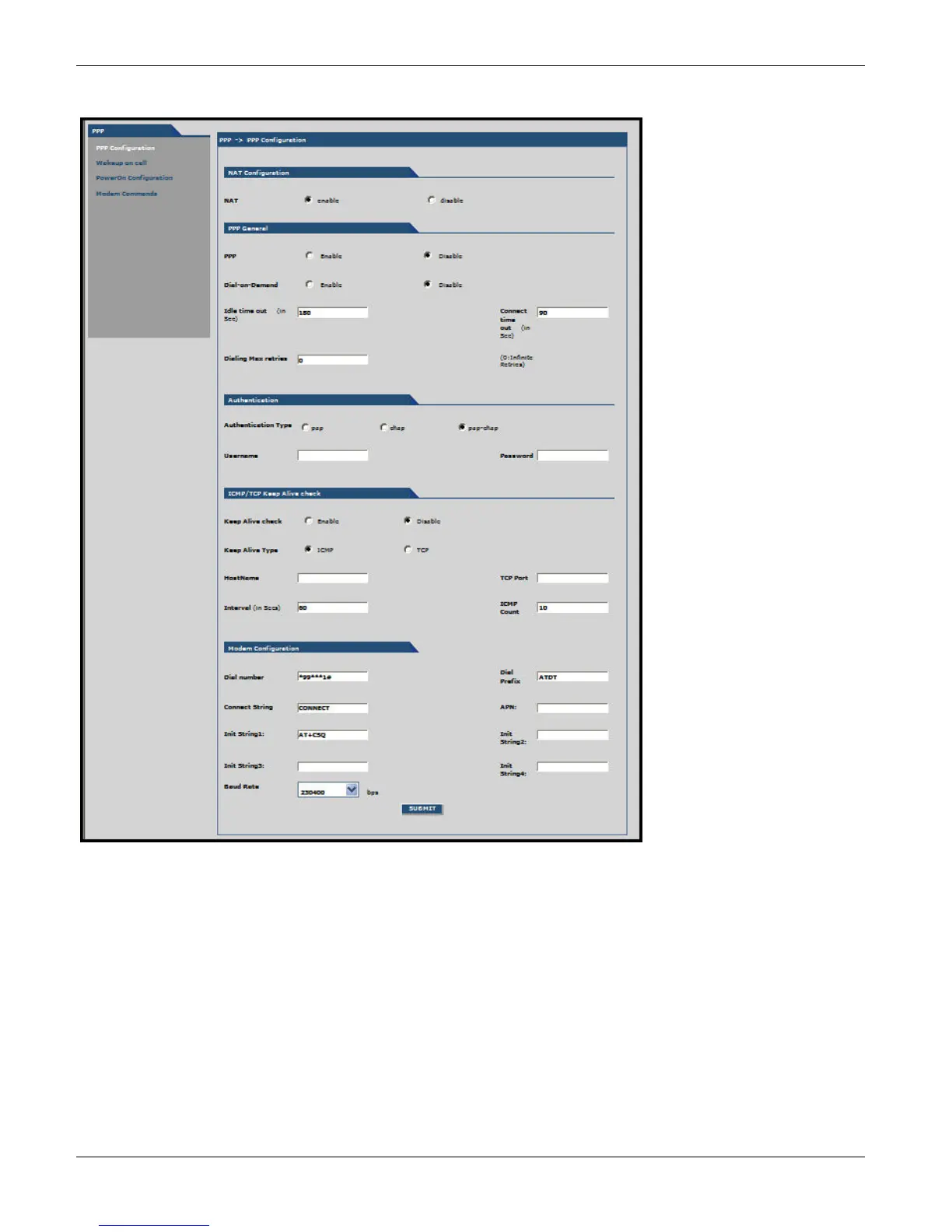
PPP, PPP Configuration Parameters
NAT Configuration Group
NAT: Enable or disable NAT (Network Address Translation). The default is Enable.
Note: For routing to take effect, enable then save the configuration.
Enabling NAT
Your LAN can use one set of IP addresses for internal traffic and a second set of addresses for external traffic. The
router with NAT does the simple IP routing between the LAN interface and the WAN interface. NAT hides the LAN
address behind a single IP address on the wireless side.
Your internal addresses are shielded from the public Internet.



 To Next Page