Chapter 3 – Using the Web Management Software
60 MultiModem rCell User Guide
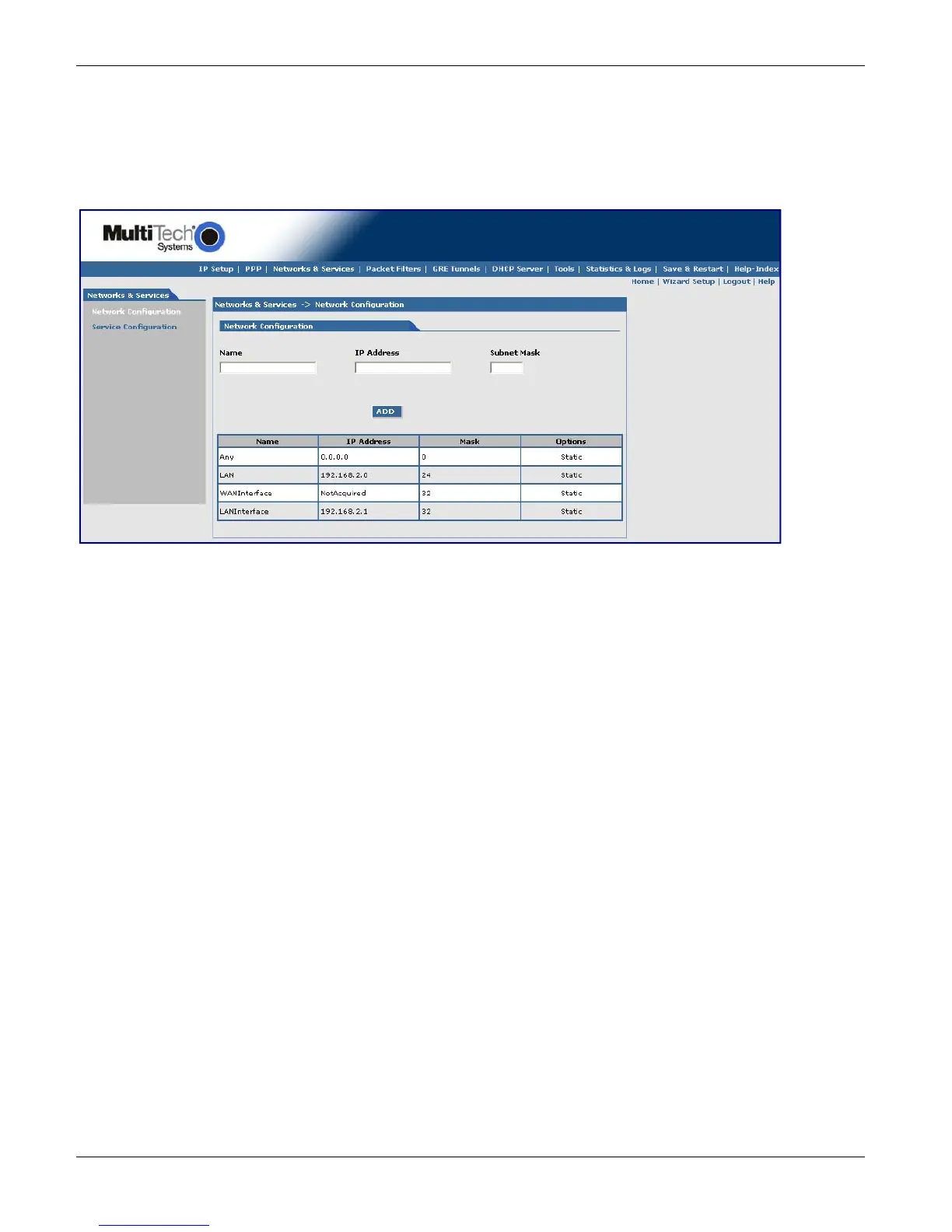
Networks & Services, Network Configuration Parameters
Network Configuration Group
Use this group to add networks or hosts. After you define and add a network, you can delete or edit it by using the
table.
Configuring the Network
Before you configure the network, note the following:
● You cannot edit a Network/Host Name.
● You cannot delete a Network/Host another configuration is using it.
● Network/Host changes are reflected in all the configurations in the Web Management software where they
are used.
● Network/Hosts that you add here are displayed in the following sections: Static Routes, DNAT, and Packet
Filters.
To configure:
1. In the Name field, type the name of the Network/Host. Make sure the same address-mask pair does not
already appear in the list. The Name is limited to 15 characters maximum.
2. In the IP Address field, type the IP Address of the Network/Host. Make sure the same address-mask pair does
not already appear in the list.
3. In the Subnet Mask field, type the Network Mask of the Network/Host. For Host addresses, the mask is
entered as 32.
Note: See Appendix A -- Table of Commonly Supported Subnets.
4. To add the network, click Add. The defined network appears in the table.



 To Next Page