Chapter 3 – Using the Web Management Software
68 MultiModem rCell User Guide
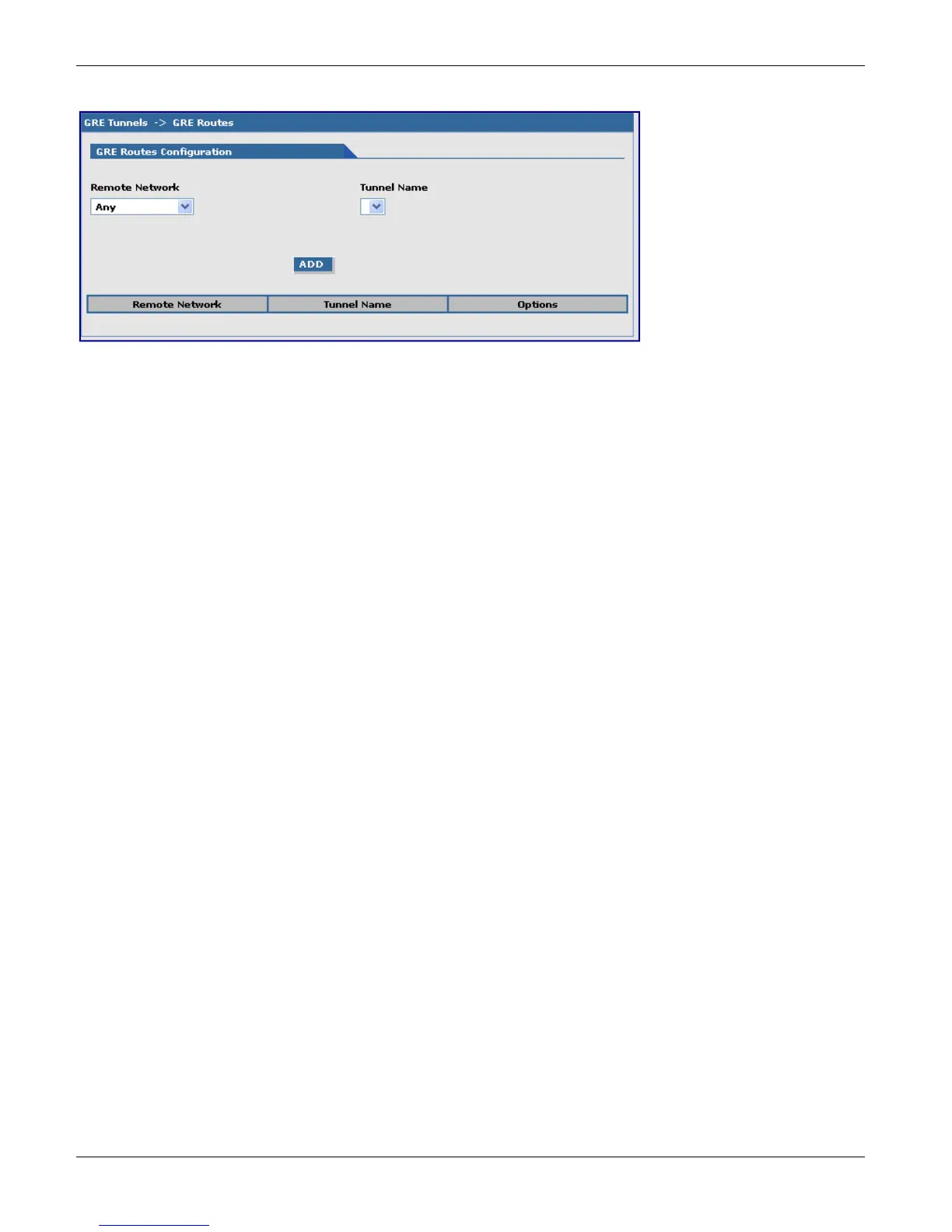
GRE Tunnels > GRE Routes Configuration
Remote Network: Select the remote network for which the traffic destined to it must be routed through the given
tunnel.
Tunnel Name: Select the name of the tunnel through which the traffic is routed.
Note: To add a tunneled route, the remote network and the tunnel must have been defined in Network
Configuration. The tunnel configuration must be completed before setting the GRE route configuration.
Add Button: Click Add. The defined GRE route configuration is added and appears at the bottom of the page.



 To Next Page