Chapter 3 – Using the Web Management Software
MultiModem rCell User Guide 81
Port: Sets the server port. The default is None
Connection Terminate By: Sets the connection’s terminate sequence as follows:
Escape Sequence: Set the escape sequence characters at which the connection terminates.
Inactivity timeout: Set the inactivity timeout at which the connection terminates.
Others: The other terminating sequences are: DTR-toggle or Always-On.
DTR-toggle: If DTR status goes low, the connection terminates.
Always-On: Sets the terminate sequence as Always-on.
Submit Button: Click Submit to save these settings.
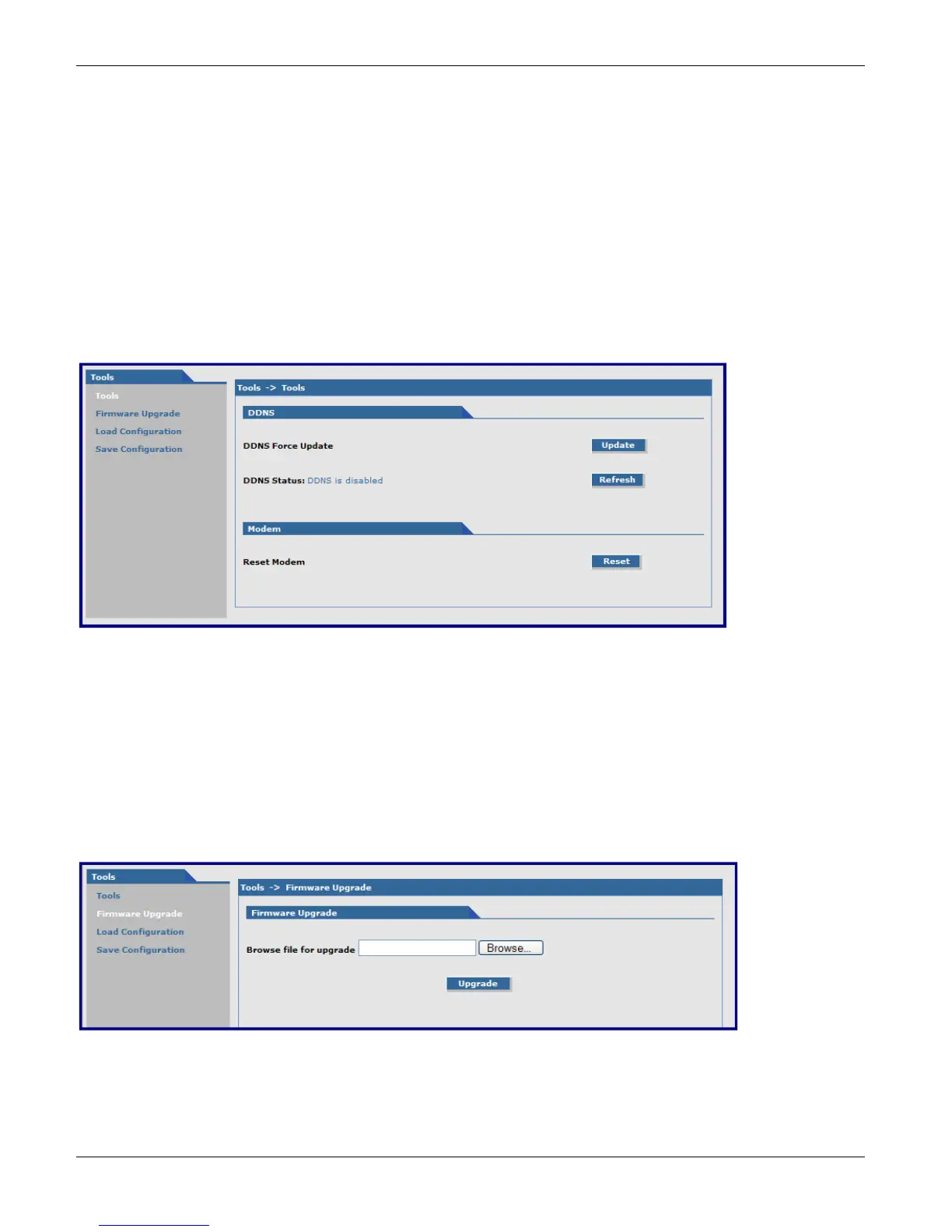
Tools, Tools Parameters
DDNS Group
DDNS Force Update: Click Update to update the DDNS server with your current dynamically assigned IP address.
DDNS Status: Click Refresh to display the DDNS Status after a forced update.
Modem Group
Reset Modem: Click Reset to reset the integrated cellular modem.
Tools, Firmware Upgrade Parameters



 To Next Page