17
Support: +1 650 206 2250
18
Support: +1 650 206 2250
5.1.7. Acquire CIS image 5.1.9. Back to Default setting
5.1.8. Detection Level
This is for servicing purpose.
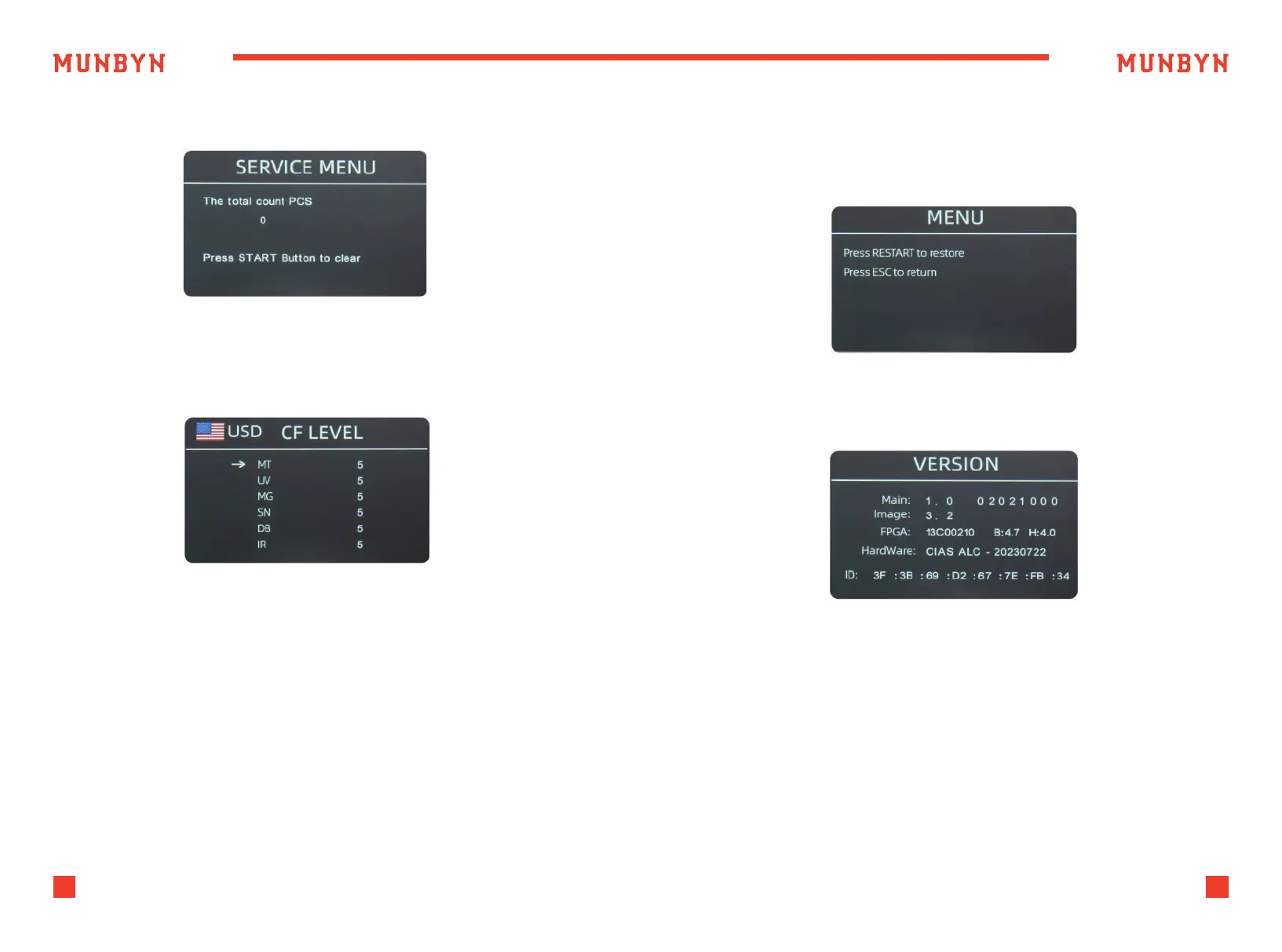
As shown in Figure 5-13, press the menu key to reset all of the settings you
changed before.
You are available to check the version information.
As shown in Figure 5-11, you can use the left and right direction key to
select, and up and down direction key to change the sensitivity levels.
The currency code in the right part is indicating for which currency you
are operating.
Note:
Please do not change without communicating with us.
Figure 5-10 Acquire CIS Image
Figure 5-13 Back to the Default Setting
Figure 5-14 Version Information
Figure 5-11 CF Level
5.2. Version Information



 To Next Page