21
Support: +1 650 206 2250
22
Support: +1 650 206 2250
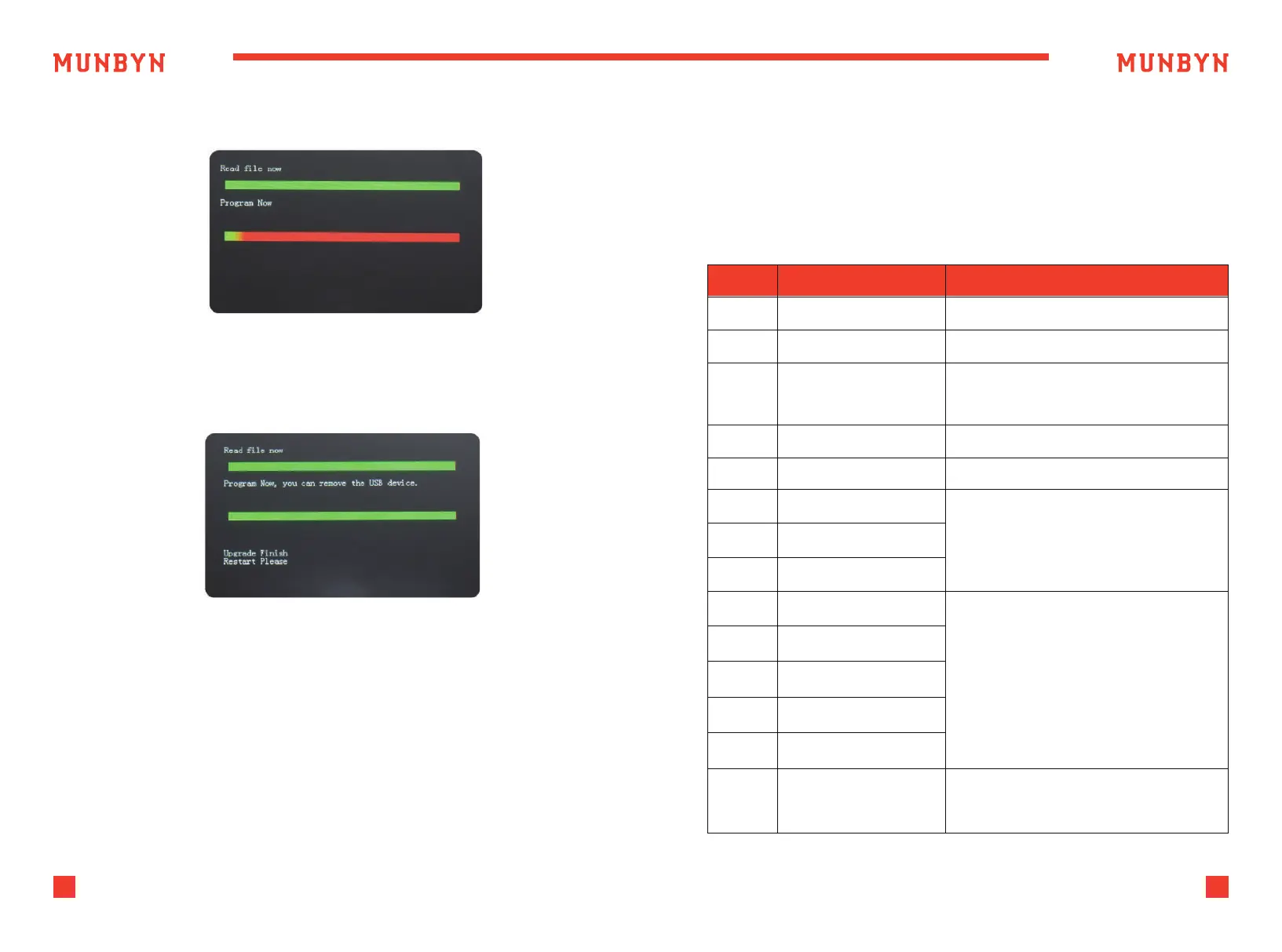
Figure 6-3 Program the Upgrade File
Figure 6-4 Program Finish
4 ) And program the file to the counter.
5 ) After finish the programming, unplug the USB disk and turn off the
machine.
The description of the error codes and the related handling methods are
shown in table 7-1.
Table 7-1 Error Code
El Bill UV sensor error Remove the banknote, clean the UV sensor
E2 Bill double error If the errors occur frequently, adjust the
E3/E8
E4
Chain notes error
Half notes error
If the errors occur frequently, adjust the
screw toward the anti-clockwise to
decrease the feeding gap.
Remove the banknote
ElO Image Error Clean the IR sensor, and calibrate the IR
Ell/El2 Denomination Error
El3 Face Recognition Error
El4 Size Recognition Error
Remove the banknote,clean the IR sensor;
Perform the IR sensor calibration;
Collect the data of the banknote.
E20 MT Error
E2l MGl Error
E22 MG2Error
E23 MG3 Error
E24 MG4error
Remove the banknote, clean or replace
the MG sensors
E30-E61 IR Error
Remove the banknote,clean the IR sensor;
Perform the IR calibration;
Collect data of the banknote.
Code Error Description Handling Method (Recommendation)
6 ) Turn on the machine to enter the main interface. Software upgrade
has been finished.
7.0. Maintenance and Troubleshooting
7.1. Error Code and Solution



 To Next Page