19
Support: +1 650 206 2250
20
Support: +1 650 206 2250
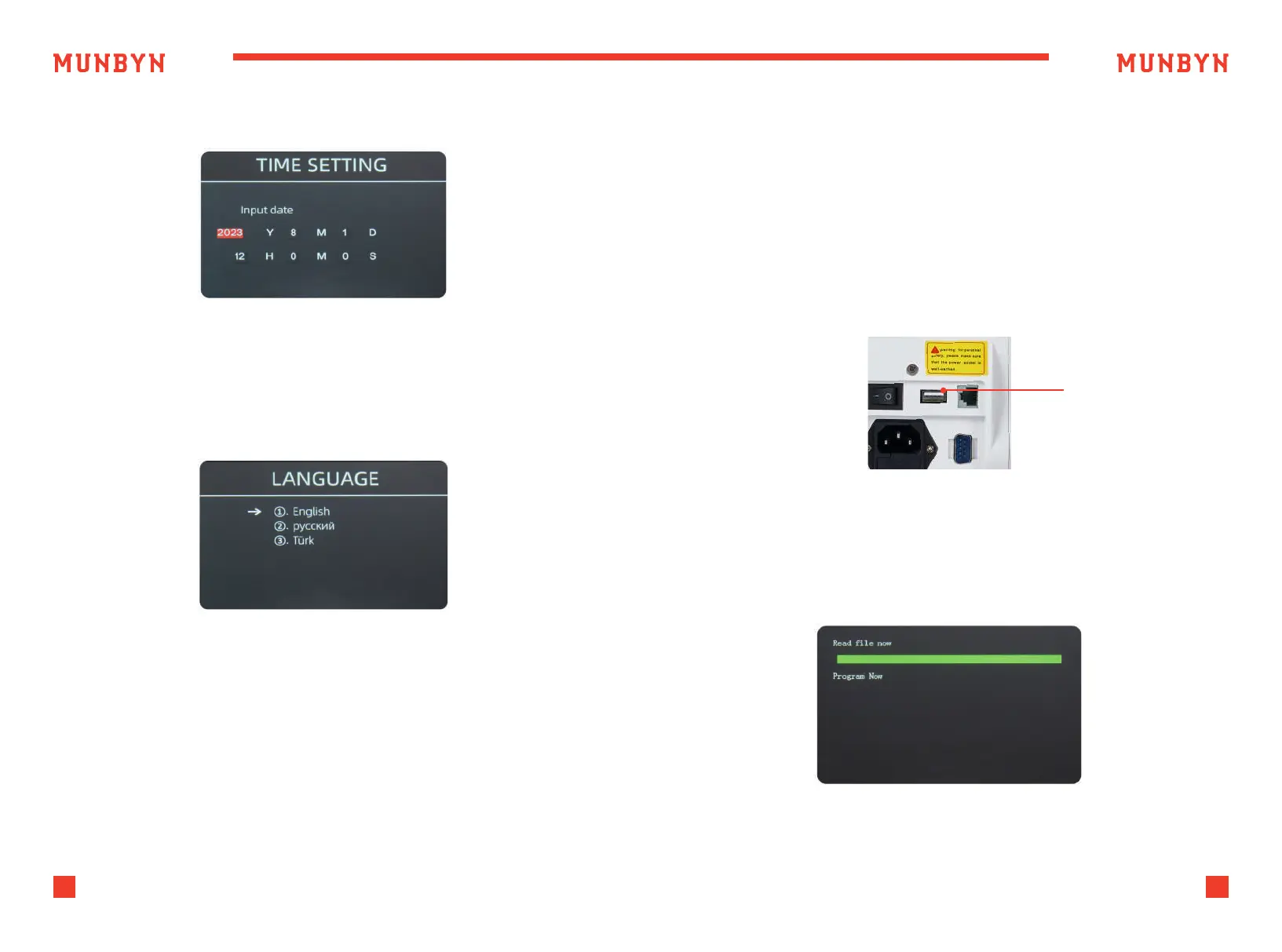
As shown in Figure 5-15, you can set the date or time according to your
preference.
Figure 5-15 Time Setting
Figure 5-16 Language Selection
Figure 6-1 USB Upgrade Port
Figure 6-2 Upgrade File Reading
5.3. Time Setting
U-disk upgrade method is adopted for the software upgrade of this
product. Please upgrade the software according to the following steps.
1 ) The upgrade file needs to be moved to the root directory of the U-disk.
(please do not change the file name or format of the upgrade file,
and there cannot be two or more upgrade files in the root directory
of the U-disk).
2 ) Insert the USB disk into the USB interface at the rear of the machine.
Make sure the power is off before insert the U-disk.
USB Upgrade Port
3 ) Turn on the counter, and the machine will automatically recognize
the upgrade file. Upon successful recognition, the machine will read
the file first.
You are available to set the language you want.
5.4. Language Selection
6.0. Software Upgrade



 To Next Page