9
Support: +1 650 206 2250
10
Support: +1 650 206 2250
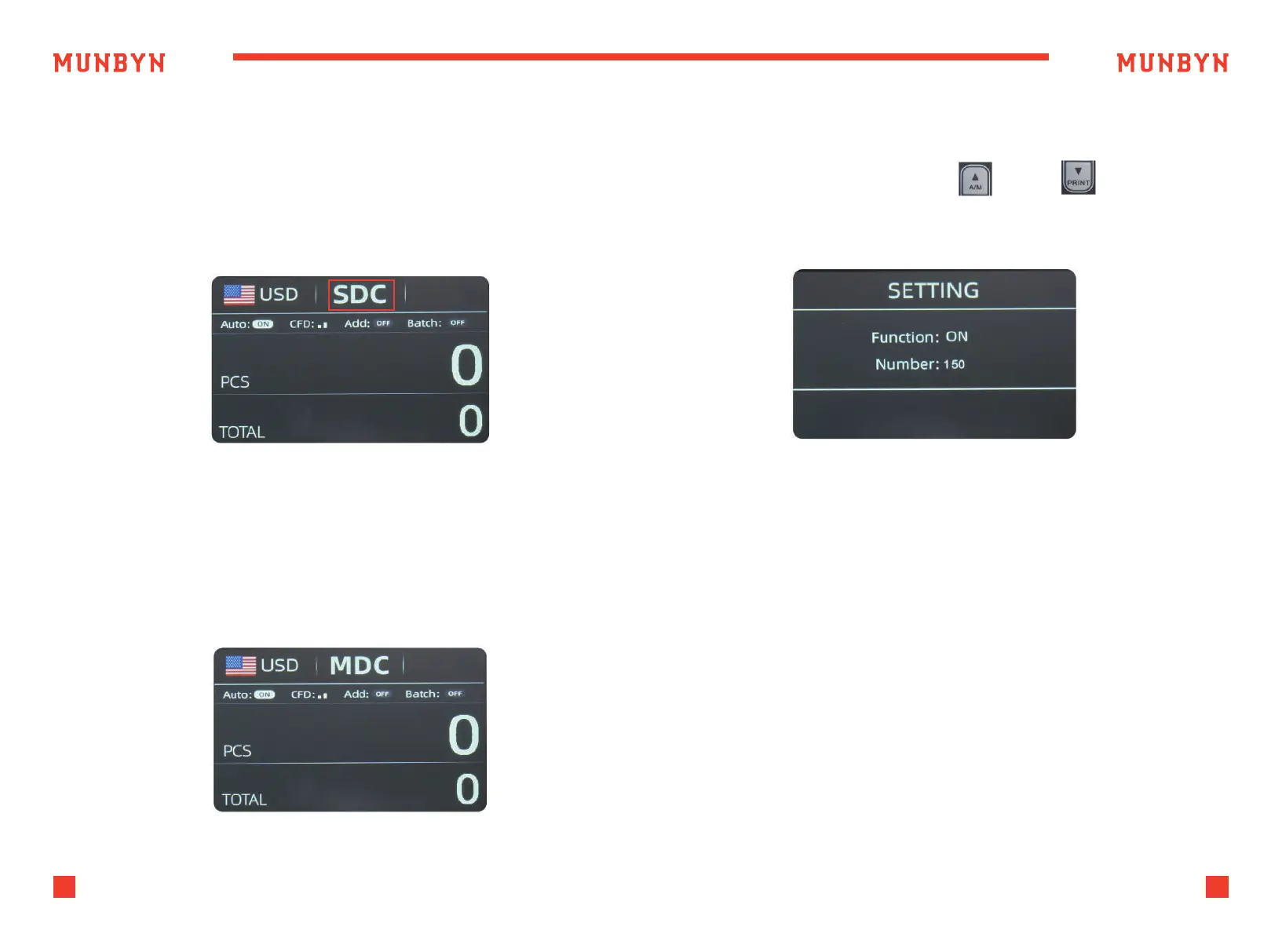
Figure 4-5 SDC Mode
Figure 4-7 Batch Number Setting
Figure 4-6 MDC Mode
4.3.3. Sorting Mode(SDC)
4.3.4. Mix Mode(MDC)
As shown in Figure 4-5, the IMC09 is in SDC mode. In this mode,
the IMC09 will count banknotes of the same denomination as the
selected currency. The first banknote counted will serve as a reference,
and the device will also save detailed information about the counted
banknotes. This information includes the total amount and the total
number of banknotes in the stacker, which allows users to easily verify
the count.
4.3.5. Batch Mode
Press the "BATCH" button to sequentially change the BATCH number:
0-20-50-100-150, or press the "A/M" / "PRINT" button to
increase or decrease the BATCH number.
4.3.6. ADD Mode
After turning on the ADD mode, the number and amount of banknotes
counted will accumulate continuously. Pressing the ESC button can clear
the current data to record new counting data.
The machine will start counting automatically once bills are placed in
the hopper. As soon as the machine counts the desired batch quantity,
it will stop. The screen will show the number of bills in the stacker.
When the stacker is emptied, the machine will automatically start
counting the next preset batch quantity.
As shown in Figure 4-6, the IMC09 is in MDC mode. In this mode, the
IMC09 will count all denominations of the selected currency's banknotes,
while simultaneously saving the detailed information of the counted
banknotes. This information includes the total amount and the total
number of banknotes in the stacker, making it convenient for users to
review.



 To Next Page