A3 Scanner User Manual (PC)
31
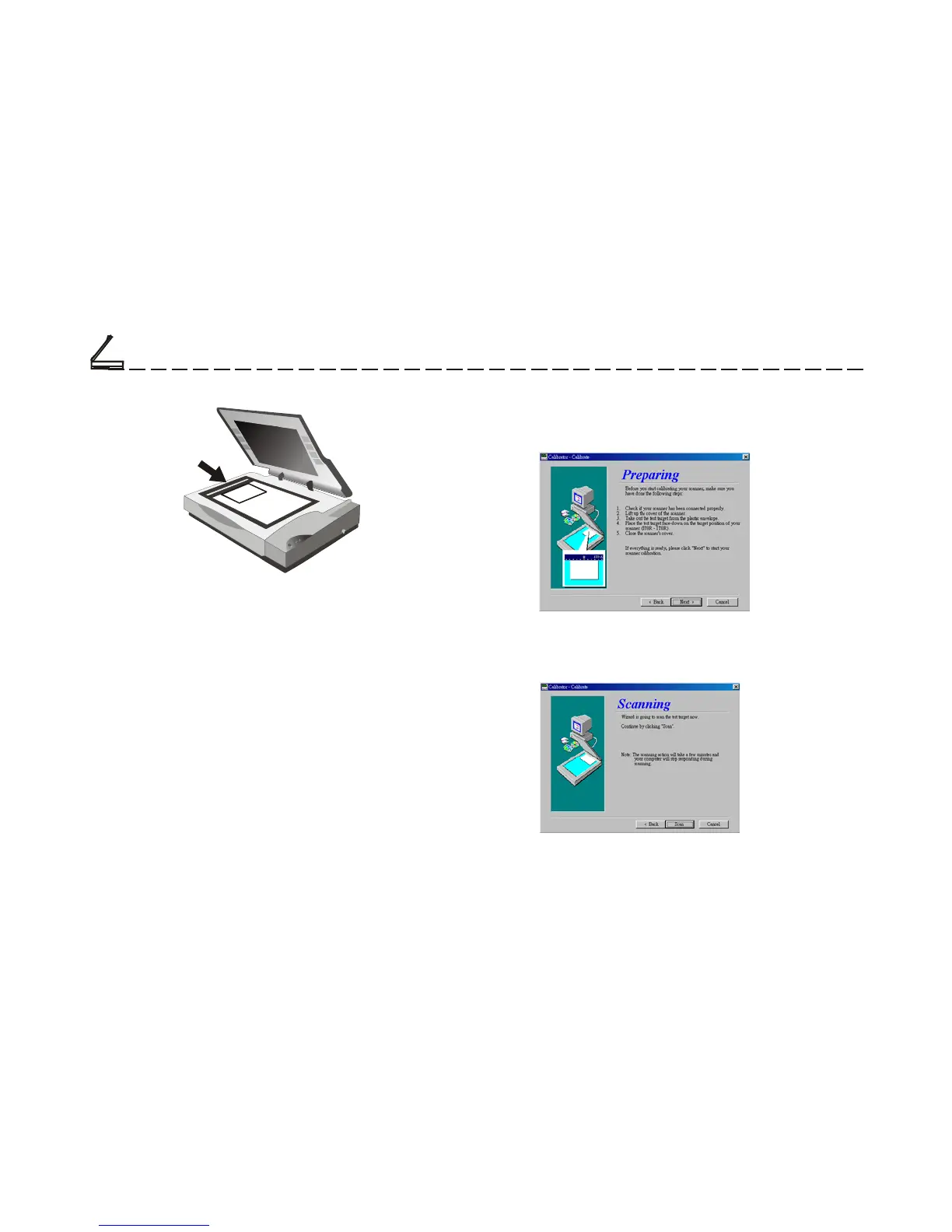
5. Click on the Calibrate button. The Calibration
Wizard dialog box will be displayed. Click Next.
6. Click the Scan button to start scanning.
Chapter Three
Calibrator
IT8 Card
Note: It is very impotrant that you use the proper
Target Image Color Card.
4. Access the Calibrator Wizard dialog box, which
can be done in two ways:
I) Selecting Calibrator from the Programs Group
under the Start menu.
II) Selecting the Calibrator icon from the Bonus
Features menu on the Scanner Panel.













 To Next Page