A3 Scanner User Manual (PC)
32
Calibrator
Chapter Three
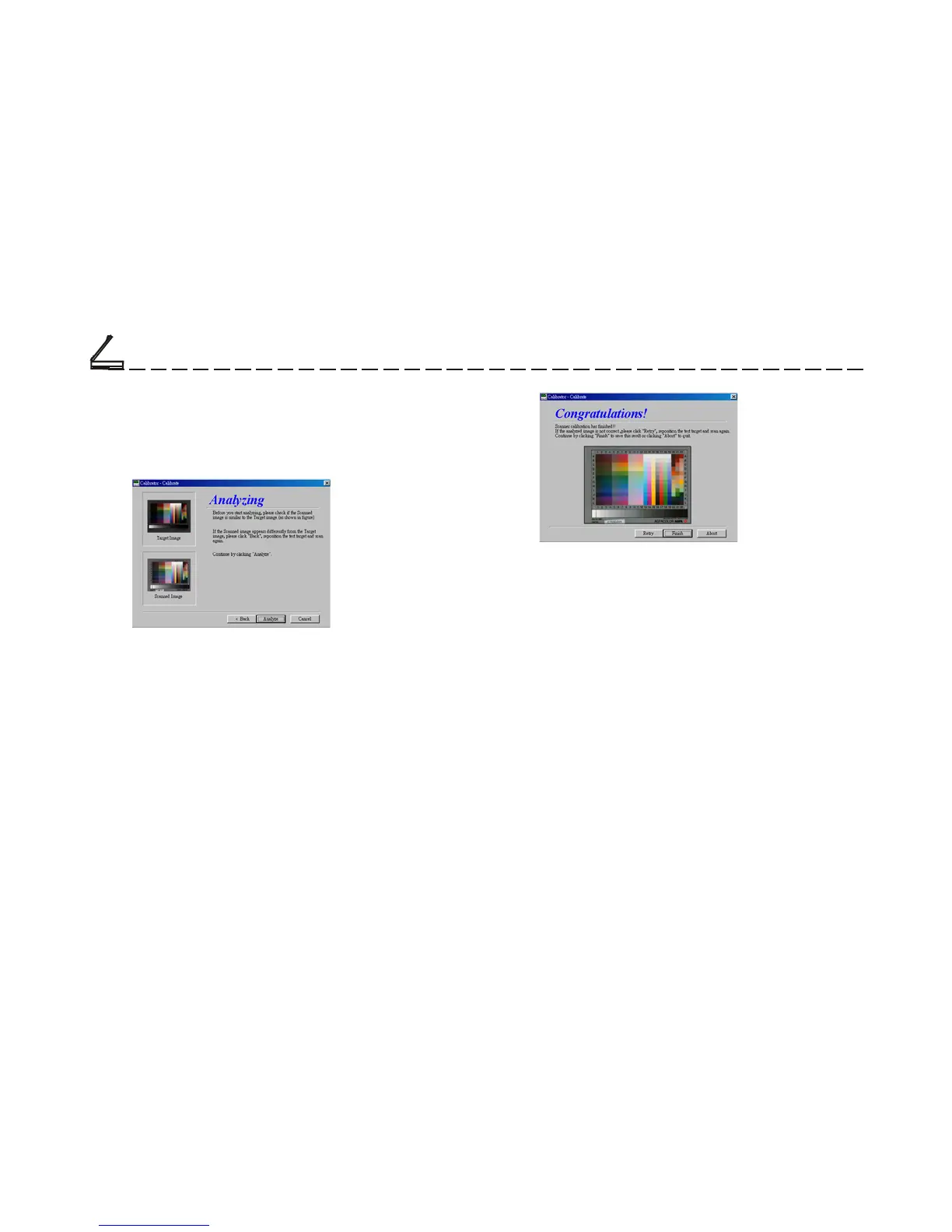
7. After the scanning is done, a Dialog box
appears, asking you to start analizing the
scanned picture (i.e. IT8 card).
Note: This dialog box shows whether you’ve put the
card in the right position. If not, go back,
reposition the card and scan again.
8. A scanner profile appears and shows the result
of calibration. You can choose whether to
Finish, Retry or Abort.
The image will be scanned and a profile of the
calibration information will be saved to your hard
disk. This profile will be used by the computer to
automatically match the colors between scanned
images and the monitor.
Note: After you have successfully created a scanned
profile, you can match the colors of your scanned
images with this profile by checking the “Color
Match” box on the scanner TWAIN interface
(located in the Main Folder.)













 To Next Page