11
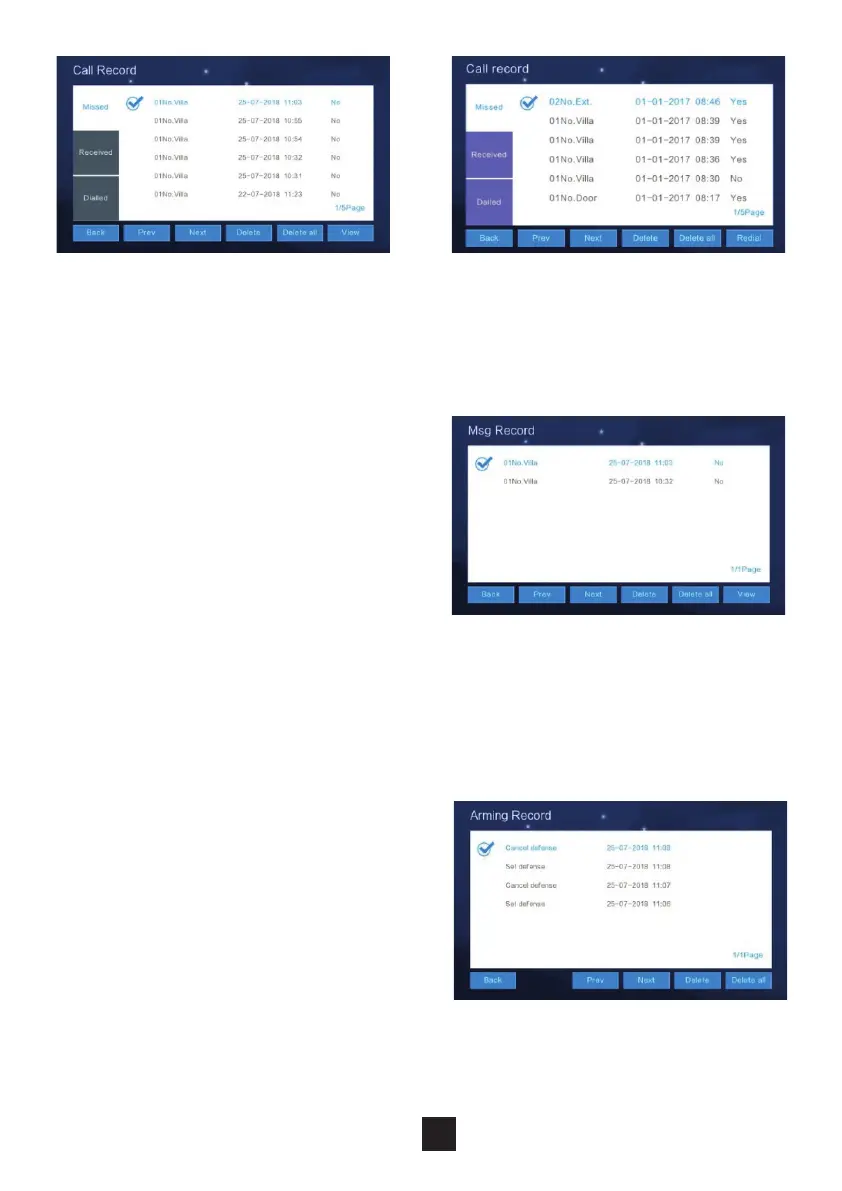
2.2.3 Message record
Under this section the Monitor stores,
voicemails or video messages left by
visitors.
To observe the message details (Device
info, Date & Time, and Status), select the
message in question and click “View”.
To delete a record, select the record and
click “Delete”.
2.2.4 Arming record
The arming record is the activation of
the handset’s inputs.
Click “View” to observe the arming
record. To delete a record, select the
record and click “Delete”.



 To Next Page