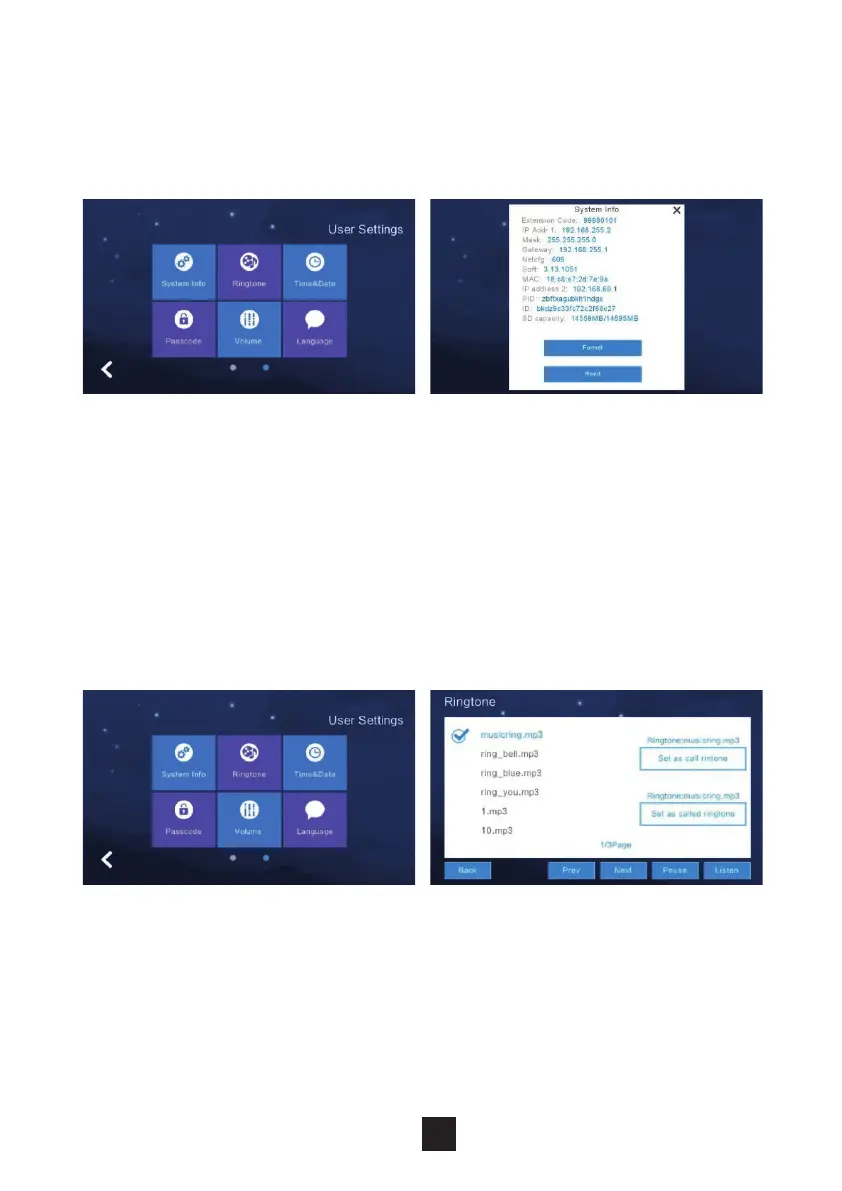
Click ‘System Info’ to view: Extension Code, IP address 1, Mask, Gateway,
Network Cong version, Software Version, MAC address, IP address 2, PID & ID
& SD card capacity.
Under this section the Monitor allows you to change the devices ringtone.
Option to add a ringtone to the monitor by use of an SD card.
2.6.1 System information
2.6.2 Ringtone settings
21



 To Next Page