NB: Door panel extensions need to be congured before the monitors.
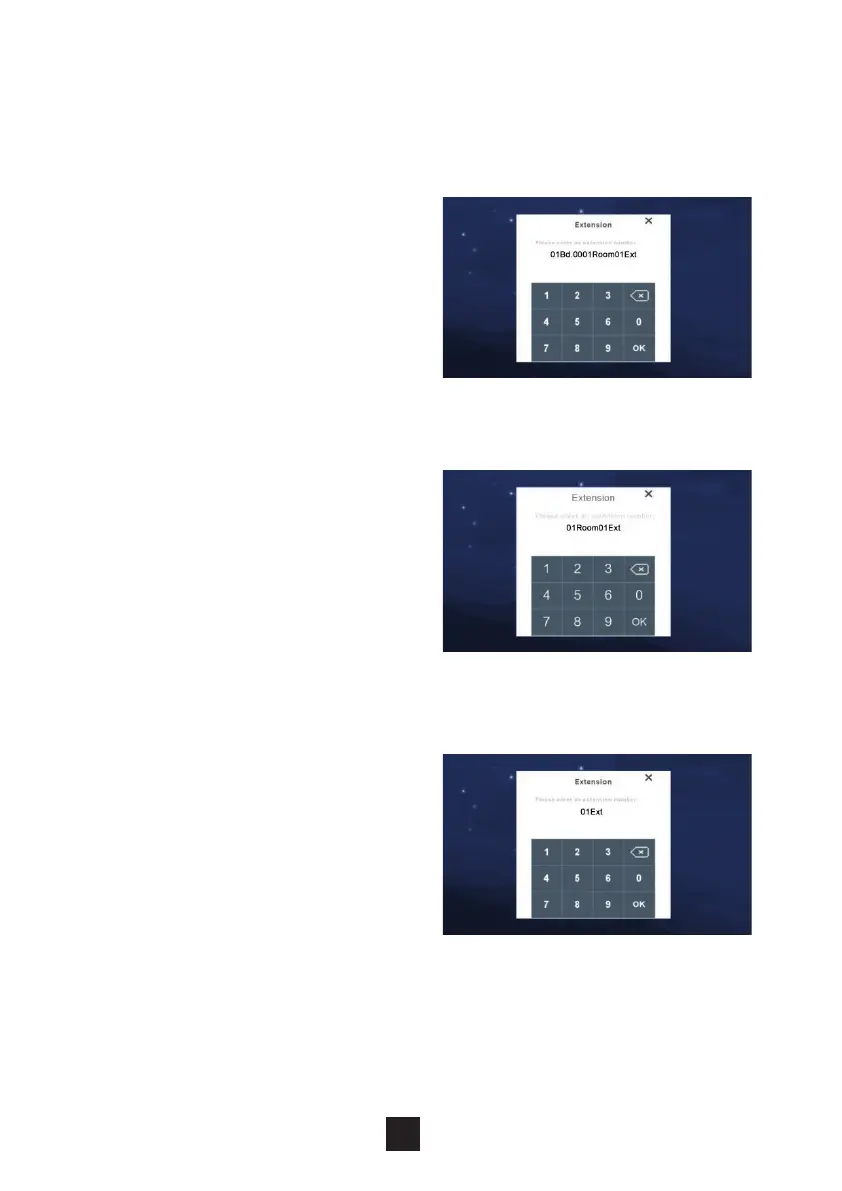
To adjust the monitors extensions settings, click ‘Extension’.
2.7.2 Monitor extensions settings
Build system:
Monitors under a build system need
the Building, Unit, Room & Extension
congured in accordance with its
location. For example:
If Monitor is in block 2 at 1 extension 1
= 02Bd.01Unit0001Room01Ext.
If Monitor is in block 2 at 1 extension 2
= 02Bd.01Unit0001Room02Ext.
High Level:
Monitors under a High level system need
only the Room & Extension congured in
accordance with its location.
If Monitor is in at 1 extension 1 =
01Room01Ext.
If Monitor is in at 1 extension 2 =
01Room02Ext.
Villa system:
Monitors under a Villa system need only
the Room & Extension congured in
accordance with its location.
NB: The system supports a maximum of
4 extensions
28



 To Next Page